The Feathersnap Smart Bird Feeder is genuinely worth buying if you want a solar-powered, Wi-Fi connected feeder with a built-in camera and bird ID notifications. If you want a quick vinguys bird feeder review style rundown of how it performs day to day, this model is one of the main options to consider Feathersnap Smart Bird Feeder. The Scout model is a slightly different take on the same concept, and both come from Tactacam's Feathersnap line.
Feathersnap Bird Feeder Reviews: Smart vs Scout Guide

Marcus Hendricks
30 Apr 2026
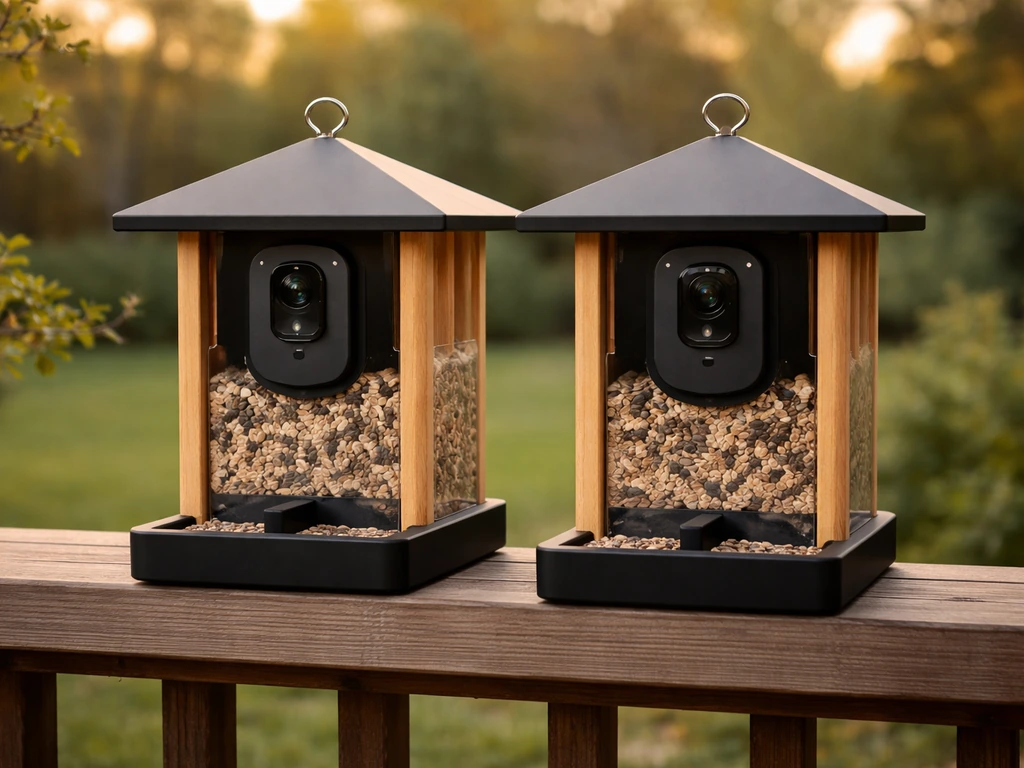
Neither is perfect, but if you go in with realistic expectations about app reliability and camera resolution, either feeder will pull birds to your yard and give you a front-row seat to the action. Here is everything you need to know to pick the right model and set it up without headaches.
Which Feathersnap Model Are You Actually Looking At?
Feathersnap is a product line made by Tactacam, best known for hunting cameras. The naming can get confusing fast, so let's sort it out before you buy anything.
| Model | Camera Resolution | Power Source | Seed Capacity | Best For |
|---|---|---|---|---|
| Feathersnap Smart Bird Feeder | 4K sensor (Smart/Hummingbird variant) | Solar panel roof + rechargeable battery | 2L hopper | Songbirds, general backyard use, serious bird watchers |
| Feathersnap Scout Bird Feeder Camera | 1080p video / 720p photos (1280x720) | Solar panel + rechargeable battery | Dual seed dispensers | Casual birders, smaller yards, budget-conscious buyers |
| Feathersnap Smart Hummingbird Feeder | 4K sensor | Solar panel roof + rechargeable battery | Nectar reservoir | Hummingbird-specific setups |
The main thing to know is that the Scout is the entry point in the Feathersnap lineup. It shoots 1080p video and defaults to 1280x720 for photos, which is decent but not stunning. The Smart feeder steps up to a 4K sensor, which is where you really start seeing feather detail and color. Both models share the same app ecosystem (FeatherSnapCam on iOS) and the same solar-powered roof concept. There is no purely "standard" non-camera Feathersnap feeder sold widely, so if you searched for "Feathersnap bird feeder" and expected a basic seed feeder without a camera, that's not what this brand sells.
Unboxing and Setup: What to Expect Out of the Box
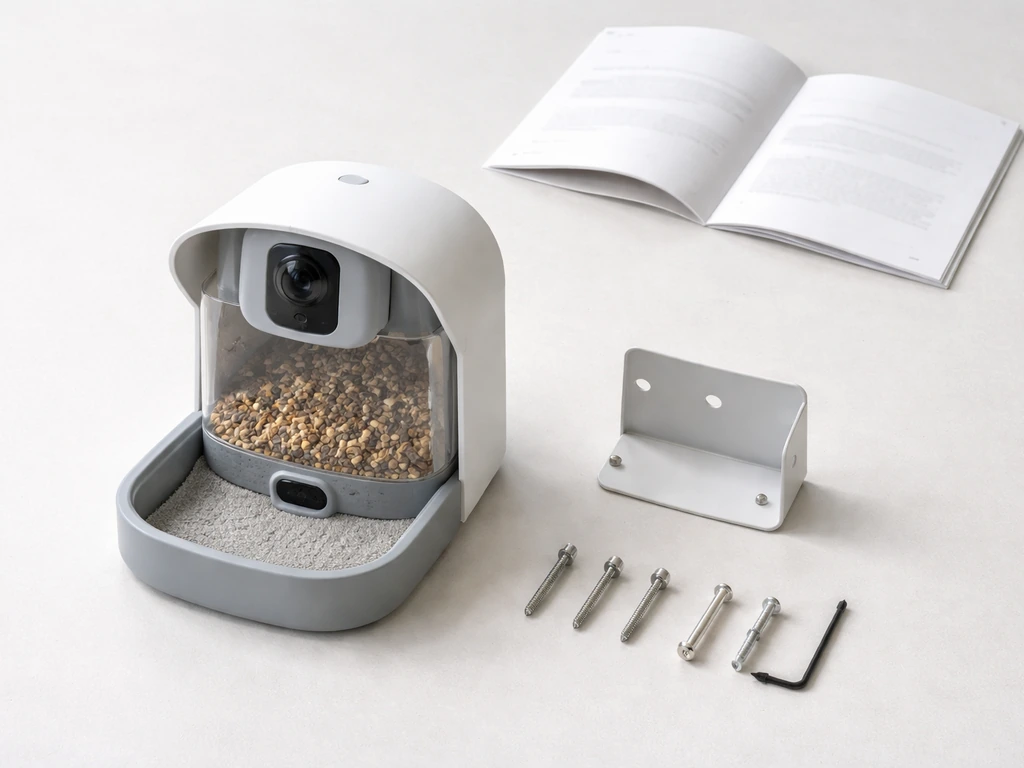
The Scout ships with a user manual, mounting hardware, and the feeder unit itself with the camera already integrated into the housing. The "What's in the Box" section of the Scout's official guide walks you through a device tour before you ever touch the app, which is a good call because the camera access and power button location can be non-obvious. One real-world friction point that shows up repeatedly: removing the camera from the Scout's housing for cleaning or repositioning can be genuinely fiddly. Some users have resorted to using forks as makeshift levers to pop it out. That's not a dealbreaker, but it's worth knowing upfront.
App pairing runs through the FeatherSnapCam app. Download it first, create an account, then power on the feeder. If the blue LED on the device isn't flashing when you go to pair, press the power button three times quickly to force pairing mode. Once the LED blinks, the app walks you through connecting to your home Wi-Fi. The whole process takes about 10 minutes on a good day, longer if your router is finicky. More on connectivity issues in a moment.
The solar panel is built into the roof of both models at no extra cost, and it does a solid job keeping the battery topped off during normal spring through fall conditions. In deep winter or consistently cloudy climates, expect to recharge manually more often. The Smart feeder's 2-liter hopper holds a reasonable amount of seed, so you're not refilling every other day in most setups.
How Well Does It Actually Feed Birds?
Both Feathersnap models use a hopper-style seed delivery system. The Scout specifically uses dual seed dispensers, which helps distribute seed more evenly and reduces the "pileup and mold" problem you get with cheaper platform feeders. For seed variety, you can run standard black oil sunflower seed, safflower, or a mixed blend. The 2L hopper on the Smart feeder will last a busy yard about 3 to 5 days before you're refilling.
As for which birds show up, you're mostly going to attract the classic backyard crew: house finches, goldfinches, chickadees, nuthatches, and dark-eyed juncos are consistent visitors at most setups. Cardinals are reliable if you use sunflower seed and place the feeder at mid-level height with some nearby shrubs for cover. Blue jays will come but tend to bully smaller birds, so placement matters. Woodpeckers occasionally investigate hopper feeders but prefer suet setups. Doves will forage below the feeder on fallen seed. Orioles and bluebirds are unlikely at a standard seed hopper feeder like this, since they want nectar/fruit and mealworms respectively. The hummingbird variant of the Smart feeder is the right call if hummingbirds are your primary target.
Build Quality, Weather Durability, and the Cleaning Routine
Tom's Guide called the Scout "weatherproof and durable enough for years of use," and TechRadar described it as having "superb design and performance." Both are fair assessments based on the materials and construction. The housing feels solid, the seams are tight, and the solar roof does double duty as weather protection for the electronics. This is a feeder you can leave out through rain and moderate winter without babying it.
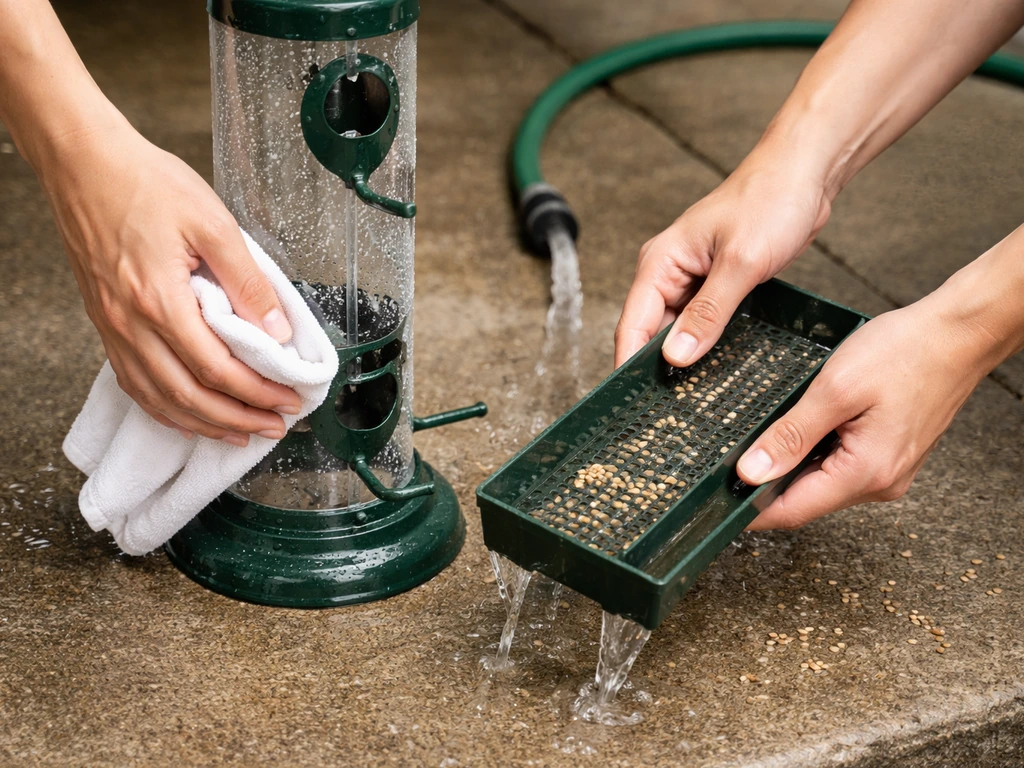
Feathersnap publishes a specific cleaning workflow, which is worth following exactly because submerging electronics is an obvious risk with a camera-integrated feeder. Here is the process they recommend:
- Remove the camera unit from the feeder housing before any wet cleaning.
- Empty all remaining seed from the hopper.
- Wash the feeder body with warm water and mild dish soap, scrubbing seed residue from the dispensing ports and tray.
- Disinfect with either a 9: 1 water-to-bleach solution or a white vinegar and water mix, letting it sit for 15 to 30 minutes before wiping.
- Rinse thoroughly and let the feeder air dry completely before reassembling and reinstalling the camera.
- Wipe down the camera lens with a dry or slightly damp microfiber cloth. Do not submerge it.
Plan on a full clean every 2 to 4 weeks during heavy use seasons. If you're in a wet climate or feeding through winter, check for moisture and mold inside the hopper more frequently. The camera-removal step adds a few minutes compared to cleaning a basic hopper, but it protects the electronics and honestly forces you to inspect the lens while you're at it.
The Smart Features: Camera, App, and Bird ID Honestly Assessed
This is where Feathersnap earns its price premium, and also where it has the most room to improve. The app delivers live streaming, photo and video downloads, and push notifications when a bird triggers the camera. In practice, the notifications are genuinely fun, especially during the first week when every alert feels like a little discovery. The 4K sensor on the Smart model gives you real detail, and the marketing claim about seeing "every feather, color, and movement" is not far off in good lighting.
The Scout's 1080p video and 720p photo output is noticeably softer by comparison, and both TechRadar and Tom's Guide specifically flagged the camera experience as "modest" relative to the feeder's overall quality. If photography or detailed identification is the point for you, the Smart model's 4K sensor is worth the upgrade.
The app's weaknesses are real and worth knowing before you buy. Video upload can be slow, and some users report waiting days for footage to fully sync to the cloud. You often have to manually request each video rather than getting automatic uploads, which defeats the point of a "smart" feeder for a lot of people. The FeatherSnapCam app is available on iOS and presumably Android as well, but connectivity stability has been a reported issue, particularly on mesh network systems like Ubiquiti/Unifi setups where the feeder camera can disconnect and reconnect repeatedly. If you're running a complex home network, plan to dedicate the feeder to a 2.4GHz band and keep it within reasonable range of your router.
Pest Resistance, Seed Mess, and Common Complaints
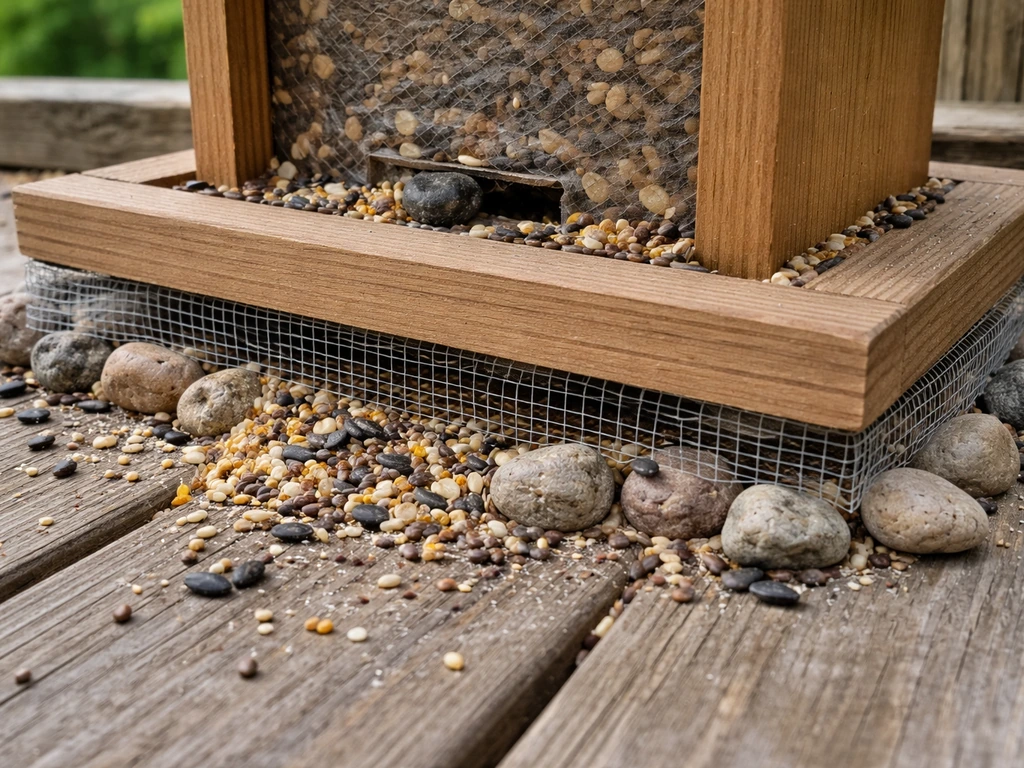
Neither the Smart feeder nor the Scout has a built-in squirrel-proofing mechanism in the way that a weight-activated flipper feeder (like the Yankee Flipper) or a caged tube feeder does. If you're specifically looking for a weight-activated squirrel solution, many people compare Feathersnap options to Yankee Flipper bird feeder reviews. Feathersnap's design is not marketed as pest-resistant, and squirrels will absolutely hit it if they can reach it. Your best defense is pole mounting with a baffle, or hanging it from a line with enough clearance from trees and structures. If squirrel protection is your top priority, Feathersnap is not the brand to lean on for that feature specifically.
Seed mess under the feeder is a moderate issue, as it is with most hopper designs. The dual dispensers on the Scout help control scatter somewhat, but hulls and debris will accumulate below. Switching to no-mess seed blends (hulled sunflower, Nyjer) cuts cleanup significantly. Raccoons can also be a nuisance overnight since the feeder's camera and LED can attract curious wildlife. Bringing the feeder in at dusk or mounting it high enough to be out of easy reach solves most of that.
On the reliability side, the most consistent complaint across reviews is the app and connectivity experience, not the feeder hardware itself. If you're also considering Netvue models, reading Netvue bird feeder reviews can help you compare app reliability, video quality, and Wi-Fi stability side by side. If you want a deeper look at how it performs in real homes, read the Harymor bird feeder review.
If you want a more focused look, check out the onlyfly bird feeder review for how another smart feeder stacks up on app reliability and results. The physical build holds up well. The software is where frustration tends to live. Feathersnap has pushed updates over time, but if you're comparing this to brands like Netvue, which has a longer track record in the smart feeder camera space and a more mature app, Feathersnap's software still feels like it's catching up.
Who Should Buy Feathersnap (and Which Model)
The Feathersnap Smart feeder makes the most sense for backyard birders who want a serious camera upgrade and don't mind spending a few extra minutes on setup and occasional app troubleshooting. If you specifically want a Harymor bird feeder review, it helps to compare its features and performance side by side with camera-based models like the Feathersnap lineup Feathersnap Smart feeder. If you're in a yard with good sun exposure (important for solar charging), a reliable 2.4GHz Wi-Fi signal within 30 to 40 feet of where you want to hang the feeder, and you're primarily feeding songbirds like finches, chickadees, and cardinals, this feeder delivers real value.
The Scout is the right call if you want the Feathersnap experience at a lower entry point and you can live with 1080p video rather than 4K. It's well-built, genuinely weatherproof, and the dual dispensers work well. Just know the camera is not its strongest selling point. If you want the best possible bird photography from a smart feeder, the Scout will leave you wanting more resolution.
If hummingbirds are your focus, the Feathersnap Smart Hummingbird Feeder is a separate product entirely and worth looking at on its own merits rather than trying to adapt a seed hopper.
| Scenario | Best Feathersnap Pick | Notes |
|---|---|---|
| Songbird variety + photo quality is the priority | Smart Bird Feeder (4K) | Best camera, solar roof, 2L hopper |
| Budget-conscious, still want smart features | Scout | Solid build, 1080p, more modest camera |
| Hummingbirds only | Smart Hummingbird Feeder | Nectar-specific, 4K, solar |
| Squirrel-proof setup needed | Neither — pair with a baffle | Feathersnap has no built-in pest protection |
| Complex mesh Wi-Fi network | Any model, but set to 2.4GHz | Connectivity issues reported on advanced setups |
Placement Tips and Next Steps
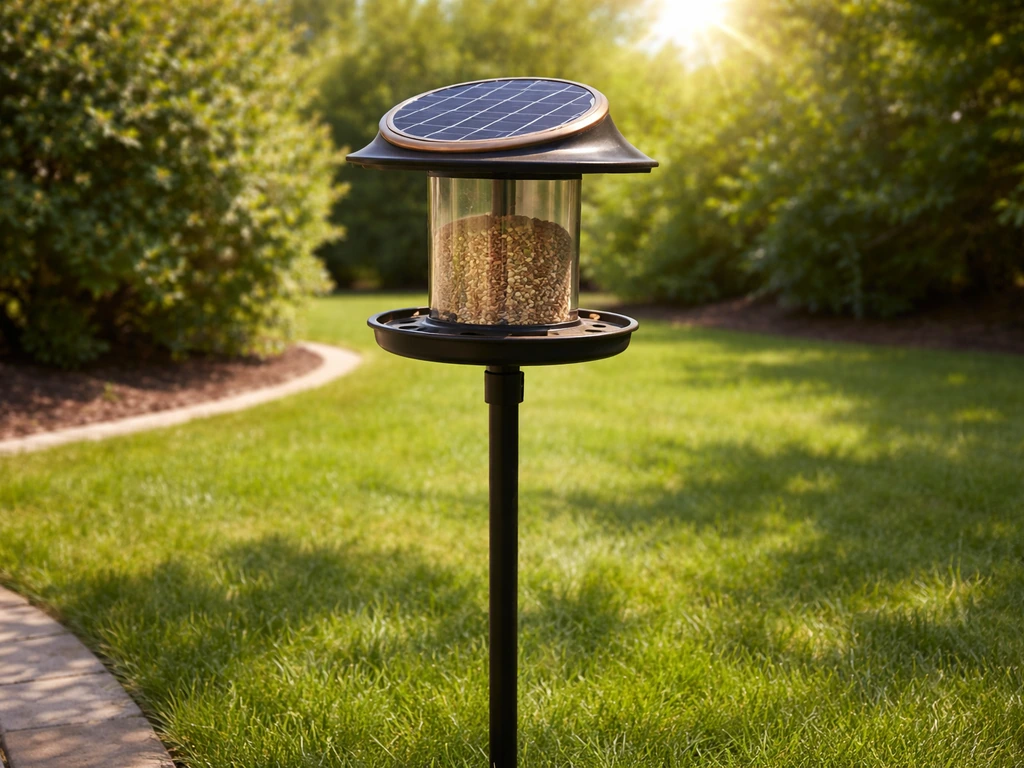
Place the feeder in a spot that gets direct sunlight for at least four to six hours a day to keep the solar panel doing its job. Mount it five to six feet off the ground, away from fences and overhanging branches that give squirrels a launch point. Position it within clear line of sight to your router, or consider a Wi-Fi extender if signal strength at your intended location is marginal.
For bird attraction, give the feeder one to two weeks before drawing conclusions. Birds need time to find a new food source, especially if you're placing it somewhere new. Black oil sunflower seed is the most universally attractive option to start with. If you're seeing a lot of house sparrows and starlings monopolizing the feeder, switch to safflower seed, which most blackbirds and sparrows avoid but cardinals and chickadees eat readily.
If you're comparing Feathersnap against other smart feeder cameras on the market, it sits in the same general space as Netvue and similar video feeder brands, each with their own app ecosystems and camera tradeoffs. Feathersnap's solar integration and build quality are genuine strengths. The app experience is the variable to watch, and checking recent user reviews closer to your purchase date is always worth doing since firmware updates can change the experience significantly in either direction. If you are also hunting for droll yankee bird feeder reviews, make sure you compare how each feeder handles stubborn pests and app or connectivity performance.
FAQ
Do I need direct sunlight all day for the Feathersnap feeder to work reliably?
No, but you do need consistent charging. Plan on at least 4 to 6 hours of direct sun daily for best results, and if you live somewhere cloudy or you feed during deep winter, expect to recharge the battery more often (or bring the feeder in temporarily if the app starts reporting low power).
Can I use the Feathersnap feeder without Wi-Fi and still get bird photos or video?
Not in the way most people expect. The feeder is built around app-triggered viewing and cloud syncing, so if Wi-Fi is unavailable you may see limited local behavior (like camera activation) but you should assume you will not reliably get stored downloads and alerts until it reconnects.
What Wi-Fi settings help if I have a mesh network (like UniFi/Ubiquiti)?
Dedicate the feeder to a 2.4 GHz SSID, keep it within about 30 to 40 feet of the router, and avoid frequent band steering between 2.4 and 5 GHz. Mesh setups can cause repeated reconnect loops, so confirm the feeder stays on the same node instead of bouncing.
Why do I have to manually request videos in the app?
Some setups do not complete automatic upload syncing promptly, so the app may require you to trigger each video retrieval. If you see multi-day delays, troubleshoot connectivity first (signal strength, 2.4 GHz SSID, router distance), then watch for app updates that may improve background upload behavior.
How long does it usually take for birds to start showing up after installation?
Give it one to two weeks before judging results. Birds often need time to discover the feeder and feel safe, especially if you change the location, height, or seed type. During that period, keep seed consistent so you can tell whether placement is the real variable.
Is the Feathersnap hopper safe to clean regularly, or can I just wipe it out?
Follow the manufacturer cleaning workflow because the camera and electronics should not be submerged or soaked. For heavy use, expect a full clean every 2 to 4 weeks, and in wet climates check for moisture and mold inside the hopper more frequently rather than only wiping the exterior.
How do I reduce seed mess and hull buildup under the feeder?
Use no-mess or hulled seed blends (hulled sunflower, Nyjer) to reduce debris, and consider placing the feeder where cleanup is easy (like a tarp or area with fewer obstacles). Hull pileup is normal with hopper feeders, but seed choice makes a noticeable difference.
What can I do if squirrels are defeating the feeder?
Feathersnap is not built as a weight-activated or cage-style pest solution, so squirrels can access it if they can reach. Your best defense is mounting with a baffle or hanging the feeder high with clearance from launch points (trees, fences, and nearby structures).
Does the feeder attract raccoons, and how can I prevent nighttime visitors?
Yes, raccoons can be drawn by accessible food plus the feeder’s light and activity. Reduce the risk by bringing the feeder in at dusk, mounting high enough that raccoons cannot reach easily, and avoiding locations where they can climb from nearby surfaces.
Which birds should I expect with the Scout versus the Smart model?
Bird variety is driven more by seed type and placement than by camera resolution. Both can attract the typical backyard songbirds (finches, goldfinches, chickadees, nuthatches, dark-eyed juncos), but if you target cardinals, use sunflower and place it at mid-level height near cover (shrubs) for security.
Will 1080p versus 4K affect bird identification?
It can. The Scout’s 1080p video and 720p photos tend to look softer for fine feather detail, so if your goal is accurate identification (colors, patterns, small movements), the Smart model’s higher-resolution sensor is the better choice, especially in good lighting.
Where should I mount the feeder to improve both bird activity and connectivity?
Mount about 5 to 6 feet off the ground, place it in clear line of sight to your router for stronger Wi-Fi, and avoid overhanging branches that give squirrels a launch route. If Wi-Fi is marginal at that spot, a Wi-Fi extender placed to preserve a stable 2.4 GHz signal is often more effective than moving the feeder closer.
How can I tell whether my Feathersnap problem is the app or the feeder itself?
Start with the simplest signals: check that the blue LED enters pairing mode correctly, confirm the feeder stays connected on the same 2.4 GHz network, and test the app after a reboot of your phone and router. If connection drops repeatedly during normal operation, it is likely a network stability issue rather than hardware.
Next Articles
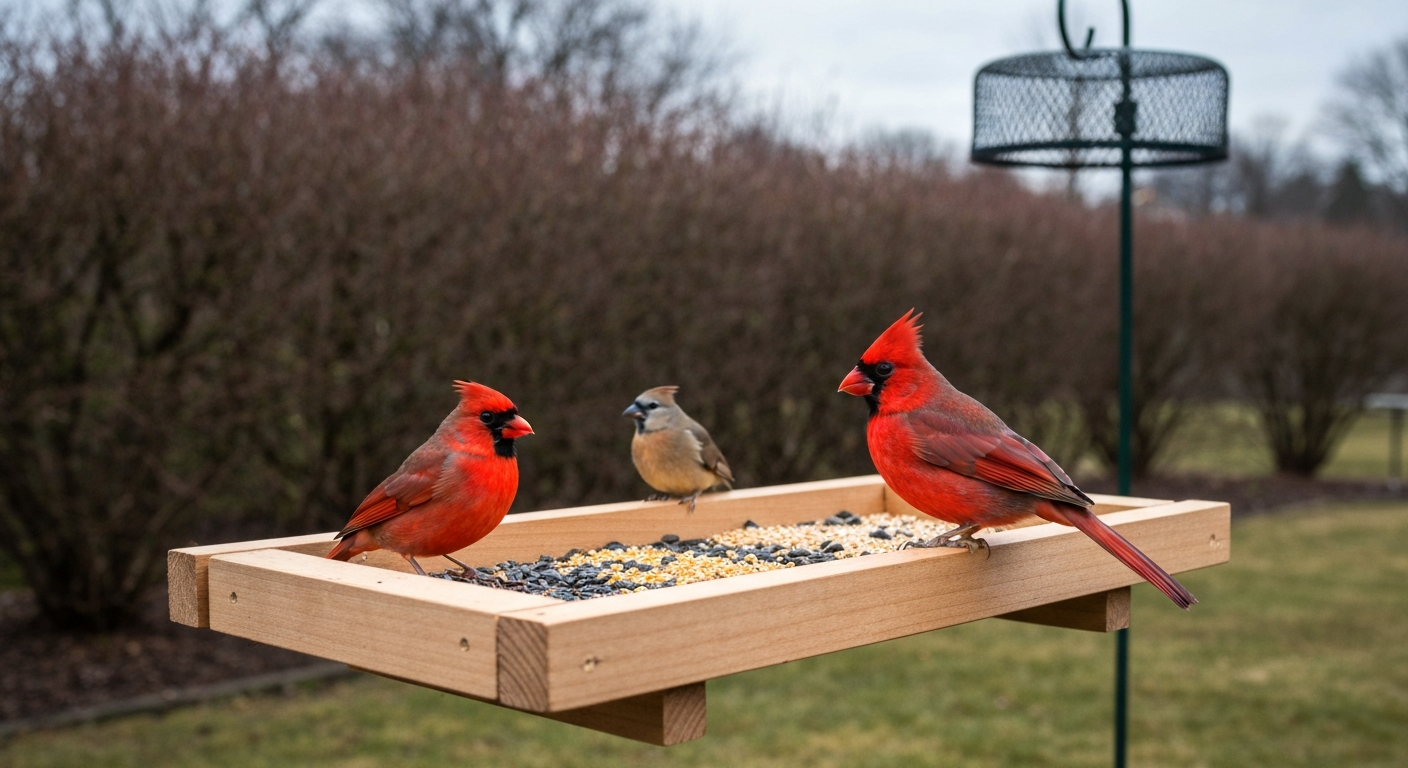
What Does a Cardinal Bird Feeder Look Like: Design & Tips
Identify and choose the best cardinal bird feeder: shapes, colors, perches, seeds, placement, and winter tips.
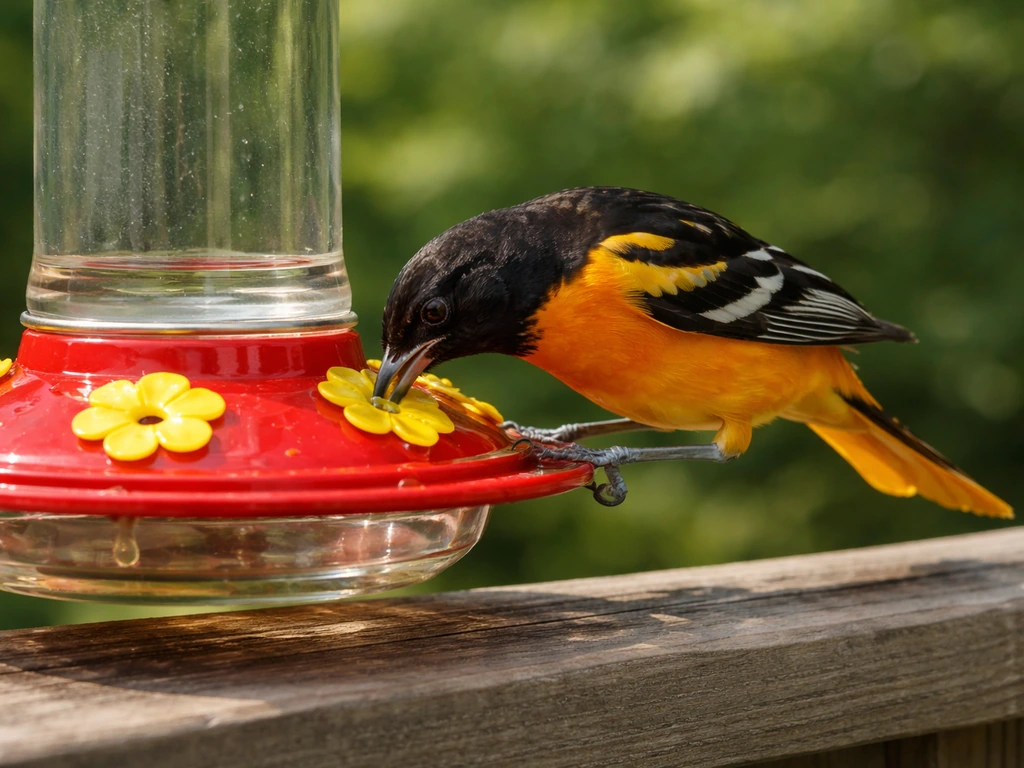
Best Bird Feeder for Baltimore Orioles: Buyer Guide
Choose the best bird feeder for Baltimore orioles: styles, features, placement tips, and fixes for heat, pests, and acce
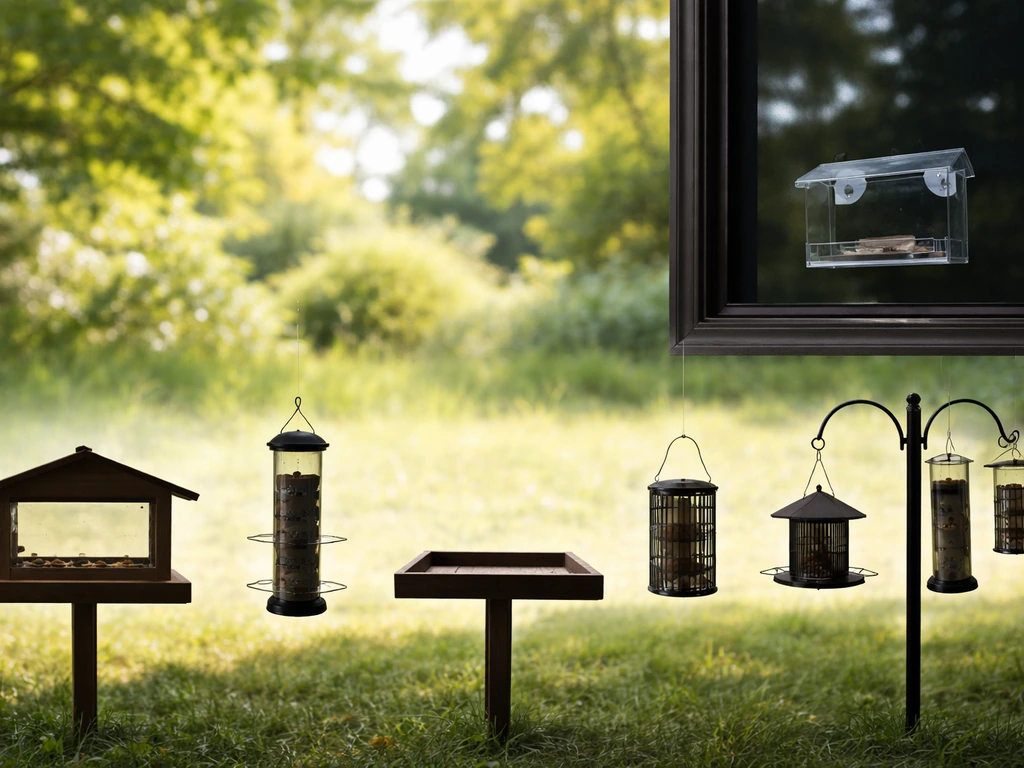
What Does a Bird Feeder Look Like? Types and Visual Cues
See common bird feeder silhouettes and visual cues, plus features for choosing and troubleshooting fast.