The best Wi-Fi bird feeder cameras right now are the Birdfy Feeder 2 Pro and the Netvue Birdfy Feeder AI for most backyard setups. Both give you 1080p video, reliable motion alerts, full-color night vision, IP65 weatherproofing, and a solid app with AI bird identification. If you want a bird box camera instead of a feeder-mounted one, the Birdfy Nest Duo is the clearest choice. For a more flexible camera you can mount anywhere near your feeder, Reolink's Argus series (Argus Pro or Argus PT Pro) works well and gives you dual-band Wi-Fi that Birdfy units don't offer. The right pick depends on your yard's Wi-Fi signal, how you're powering the unit, which birds you're targeting, and whether you want a smart feeder with the camera built in or a separate camera you point at an existing feeder.
Best WiFi Bird Feeder Camera: Top Picks and Buyer Guide
What to look for in a Wi-Fi bird feeder camera
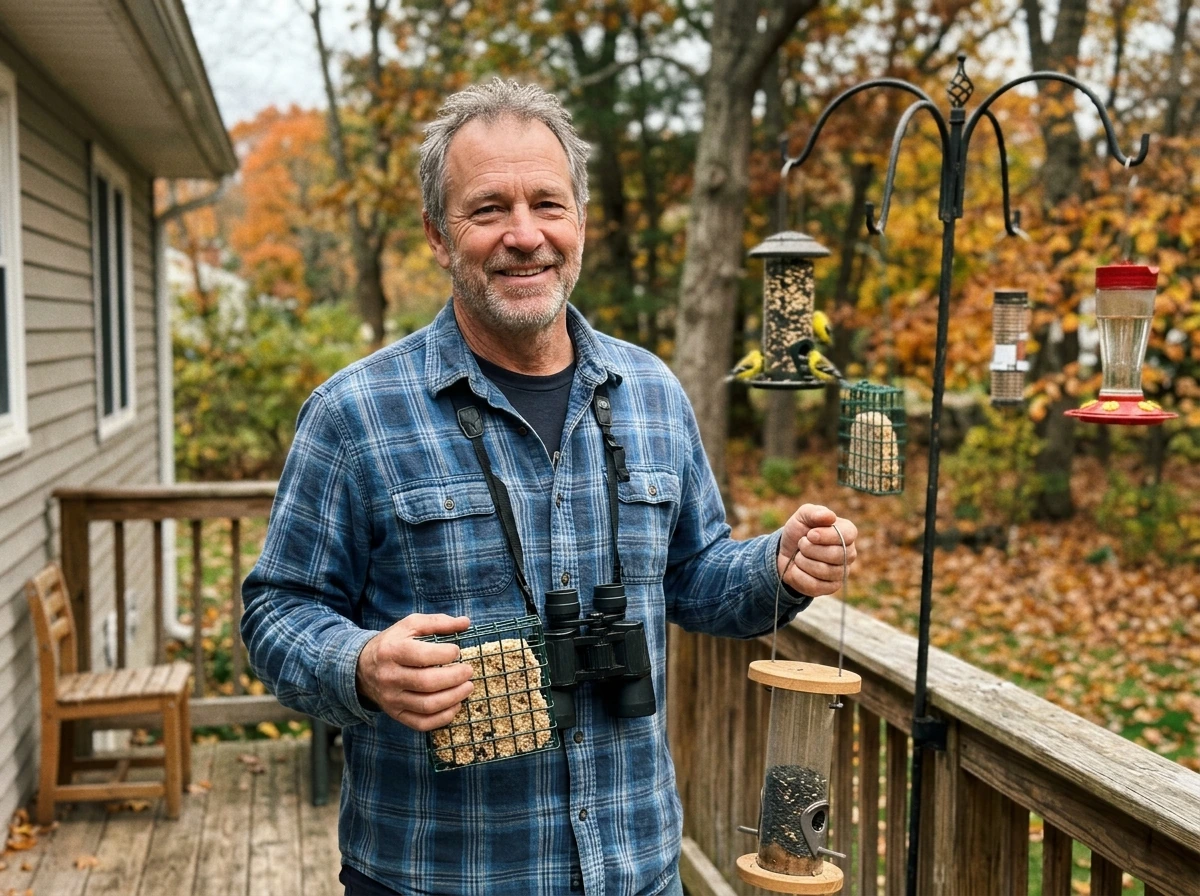
Before jumping to product recommendations, it's worth knowing which specs actually affect your day-to-day experience and which are just marketing noise. Here's what I focus on when evaluating these cameras.
Wi-Fi band and signal reliability
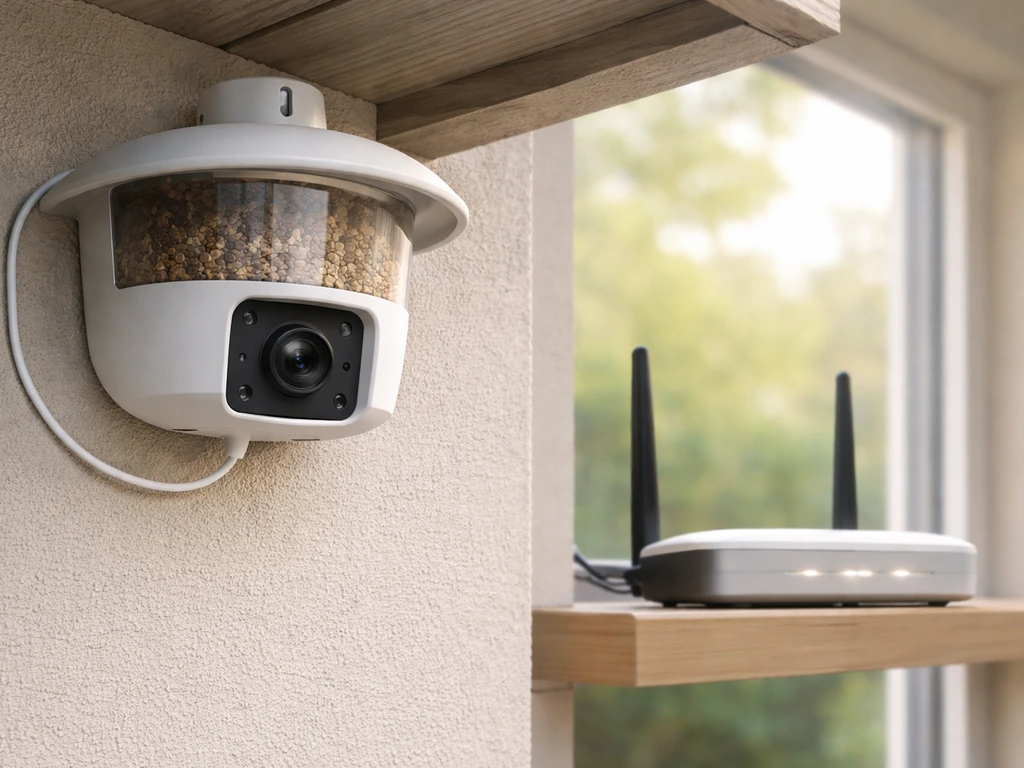
This is the most overlooked spec and the most common reason people get frustrated. Most dedicated bird feeder cameras, including every Birdfy and Birdfy Nest model, only support 2.4GHz Wi-Fi. That's fine as long as your router broadcasts a 2.4GHz network and your feeder is within reasonable range. The upside of 2.4GHz is better range and better wall/obstacle penetration compared to 5GHz. The downside is that 2.4GHz bands are more congested in dense neighborhoods. If you have a dual-band or tri-band router, make sure you're not forcing everything onto 5GHz only. Reolink cameras like the Argus PT Pro support both 2.4GHz and 5GHz and let you set a band preference in the app, which gives you more flexibility if your yard setup is unusual.
Video resolution and frame rate
1080p (1920x1080) is the practical sweet spot. The original Birdfy feeder cameras record at 1080p and 15fps, which is enough to see bird markings clearly and share clips. The Birdfy Feeder 2 Pro uses a dual-lens design: the bottom lens is a 2MP/1080p wide-angle sensor, while the upper lens on the Feeder 2 series can go up to 2K. More resolution sounds better, but it also means larger files, more storage use, and more processing load on a battery-powered device. For identifying finches, cardinals, or woodpeckers at a feeder, 1080p is plenty. The frame rate matters more for action shots of fast birds like hummingbirds.
Motion detection and AI bird ID
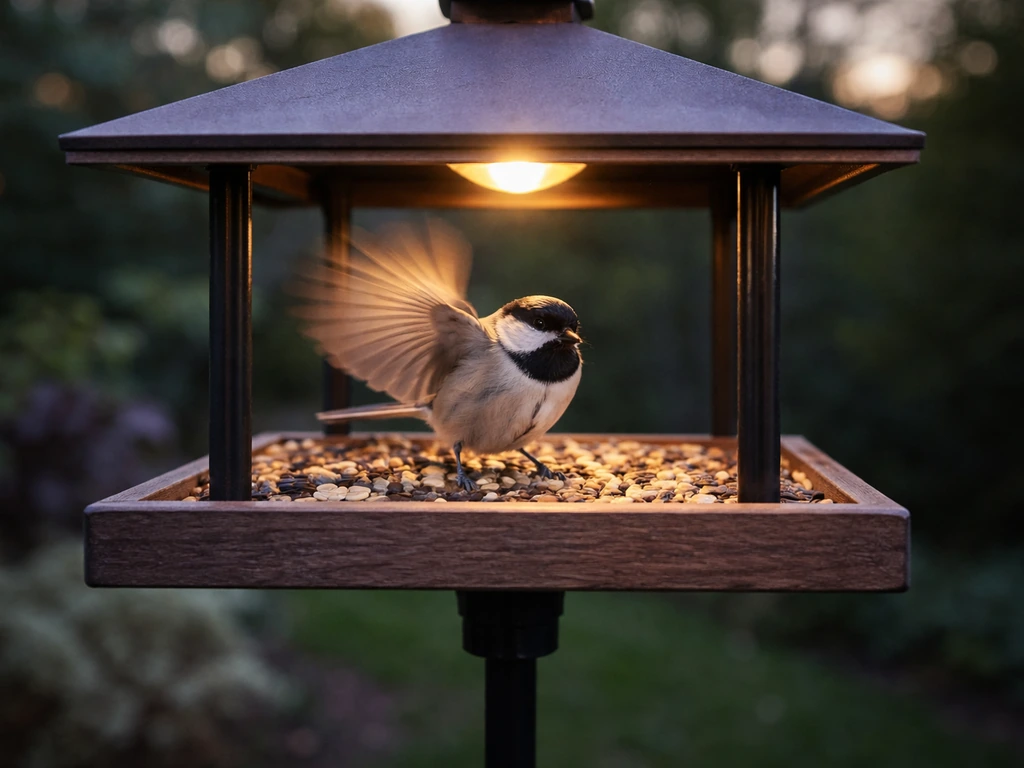
Good motion detection means you get alerts when birds land, not every time a leaf blows past. Birdfy's default setup records 20-second clips with a 2-minute cooldown between triggers. That cooldown matters: if a squirrel trips the sensor and starts the 2-minute clock, you may miss the cardinal that shows up 90 seconds later. AI bird species identification is a genuinely useful feature, but on Birdfy it requires a subscription to use consistently. The Kiwibit Beako takes a similar subscription approach, unlocking features like 60-day cloud storage, species-specific smart notifications, custom alert zones, up to 3-minute recording time, and even a squirrel alarm with a paid plan. Go in knowing the base unit often has limited cloud features without paying monthly.
Night vision mode
Netvue/Birdfy feeders offer two night vision modes: infrared (IR) and white-light (full-color). IR night vision is less disruptive to birds but produces black-and-white footage. The white-light mode gives full-color video at night, which is great for owls, raccoons, or any nocturnal visitors you actually want to identify by color, but the LED flash can startle animals. The Birdfy Nest Duo specifically added infrared light rather than white-light flash precisely because nest box birds are more sensitive and a sudden bright light could cause nest abandonment.
Power source: solar vs battery vs wired
Battery-only cameras are easiest to place anywhere but require recharging. The Netvue Birdfy feeder runs on a 5000mAh rechargeable lithium battery. Add a compatible Netvue Birdfy solar panel and according to the manufacturer you'll barely need to recharge it at all in direct sunlight. Reolink's Argus Pro can run on battery, the Reolink Solar Panel, or a standard 5V/2A USB adapter (wired power). Wired is the most reliable option if you can run a cable; solar is the best set-and-forget option for most yards. Pure battery feeders in northern climates will drain faster in winter, especially when motion events are frequent.
Weatherproofing rating
Look for at least IP65 for any outdoor feeder camera. The Netvue Birdfy camera is rated IP65, which means it's protected against dust and water jets from any direction. The Birdfy Feeder Wood model is rated IP66 (slightly higher), but real-world long-term reports have flagged black mold growth in the wood housing during extended rainy seasons. That's the kind of thing lab ratings don't capture. Plastic and resin housings generally hold up better in wet climates even if the IP number looks the same.
Top picks: best Wi-Fi bird feeder cameras by use case
There's no single best Wi-Fi bird feeder camera for everyone. If you want the best automatic bird feeder experience, look for dependable motion alerts plus clear, easy-to-identify footage so you can enjoy more birds with less effort. If you want the overall best electronic bird feeder experience, focus on models that combine reliable motion alerts with clear, easy-to-identify video. If you want a single starting point, the best digital bird feeder choice is one that combines reliable motion alerts, clear video, and strong species identification for your backyard setup. Here's how I'd break down the top picks depending on what you're actually trying to do.
| Use Case | Top Pick | Why |
|---|---|---|
| All-around backyard feeder cam | Birdfy Feeder 2 Pro | Dual-lens, 1080p wide-angle, AI bird ID, IP65, solar-compatible, good app |
| Budget-friendly feeder cam | Netvue Birdfy Feeder AI | 1080p, solid AI ID, MicroSD + cloud storage, optional solar panel, well-reviewed app |
| Bird box / nest box camera | Birdfy Nest Duo | Designed for enclosed nest boxes, IR night vision, bird-friendly low-disturbance lighting, 2.4GHz Wi-Fi |
| Flexible camera to mount anywhere | Reolink Argus Pro | 2.4GHz/5GHz dual-band, solar or battery, good video quality, not feeder-specific so you can point it at any feeder type |
| Pan/tilt tracking near feeder | Reolink Argus PT Pro | Dual-band Wi-Fi, solar-ready, motorized pan and tilt for wider yard coverage |
| Species-specific smart alerts (subscription) | Kiwibit Beako | Squirrel alarm, custom alert zones, 60-day cloud, species notifications with subscription |
For cardinals, blue jays, and larger perching birds
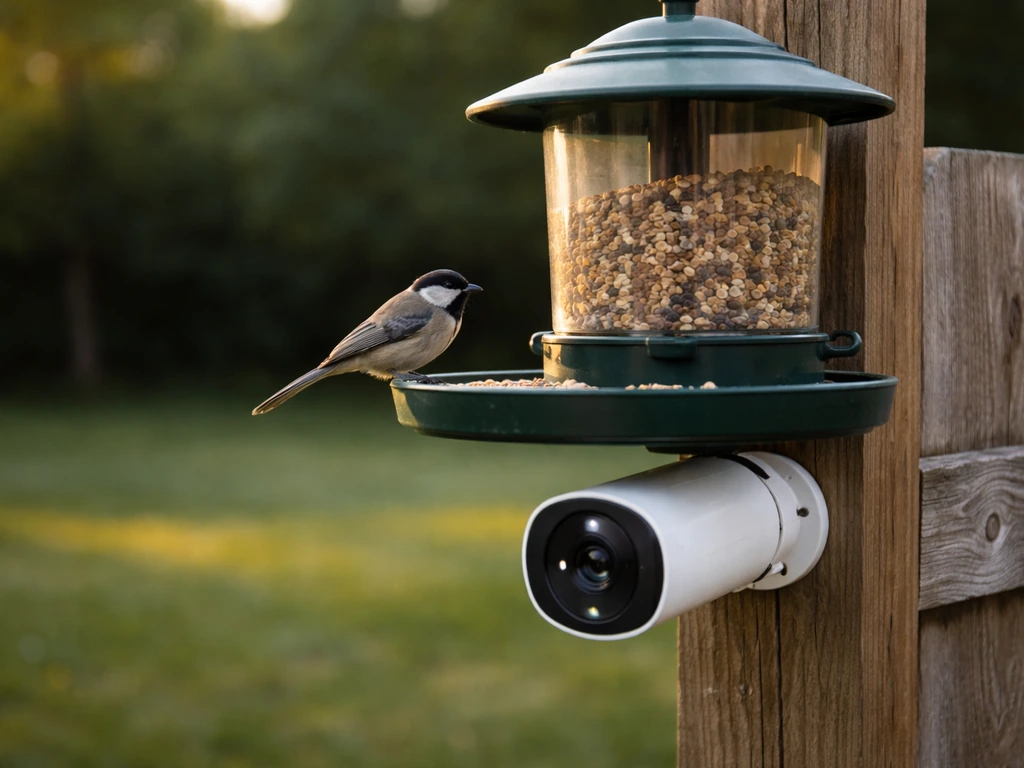
Larger birds like cardinals, blue jays, and mourning doves tend to use platform or hopper feeders, and they're not skittish about camera hardware. The Birdfy Feeder 2 Pro is a strong match here: its wide-angle bottom lens captures the full perch area well, and larger birds move slowly enough that 15fps video shows plumage detail clearly. Place the feeder 5-6 feet off the ground on a pole with a baffle below to keep squirrels out.
For finches and small birds at tube feeders
Small perching birds like house finches, goldfinches, and chickadees use tube feeders constantly. Because these birds are light and quick, you want a camera with a tight, close-angle field of view and sensitive motion detection. The Netvue Birdfy Feeder AI positions the camera very close to the perch, which actually works in your favor for small birds: you get frame-filling shots of the bird rather than a lot of empty feeder background.
For woodpeckers and suet feeders
Woodpeckers cling to suet cages on tree trunks or poles, which makes mounting a standard feeder camera awkward. A separate camera like the Reolink Argus Pro, mounted on a nearby fence post or tree, gives you more aiming flexibility. Woodpeckers are also big enough to trigger motion sensors reliably, so false-alert reduction is less of a concern. Just make sure you're pointing the camera at the right angle: woodpeckers work a vertical surface, so a horizontal camera angle that works for a platform feeder won't frame them well.
For hummingbirds
Hummingbirds are the hardest to capture well. They hover, move at high speed, and trigger PIR motion sensors inconsistently because they produce minimal body heat. The Birdfy Feeder 2 Pro's dual lens helps because the camera is integrated into the feeder and positioned very close to the feeding port. Still, expect some missed captures. Frame rate matters here more than anywhere else: a camera running at 15fps will produce some motion blur on hovering hummingbirds. This is a genuine limitation of current Wi-Fi feeder cameras in this price range.
For nest box / bird box watching
If you're watching a nest box rather than an open feeder, the Birdfy Nest Duo is specifically designed for this. It has an interior camera for watching eggs and chicks inside the box, infrared lighting (not white-light flash) to avoid disturbing nesting birds, and 2. The Birdfy Nest Duo supports 2.4GHz Wi-Fi, uses infrared lighting to avoid disturbing nesting birds, and includes night vision modes such as white light and infrared infrared lighting (not white-light flash). 4GHz Wi-Fi like the rest of the Birdfy range. A standard feeder camera pointed at the outside of a nest box entrance hole can complement this for capturing arrivals and departures. These are sometimes called "bird box cameras" or "wireless bird cameras" but they're the same category.
For orioles and bluebirds
Orioles use platform feeders or specialized jelly/orange feeders and are bold enough to tolerate nearby camera hardware. Bluebirds are more sensitive and primarily use nest boxes rather than open feeders. For bluebird watching, the Birdfy Nest Duo's IR-only approach is the right call. For orioles at an open platform, any of the main Birdfy feeder cameras work well.
Connectivity, setup, and live viewing performance
Setup on every major Wi-Fi bird feeder camera follows roughly the same process: download the app, create an account, power on the camera, scan a QR code or enter your Wi-Fi credentials, and wait for the camera to connect. Birdfy and Netvue use the same app ecosystem. Reolink uses its own app. Both are genuinely usable and well-maintained.
The most common setup failure is a Wi-Fi signal problem, not a camera problem. Because all Birdfy units are 2.4GHz only, your router needs to broadcast a 2.4GHz network with a clear signal out to where your feeder is located. If your router is far from the backyard, or if the signal has to pass through multiple concrete or brick walls, you'll see connection drops and app timeouts. Birdfy's own troubleshooting guide recommends using a Wi-Fi analyzer app on your phone to check signal strength at the feeder location before you finalize placement. That's genuinely good advice. If signal strength is weak, a Wi-Fi extender or a mesh node pointed toward the backyard is a more reliable fix than repositioning the feeder.
Live viewing through the app works well when the connection is stable, but expect a 2-5 second lag between what's happening at the feeder and what you see on your phone screen. This is normal for any Wi-Fi camera streaming over the internet. It's fine for watching birds but means live view isn't useful for real-time events like a fast squirrel raid. For those moments, you rely on motion clips instead.
Reolink dual-band cameras offer one practical advantage here: if your backyard is closer to a 5GHz access point, you can set the camera to prefer 5GHz for a faster, lower-latency stream. If range becomes an issue, you switch to 2.4GHz in the app settings. Most people won't need this flexibility, but it's a genuine option Birdfy cameras don't give you.
Night vision, motion detection, and video quality
Night vision in practice
Netvue Birdfy cameras support two distinct night vision modes. In infrared mode, the camera produces clear black-and-white footage without visible light. In white-light mode (sometimes called full-color night vision), an LED floodlight kicks on and you get color footage. The white-light mode is impressive for identifying nighttime visitors by color, but it can startle birds and mammals. My recommendation for most people: keep it in IR mode by default and switch to white-light only when you're actively watching a specific nighttime event. The Birdfy Feeder 2 Duo's updated night vision behavior specifically addressed some of the harsh glare issues earlier models had, so if night footage matters to you, the Duo is worth the upgrade.
Motion detection tuning
Out of the box, most cameras are set to medium sensitivity, which means you'll get both genuine bird alerts and false triggers from wind, shadows, and non-bird movement. Here's how to tune it down to something usable:
- Open the app's Motion Detection settings and lower sensitivity one step at a time, then watch for a day to see if you're missing real bird events.
- On Netvue/Birdfy cameras, reducing the PIR sensor detection distance specifically cuts down false triggers without killing real ones.
- Set motion detection zones in the app so only the area immediately around the perch and feeding ports triggers alerts. Exclude background sky, trees, and any high-traffic walking areas.
- Remember the 2-minute cooldown between Birdfy recordings: if false triggers are eating into that cooldown window, you're missing bird clips. Reducing false triggers directly improves how many bird landings you actually capture.
- If clips are shorter than the default 20 seconds, check whether your subscription tier affects clip length, as Birdfy documents this as a known variable.
One honest caveat from real-world testing: even after adjusting motion sensitivity on the Netvue Birdfy Feeder AI, some reviewers found that certain false-trigger issues persisted. This is a hardware limitation of PIR sensors in busy backyards. Cameras with dedicated AI processing chips handle this better, but it's never perfect in a yard with wind and moving foliage.
Video quality for bird identification
1080p at 15fps is genuinely enough to identify most feeder birds by plumage if the camera is positioned correctly, meaning close to the perch and with good ambient light. Where it falls apart is in low-contrast lighting situations: overcast winter days, heavy shade, or backlighting from a bright sky. Positioning your feeder so the camera faces away from direct morning or afternoon sun makes a bigger difference to footage quality than any resolution upgrade.
Power and weatherproofing (solar vs battery, outdoor durability)
Solar: the best long-term option for most people
If your feeder gets 4 or more hours of direct sunlight daily, a solar panel attachment is absolutely the way to go. The Netvue Birdfy solar panel paired with its 5000mAh battery means the unit runs indefinitely through spring, summer, and fall in most US climates. Even in winter at northern latitudes, solar charging still contributes meaningfully on clear days. Reolink's Argus Pro and Argus PT Pro both work with the Reolink Solar Panel and can also run from a standard 5V/2A USB adapter if you have an outdoor outlet nearby. The solar route eliminates the single biggest maintenance complaint: climbing out to recharge a battery every few weeks.
Battery in winter and cold climates
Cold weather is hard on lithium batteries. Expect noticeably shorter battery life once temperatures drop below freezing, especially if your camera is processing frequent motion events all day. If you're in a cold climate and solar isn't viable, a wired power option (Reolink Argus Pro via USB adapter) is more reliable for year-round use than purely depending on a battery. If you go battery-only in winter, plan for monthly recharge cycles at minimum.
Weatherproofing: what the IP ratings actually mean
IP65 means the unit is fully dust-tight and can handle water jets from any direction. That covers rain, sprinklers, and most outdoor conditions. IP66 adds protection against heavier water jets. Both ratings are adequate for outdoor feeder use. What the ratings don't tell you is how the housing material holds up over years of exposure. The Birdfy Feeder Wood's IP66 rating sounds better than IP65, but real-world users have reported black mold developing in the wood housing after extended wet periods. If you're in a rainy region (Pacific Northwest, Gulf Coast, humid Southeast), I'd choose a plastic or resin housing over wood specifically to avoid this maintenance headache.
Bird-friendly design: placement, field of view, and avoiding pests
Placement for the best footage and the most birds
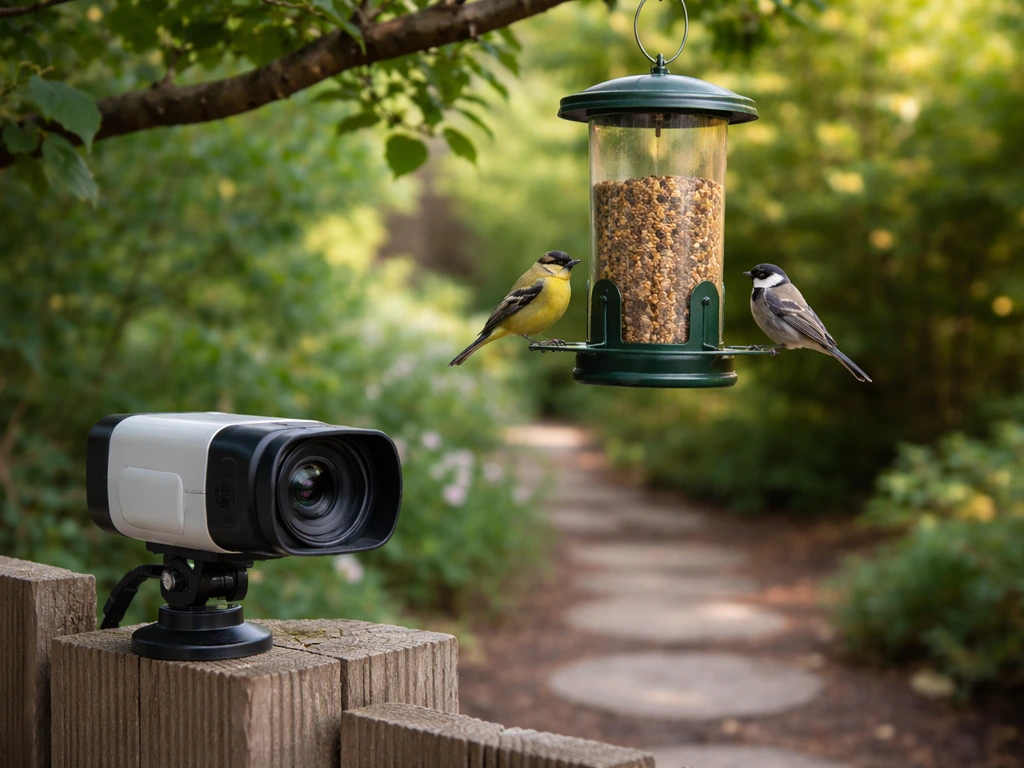
The single biggest mistake I see is placing a feeder camera where it's convenient for the camera angle, not where birds actually want to feed. Birds prefer feeders that have nearby perching spots (shrubs, branches) within 10-15 feet to retreat to quickly. Place your feeder in a semi-sheltered spot rather than completely open, and position the camera so the lens faces north or east if possible, avoiding direct afternoon sun glare.
For the camera's field of view, closer is almost always better for identification. Most integrated feeder cameras (Birdfy style) solve this automatically by mounting the lens right next to the perch. If you're using a separate camera like the Reolink Argus Pro, mount it 18-24 inches from the main feeding area rather than 6 feet away. A wide-angle lens at close range will capture detail you can't get with a narrower lens from far away.
Keeping squirrels and other pests out
A smart feeder camera doesn't stop squirrels from eating your seed, it just lets you watch them do it. For actual pest prevention, you need physical deterrents: a pole-mounted baffle below the feeder, weight-sensitive perch mechanisms (many tube feeders have these built in), or a dedicated squirrel-proof feeder design. The Kiwibit Beako's subscription-based squirrel alarm is a clever feature, alerting you so you can intervene, but it won't automatically deter anything. Think of it as a detection tool, not a solution by itself. If pest intrusion is your primary concern, pairing a smart feeder camera with a baffle system is more effective than any camera-based feature alone.
Bird-friendly lighting and nest box placement
For open feeders, the camera hardware itself rarely bothers birds after a day or two of habituation. For nest boxes, lighting choice matters much more. Use IR-only night vision (not white-light) inside or near a nest box during active nesting. The Birdfy Nest Duo's design decision to use infrared rather than white-light flash was made specifically for this reason. Place nest box cameras well before breeding season (late February or early March for most North American species) so birds habituate to the hardware before they start selecting a nesting site.
Common troubleshooting and "do I need a smart camera?" next steps
Most common problems and how to fix them
| Problem | Likely Cause | Fix |
|---|---|---|
| Camera won't connect to Wi-Fi | Weak 2.4GHz signal at feeder location | Use a Wi-Fi analyzer app to check signal strength; add a Wi-Fi extender or mesh node closer to the yard |
| Too many false motion alerts | PIR sensitivity too high or wind/foliage triggering sensor | Lower sensitivity in Motion Detection settings; set detection zones to exclude background movement |
| Missing bird events / gaps in clips | 2-minute cooldown being triggered by false alerts | Reduce false triggers first (see above); this directly restores cooldown availability for real birds |
| Poor night vision footage | Camera in wrong night mode, or lens facing light source | Switch between IR and white-light modes; reposition to eliminate backlight from porch or street lights |
| Battery draining too fast in winter | Cold temps reducing lithium battery capacity + high motion frequency | Add solar panel; or switch to wired USB power if outlet is accessible; reduce motion sensitivity |
| Mold or housing damage after rain | Wood housing absorbing moisture over time | Switch to plastic/resin housing; dry and treat wood housing at end of wet season |
| Clips shorter than 20 seconds | Subscription tier limitation or motion ending early | Check subscription plan in app; verify motion sensitivity isn't too low; review Birdfy's clip length troubleshooting guide |
Do you actually need a Wi-Fi smart feeder camera?
Honestly, a Wi-Fi bird feeder camera is worth it if you want remote viewing from inside the house or via your phone when you're away, want automatic species identification without looking up every bird yourself, or are monitoring a nest box where you can't be physically present. A great place to start is choosing the best virtual bird feeder option that balances video clarity, reliable motion alerts, and accurate species identification for your yard. It's probably overkill if you just want to watch birds from your window and you're happy using a regular feeder and binoculars. The camera adds convenience and captures moments you'd miss, but it also adds a monthly subscription cost (for full AI features), occasional connectivity frustrations, and a charging or solar maintenance task.
If you want the simplest possible smart upgrade, the Netvue Birdfy Feeder AI is the easiest entry point: it's a complete unit, the app works well, and you can add solar later. If you're shopping around, the best AI bird feeder options usually combine close-perch camera placement with dependable species identification and useful alerts. If you want the most flexibility and don't need AI bird ID built in, a Reolink Argus Pro or Argus PT Pro mounted near any existing feeder gives you a capable Wi-Fi outdoor camera at a lower starting price. And if you're already deep into birding and want the best integrated experience, the Birdfy Feeder 2 Pro is the current top-of-line option with dual lenses, strong night vision, and the most refined app of the bunch.
It's also worth knowing that this category connects to a broader ecosystem of smart feeder technology. If you find yourself wanting more than just a camera, there are dedicated AI bird feeders with on-device species recognition, automatic bird feeders with scheduled dispensing, and Bluetooth-based feeders for shorter-range connectivity. Bluetooth-based feeders for shorter-range connectivity can be a good fit when you don't need long-distance monitoring. Wi-Fi cameras sit in the sweet spot for most backyard birders: enough range to reach the house, enough smarts to notify you when something interesting lands, and enough video quality to tell a rose-breasted grosbeak from a purple finch without going back outside.
FAQ
Why does my best WiFi bird feeder camera connect during setup but drops later?
If your feeder camera supports only 2.4GHz (many Birdfy models do), don’t rely on “smart” router modes that silently steer devices to 5GHz. In your router settings, confirm there is a separate 2.4GHz SSID (or that 5GHz band steering is disabled for camera devices), then power the camera near the router during initial setup. This avoids the common issue where the camera pairs once, then later disconnects when it re-selects a band.
What’s the best camera angle and distance for clear bird identification?
Plan your mounting so you capture the bird at the feeding port, not the entire feeder stand. Integrated feeder cameras perform best when mounted close to the perch area, and separate cameras (like Reolink Argus models) should typically be positioned about 18 to 24 inches from the main feeding zone rather than far back for a wide view. Closer framing also reduces how often you see irrelevant motion in the background, which improves alert quality.
How should I tune motion sensitivity so I get more real bird alerts and fewer false clips?
Use the sensitivity and clip behavior together. If you lower motion sensitivity to reduce false triggers, also shorten recording cooldown or ensure your motion clip length is enough to catch the full landing and perch time for your target birds. The article notes cooldown can cause you to miss arrivals, so if you regularly see fast “in then out” behavior, try a less aggressive cooldown or higher sensitivity in a smaller field of view.
Should I use IR or full-color night vision on my WiFi bird feeder camera?
Night vision choice depends on your goal, wildlife sensitivity, and where the camera points. IR mode is less disruptive and is usually best as a default, especially around nest boxes where white LED flash can affect nesting behavior. White-light mode is useful for identifying nocturnal visitors by color, but keep it off unless you are actively watching, since the visible lighting can startle animals and even create glare.
Is 1080p enough for small birds, or do I need 2K for better results?
If you care about seeing small, quick birds clearly (finches, chickadees, goldfinches), prioritize close framing and detection sensitivity over resolution. 1080p at 15fps is typically sufficient for plumage at a feeder when the camera is near the perch. If you set the camera too far away to “get everything,” you will trade away detail and increase background motion, which leads to weaker identification and more false alerts.
Do I need a subscription to get the most out of the best WiFi bird feeder camera?
Treat subscriptions as “feature unlocking,” not a guarantee of better footage. Even if AI bird identification requires a paid plan on some models, you can still get usable video and motion alerts on the base unit depending on the brand. If you want species-specific notifications, longer recording, or custom alert zones, confirm those items are included in the subscription tier before buying.
Will a solar-powered WiFi bird feeder camera work in winter or in shaded backyards?
Yes. Solar can be a great set-and-forget option, but “solar works” assumes adequate direct sunlight. If your feeder gets limited sun or is shaded much of the day, a battery-only setup may require more frequent recharges, and in winter lithium batteries will drain faster. A practical approach is to check your hours of direct sun and consider wired power if you regularly experience extended cold with low sunlight.
Is IP65 vs IP66 the only thing that matters for outdoor water resistance?
If you are in a rainy or very humid region, housing material matters even when IP ratings look similar. The article calls out mold issues with a wood housing model (despite a higher IP rating), which suggests materials can retain moisture and create maintenance problems. For wet climates, plastic or resin housings are generally the safer long-term choice.
Can a WiFi bird feeder camera prevent squirrels, or only detect them?
A camera cannot stop squirrels from eating your seed by itself. Best results usually come from combining the camera with physical deterrents like a pole baffle, weight-sensitive perch mechanisms on tube feeders, or a squirrel-proof feeder design. If a model offers a squirrel alarm, treat it as a detection tool so you can intervene quickly, not as an automatic prevention system.
Why does my video look great some days but washed out on sunny afternoons?
Reduce glare and improve footage by controlling where the lens points relative to sun. The article recommends positioning the camera so it faces away from direct morning or afternoon sun (for example, facing north or east if possible). If your feeder is fixed, adjust feeder placement within your yard or use a baffle and nearby branches to create consistent shade over the feeding port.
Is live viewing on a WiFi bird feeder camera actually useful for fast events?
Not necessarily. Live streaming over Wi-Fi is typically delayed by a few seconds, so it is not ideal for truly real-time events like a fast squirrel raid. Use live view for general observation, and rely on motion-triggered clips for decision-making, since motion clips are what you can review and export when the action happens faster than streaming updates.
What’s different about using a WiFi bird feeder camera near a nest box?
For nest boxes, lighting is critical. Use IR-only operation rather than white-light flash near the nest during active nesting so you do not disrupt incubation or chick rearing. Also, place and install before breeding season so the birds habituate to the equipment before they start selecting the nest site.
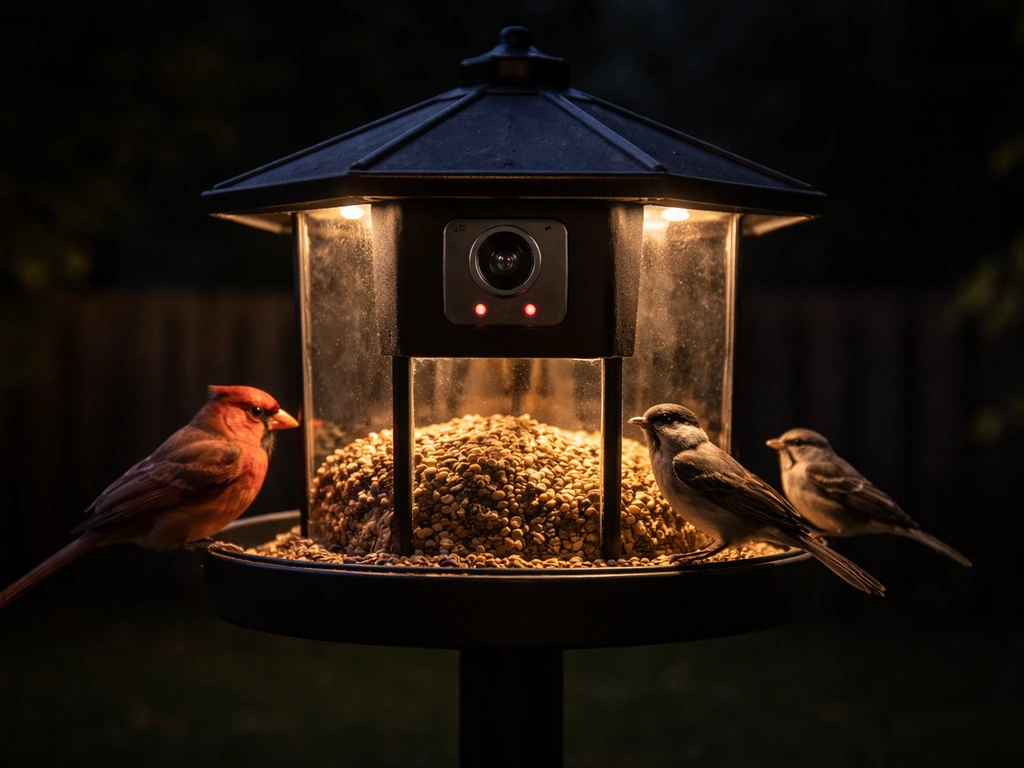
Choose the best AI bird feeder camera: specs for accuracy, night vision, Wi‑Fi, privacy, power, setup, and troubleshooti
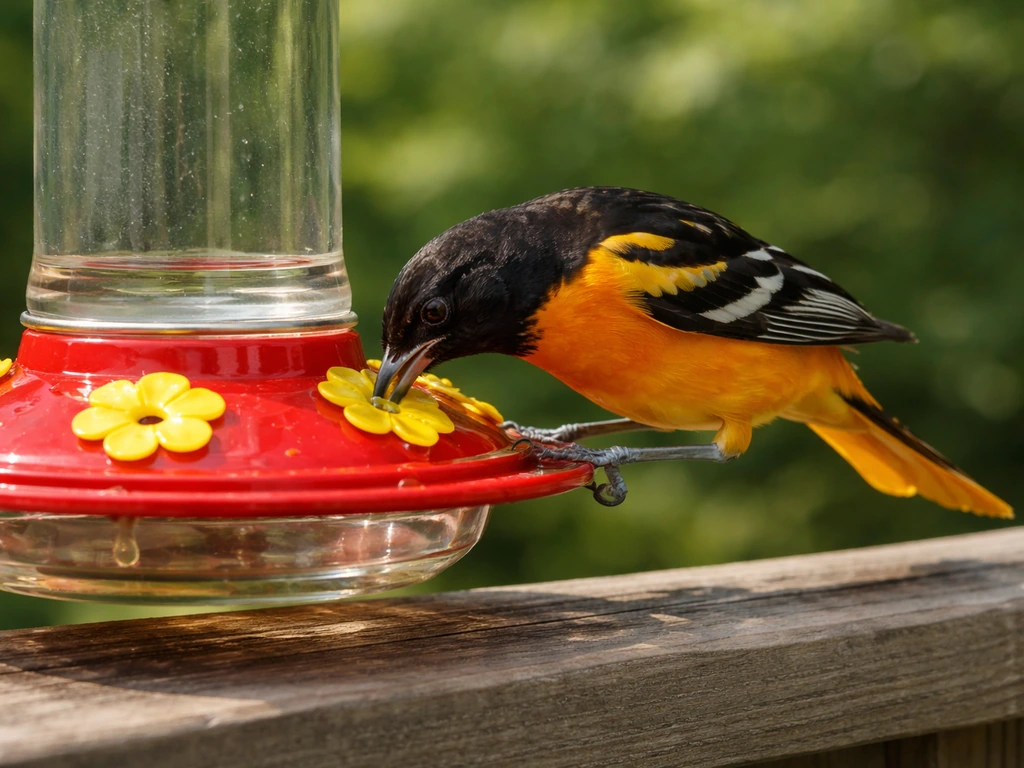
Choose the best bird feeder for Baltimore orioles: styles, features, placement tips, and fixes for heat, pests, and acce
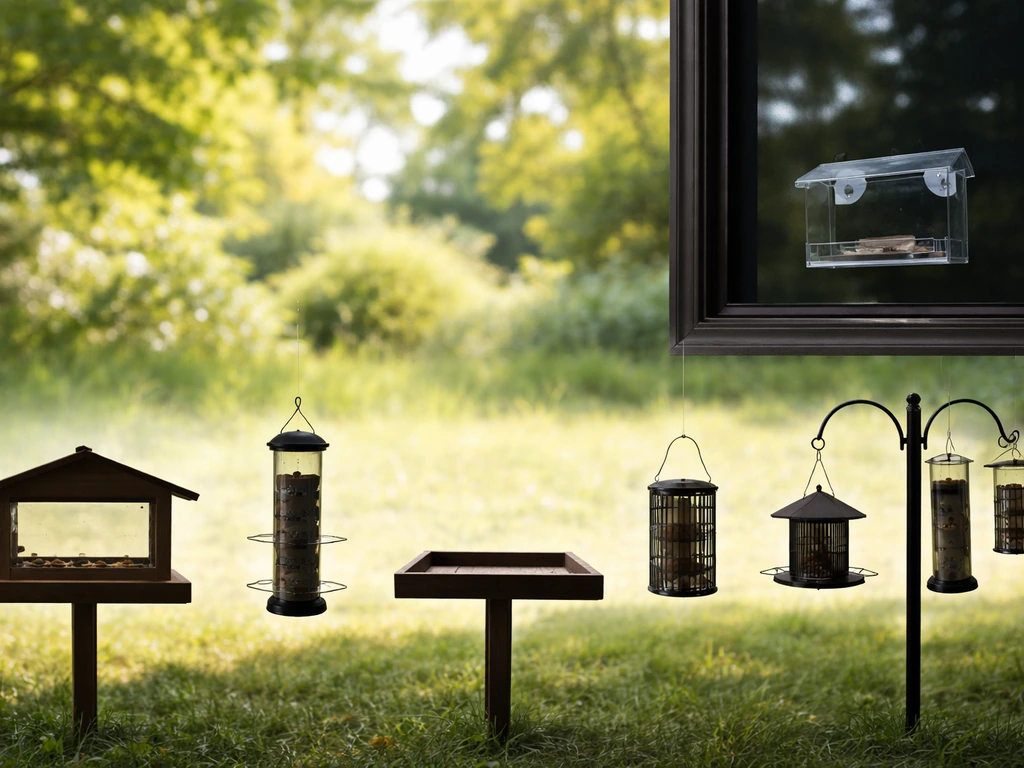
See common bird feeder silhouettes and visual cues, plus features for choosing and troubleshooting fast.