The best bird feeder with a camera and app right now is the Birdfy Feeder 2 series (by Netvue) for most backyard birders, with Bird Buddy as the top pick if you want a beautifully designed experience and strong solar charging, and PeckPerk if you want a plug-and-play setup with a big rechargeable battery. All three pair a real camera with a companion app that sends motion alerts, lets you watch live, and uses AI to identify visiting species. The right one for you comes down to image quality needs, how you want to store footage, whether your yard has a reliable Wi-Fi signal, and which birds you're trying to attract. If you want the best bird feeder camera near me, start by checking local retailers and reviews for models with solid Wi-Fi performance, good image quality, and reliable notifications.
Best Bird Feeder with Camera and App: Buying Guide
What a bird feeder with camera and app should actually do
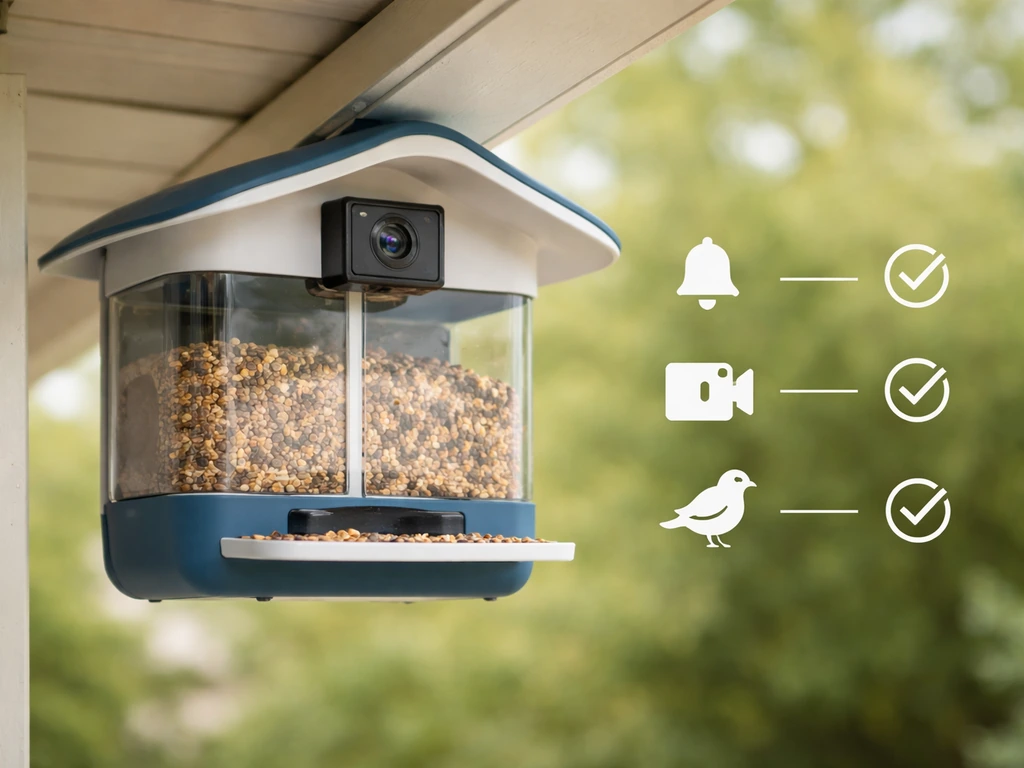
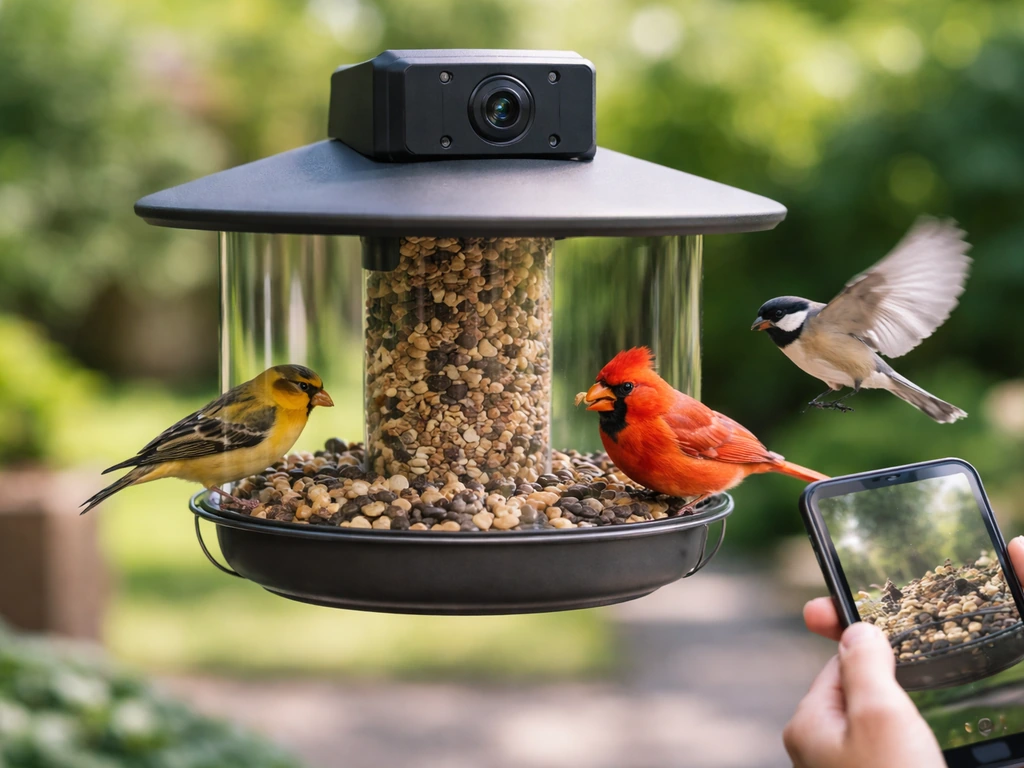
Before you spend money, it helps to separate what these feeders are genuinely good at from what the marketing oversells. A smart bird feeder with a camera and app should do four things well: detect motion when a bird lands, record a usable clip, send you a notification in reasonable time, and let you identify what species showed up. Everything else, like 360-degree views, AI behavior tracking, and squirrel sirens, is bonus territory.
Here's what to actually look for when comparing models:
- Real-time live view through the app, not just recorded clips after the fact
- Motion-triggered recording that actually captures the bird (not just wind-triggered noise)
- AI species identification built into the app, ideally without requiring a paid tier for basic ID
- Clear footage in daylight conditions at minimum, with decent low-light performance as a bonus
- Local storage option (SD card) so you're not entirely dependent on cloud subscriptions
- Wi-Fi connectivity that works in your yard, almost always 2.4GHz only on these devices
- Weatherproofing rated for year-round outdoor use (IP65 or better)
- A feeder design that actually attracts the birds you want
That last point is one people overlook. The camera is only useful if birds show up. A gorgeous camera on the wrong feeder style for your target species is a waste of money. We'll come back to species fit in detail later.
Camera and app essentials: image quality, notifications, storage, and usability
Image quality: what the numbers mean in practice
Most smart feeders in this space shoot in 1080p HD, which is enough to identify a bird reliably in good light. Birdfy has pushed the envelope hard here: their Feeder Vista uses a dual-camera system to deliver 6K ultra-HD panoramic video and 14-megapixel panoramic images. That's legitimately impressive, and useful if you want to capture birds approaching from multiple angles or produce shareable content. The standard Birdfy Feeder 2 is more modest but still produces clean footage for identification purposes. Bird Buddy's image quality is well-suited for producing the postcard-style captures it's known for, though Bird Buddy's own support docs note that low-light placement hurts photo quality noticeably, so placement matters as much as the sensor.
Notifications and recording: how the clip system works
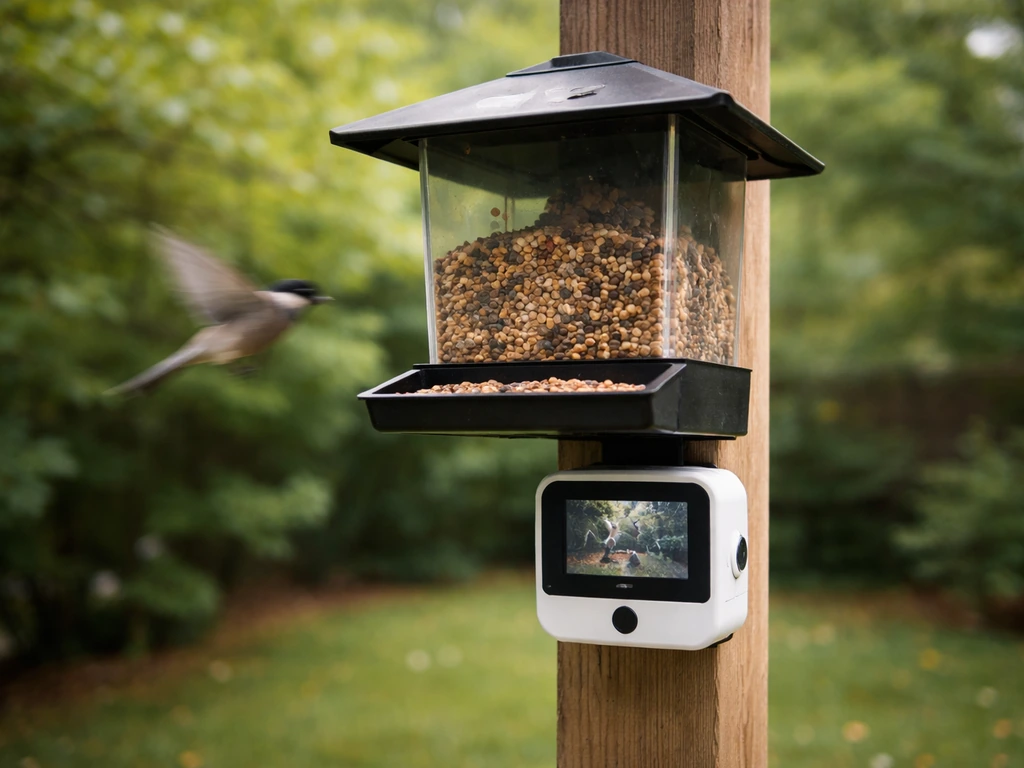
Birdfy's default behavior is worth knowing upfront: it records a 20-second motion-triggered clip per event, with a 2-minute cooldown before it records again. On a busy feeder with multiple species coming and going, you can miss action during that cooldown window. You can extend clip length with a subscription, but out of the box, 20 seconds is what you get. Motion detection runs whenever the device is online, which is sensible, and the app supports AI bird behavior recognition so clips get categorized by what's happening, not just that something moved.
Storage: cloud vs. SD card
Birdfy stores free cloud clips for 30 days by default, after which they're automatically cleared. That's a reasonable window for casual users, but if you want to archive footage longer, you either upgrade your plan or rely on an SD card, which is supported on compatible models. If subscription costs concern you, the SD card route is the smarter long-term setup. If ongoing costs are a concern, many Birdfy models let you use an SD card route instead of paying for cloud subscriptions. Bird Buddy and PeckPerk have their own cloud storage structures, and PeckPerk's Premium tier unlocks deeper AI features and squirrel alert functions. If keeping ongoing costs low is a priority, that topic is worth exploring alongside the question of which feeders work well without a subscription at all.
App usability: what daily use actually looks like
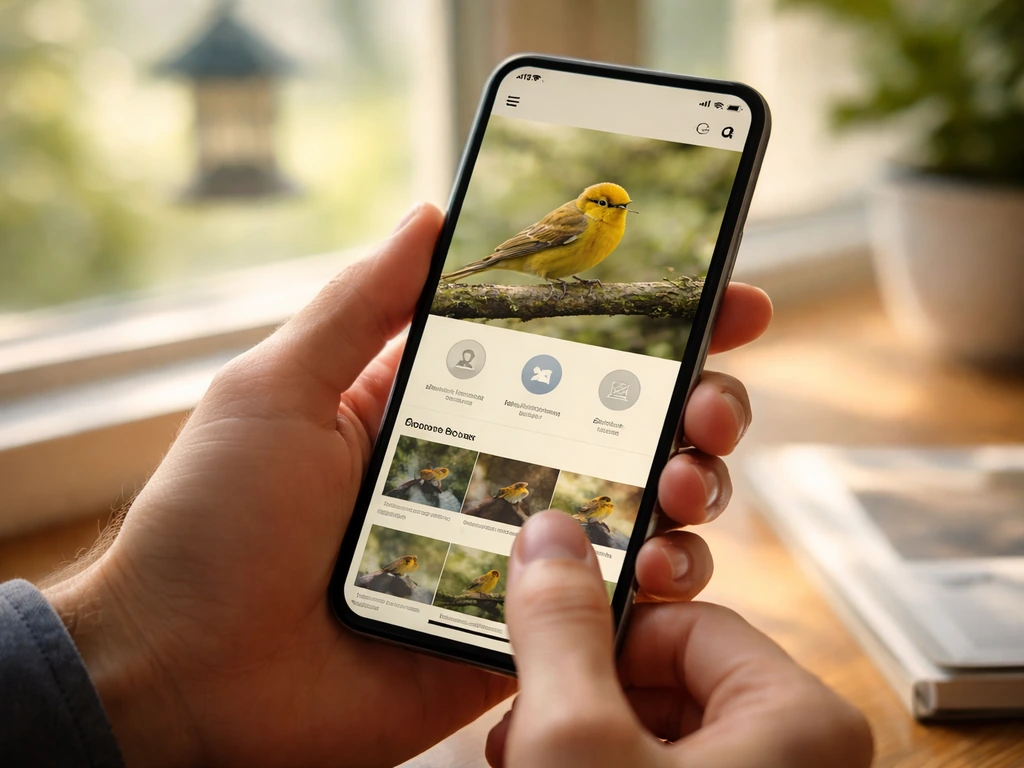
Birdfy's app is feature-rich and improving, with AI identification, behavior tagging, moment video recording, and a livestream page where you can trigger the siren or use two-way audio. Bird Buddy's app leans more into the social and collection side, with configurable notifications including a daily recap option so you're not bombarded with alerts every time a house sparrow lands. PeckPerk keeps things simpler and more plug-and-play, which suits users who don't want to dig into settings. All three apps require a stable 2.4GHz Wi-Fi connection, so if your router is 5GHz-only or your feeder location is at the edge of your signal, that's something to test before you commit.
Power, connectivity, and weatherproofing in real backyards
Power options: solar, battery, and wired
PeckPerk runs on a 5200mAh rechargeable lithium-ion battery with an optional solar panel, which gives it solid autonomy. In practice, a well-placed solar panel in a sunny yard can keep the feeder running indefinitely through spring and summer. Bird Buddy offers a solar roof add-on that continuously charges the internal battery during daylight hours, with battery life varying based on how many notifications you've enabled and how much sun your yard gets. Bird Buddy's own support documentation is refreshingly honest about this: battery life is not a fixed number, it's a function of your setup. In winter or shaded yards, expect to USB-C charge more often. Birdfy models vary by version, but most rely on USB power or an included solar panel option. If you specifically want a wired option, the same comparison logic you see here for solar and battery models applies to those feeders too, including in Wirecutter-style picks for convenience and reliability.
Wi-Fi: the detail everyone forgets to check
Every major smart bird feeder camera on the market today, including Birdfy, Bird Buddy, and PeckPerk, uses 2. PeckPerk’s FAQ specifies that its system only supports 2.4GHz Wi‑Fi. 4GHz Wi-Fi only. That's not a flaw, it's actually better for range than 5GHz, but it does mean you need to confirm your router broadcasts a 2.4GHz network and that your feeder location gets a usable signal. Walk out to where you plan to mount the feeder with your phone and check your signal bars. If it's weak, a Wi-Fi extender pointed at the backyard is a cheap fix that saves a lot of frustration.
Weatherproofing: what the IP ratings tell you
The original Birdfy Feeder Cam carries an IP65 rating, meaning it's protected against dust and low-pressure water jets from any direction. The Birdfy Feeder 2 series steps up to IP66, which handles heavier rain. Both are fine for year-round outdoor use in most of North America. Where it gets tricky is temperature: Birdfy's own support documentation warns that if temperatures fall outside the camera's operating range, it may not boot up or record at all. If you're in Canada or a cold northern state and you want winter footage of juncos and chickadees, confirm the operating temperature range for your specific model and consider whether it will survive a hard freeze. This is a real consideration, not just fine-print padding.
Feeder type and how it affects which birds show up
The camera is irrelevant if the feeder design doesn't attract your target birds. Most smart feeders in this category use a hopper or tray-style design, which is versatile but not optimized for every species. Here's how to think about species fit:
| Target Bird(s) | Best Feeder Style | Notes for Camera Angle |
|---|---|---|
| Cardinals | Hopper or platform with wide tray | Cardinals are large and slow-moving, easy to capture; face-on angle works well |
| Finches (House, Goldfinch) | Tube feeder with small ports | Fast and small; shorter cooldown clips help; bright lighting aids ID |
| Woodpeckers | Suet cage or hopper with suet section | Cling feeders face away from camera often; dual-lens helps here |
| Orioles | Platform or dedicated oriole feeder with jelly/orange | Colorful and distinctive; standard 1080p is plenty for ID |
| Bluebirds | Platform or mealworm tray | Ground or low-height placement; keep camera angled downward |
| Hummingbirds | Dedicated nectar feeder, tube-style | Need a feeder camera designed for hummingbirds; fast movement needs a responsive sensor |
| Blue Jays | Hopper or platform with peanuts | Large and bold; easy to capture, but aggressive; squirrel deterrence also helps here |
| Doves | Ground or low platform feeder | Ground-feeding; mount camera low or angled down for coverage |
Birdfy's Feeder Vista, with its 360-degree dual-camera panoramic system, is the strongest option when you have multiple species approaching from different directions, because a single forward-facing camera will miss birds that land on the sides or back. For a busy mixed-species yard, that wide-angle coverage genuinely improves your identification rate.
Winter changes the picture a bit. Cold-weather regulars like Dark-eyed Juncos, White-throated Sparrows, and Chickadees are often ground feeders or low-tray visitors. If your camera feeder sits high and points forward, you may get a lot of shots of birds' backs. A slightly downward-angled camera or a lower mounting height works better in winter. Also revisit the temperature operating range issue from earlier: a feeder camera that can't boot up at 10 degrees Fahrenheit is no use for capturing winter birds.
Placement, setup, and getting footage worth keeping
Height and angle: where most people get it wrong
The single biggest mistake with smart feeder cameras is mounting them too high or too far from the perch. You want the camera lens roughly at bird level when a bird is sitting on the feeding tray, which typically means the camera is positioned at the same height as the perch, not looking down at it from above. This produces face-on, identifiable shots instead of top-of-head photos that even AI struggles with. If your feeder hangs from a hook or pole, adjust the camera arm or bracket so the lens is level with the feeding surface.
Lighting: face toward north or east
Point the feeder so that birds are facing toward the light source, not backlit. In most North American yards this means the camera should face roughly north or east. Avoid placing the feeder where the camera faces directly into the afternoon sun: backlit birds look like silhouettes, and no amount of camera resolution fixes that. Bird Buddy's support documentation specifically flags low-light placement as a quality killer, and it's right. A sunny open spot with the camera in shade is the ideal.
First-week setup checklist
- Connect the feeder to your 2.4GHz Wi-Fi network and confirm signal strength at the mounting location before you permanently install anything
- Set your notification preferences in the app: decide between instant alerts per visit or a daily recap to avoid alert fatigue
- Check default clip length and cooldown settings, and decide if you want to upgrade storage or insert an SD card
- Verify cloud storage is working by triggering a test motion event and confirming the clip appears in the app
- If your model has a solar panel, check that it's positioned to catch direct sun for at least a few hours daily
- If using Birdfy, test the two-way audio and siren from the app's livestream page so you know it works before squirrels arrive
- Review operating temperature specs and note the minimum before winter sets in
Pests, durability, and keeping birds comfortable while you record
Squirrels: the camera alone won't stop them
One thing a camera and app system does well is alert you the moment a squirrel arrives. What it doesn't do on its own is stop them. Birdfy's squirrel prevention guidance recommends using the app's two-way audio and siren feature to scare squirrels off in real time, which works if you're watching your phone. For when you're not, Birdfy also recommends adding a physical squirrel baffle under the feeder pole, and that's genuinely the more reliable solution. PeckPerk's Premium tier includes squirrel-alert AI functions, which is useful for logging how often squirrels appear even if you can't respond instantly. In a pest-heavy yard, a camera feeder works best as one layer of a defense strategy, not the whole strategy.
Rats and other pests
Camera feeders are excellent for confirming whether rats are visiting, which many people suspect but can't prove. Once you have footage, you can take targeted action: switching to no-mess seed blends that produce less hull debris on the ground, removing the feeder at night (rats are mostly nocturnal), or switching to a rat-proof feeder design. The camera becomes your diagnostic tool first, deterrent second.
Keeping birds comfortable around the camera
Most birds habituate to the camera housing within a few days and stop paying attention to it. Shy species like bluebirds and some warblers may take longer. Avoid using the two-way audio or siren when birds are present, since it disrupts their feeding behavior and can train them to avoid the feeder. Save the noise deterrents specifically for squirrel and pest intervention. Also make sure the camera housing doesn't block perch access or make the feeder feel cramped: birds won't stay long if the setup feels confined.
Long-term durability
IP65 and IP66 ratings hold up well in rain and snow, but UV exposure, ice, and freezing temperatures are harder on plastic housings over multiple seasons. Check the camera mount and any rubber seals annually. If you're in a freeze-prone climate, bringing the feeder indoors during extended deep cold is worth doing both for the camera's health and because birds won't visit in a blizzard anyway.
Top picks by use case: who should choose what
Here's a direct shortlist. These aren't exhaustive specs, they're use-case matches based on what each system actually does well.
| Use Case | Best Pick | Why |
|---|---|---|
| Best overall for most backyards | Birdfy Feeder 2 (standard) | IP66 weatherproofing, AI ID, SD card storage option, solid app, 2-year track record |
| Best for maximum camera coverage (multi-species yards) | Birdfy Feeder Vista | Dual-camera 360° system, 6K panoramic video, 14MP images, captures birds from every angle |
| Best for minimal maintenance and recharging | Bird Buddy with Solar Roof | Solar charging reduces hands-on time, configurable notifications, polished app |
| Best plug-and-play for non-technical users | PeckPerk (Essential or Premium) | Large 5200mAh battery, Bluetooth setup, simple app, optional solar panel |
| Best for keeping subscription costs low | Birdfy Feeder 2 with SD card | SD card storage avoids cloud dependency; free 20-second clips retained for 30 days |
| Best for winter bird watching | Birdfy Feeder 2 (check operating temp for your region) | IP66, cold-weather documentation available, confirm minimum temp before buying |
| Best for squirrel-prone suburban yards | Birdfy (any model) + physical baffle | App siren + two-way audio for real-time deterrence, baffle for passive defense |
| Best for hummingbirds | Birdfy Hummingbird Feeder (dedicated model) | Designed specifically for nectar feeders and fast-moving small birds |
Quick "buy this if" guide
- Buy Birdfy Feeder 2 if you want the most proven, feature-complete smart feeder camera with flexibility on storage and a capable app
- Buy Birdfy Feeder Vista if you have a mixed-species yard and want to capture birds from every direction without repositioning a single camera
- Buy Bird Buddy with Solar Roof if you prioritize a beautiful app experience, low maintenance, and don't mind paying a premium for polish
- Buy PeckPerk if you want the simplest setup experience and a big enough battery that you won't be charging every week
- Skip smart feeder cameras entirely if your Wi-Fi doesn't reach your ideal feeder location and you're not willing to add a range extender
One more thing on subscriptions
Every platform has a free tier that delivers real value, but they all have upsells. If you want the most straightforward option, Wirecutter’s picks for the best bird feeder camera can help you narrow down models based on real-world performance. Birdfy's free cloud storage gives you 20-second clips for 30 days, which is genuinely useful without paying anything extra. Extended clips, longer retention, and deeper AI features cost more. If you want to avoid subscriptions altogether, the SD card approach on a compatible Birdfy model is the cleanest solution. That topic is worth comparing carefully if ongoing cost is a deciding factor for you, since some models handle it much better than others.
FAQ
Do I need a subscription to use the best bird feeder with camera and app?
Not always. Many models let you view and analyze visits on the app without paying initially, but features like longer clip recording, extended cloud retention, or deeper AI tagging may be gated. If you want to avoid ongoing costs, check whether your exact model supports local SD storage, and confirm how the app behaves when cloud storage expires.
What happens if my Wi-Fi drops or the feeder is offline?
Most feeders can only send alerts and upload clips when they are online. Some will continue recording locally for a short time, but notification delays are common after reconnecting. Before buying, verify whether the model buffers events locally, and test connectivity at the exact mounting location using your phone on the same 2.4GHz network.
Why do I get lots of alerts but the clips are mostly unusable?
Common causes are poor lens placement (camera too high or not level with the perch), backlighting, and timing limits like short clip windows plus cooldown periods. If you see silhouettes or top-of-head shots, adjust the camera height first, then check that the feeder faces away from harsh afternoon sun, and ensure the bird is within the camera’s field of view.
How much clip length and “cooldown” should I expect on a busy feeder?
A short per-event clip plus a cooldown can cause you to miss other species that arrive during the “recovery” window. If your yard has multiple regulars, look for options that allow longer event clips or reduce missed events, or use the model’s species AI to confirm visits even when you capture brief moments.
Can I use these feeders in cold weather without losing footage?
It depends on the operating temperature range of your specific camera module. Some models may fail to boot or stop recording outside their rated range. If you’re in freezing climates, confirm the tested low-temperature limits for winter use, and plan for USB recharging or indoor storage during prolonged cold spells.
Will squirrels trigger the same motion alerts as birds?
Yes, most motion systems do not inherently know your target species unless the model offers AI-based classification. In a squirrel-heavy yard, prioritize physical squirrel baffles and use audio deterrents only when you can watch the app, since noise can discourage certain birds during active feeding times.
How do I set notification settings so I’m not constantly being interrupted?
Use species filtering or “recap” modes when the app supports them, so you get alerts for meaningful events instead of every landing. Start with fewer alert categories for a week, then expand once you learn your feeder’s typical visitor pattern (for example, sparrows versus finches).
What’s the best mounting height for getting face-on shots in winter?
Winter visitors often feed low, so mounting too high can yield birds’ backs and reduced identification accuracy. Consider lowering the feeder or aiming slightly downward so the lens is near bird level at the tray, and re-check it after the first snow or when birds change their feeding spots.
Do these camera feeders work the same on 2.4GHz and 5GHz routers?
They generally require 2.4GHz Wi-Fi only. Some routers are mixed but others broadcast only 5GHz, or the 2.4GHz signal may be too weak outdoors. Confirm you have an active 2.4GHz network name, then do a real signal test at the mounting spot with your phone before final installation.
Can I keep recordings longer without paying for cloud storage?
Often yes, if your model supports SD card recording. With an SD approach, you trade convenience for local storage management, so you’ll want to confirm supported card types, maximum size, and how the app organizes clips by event. Also plan for card capacity, since frequent visitors can fill storage quickly.
How reliable is AI species identification compared to manual review?
AI is best viewed as a helper, not a guarantee. Lighting conditions, bird distance, and camera angle can reduce accuracy, especially for fast arrivals or low-light scenes. If you care about rare species, periodically verify AI results by watching a sample of clips and adjusting placement or lighting exposure.
Can I place the feeder where it gets direct sun all day and still get good images?
Direct sun can cause backlighting and glare, leading to silhouettes or washed-out details that hurt identification. A common best practice is to place the feeder in a spot where the camera lens sees adequate light, while avoiding positions where late-day sun shines directly into the camera housing. If your yard lacks shade, you may need more careful angle adjustment.
Best Bird Feeder Wirecutter Picks and Buying Guide
Wirecutter-style picks and buying guide for the best bird feeder, plus best window feeder for safe close feeding