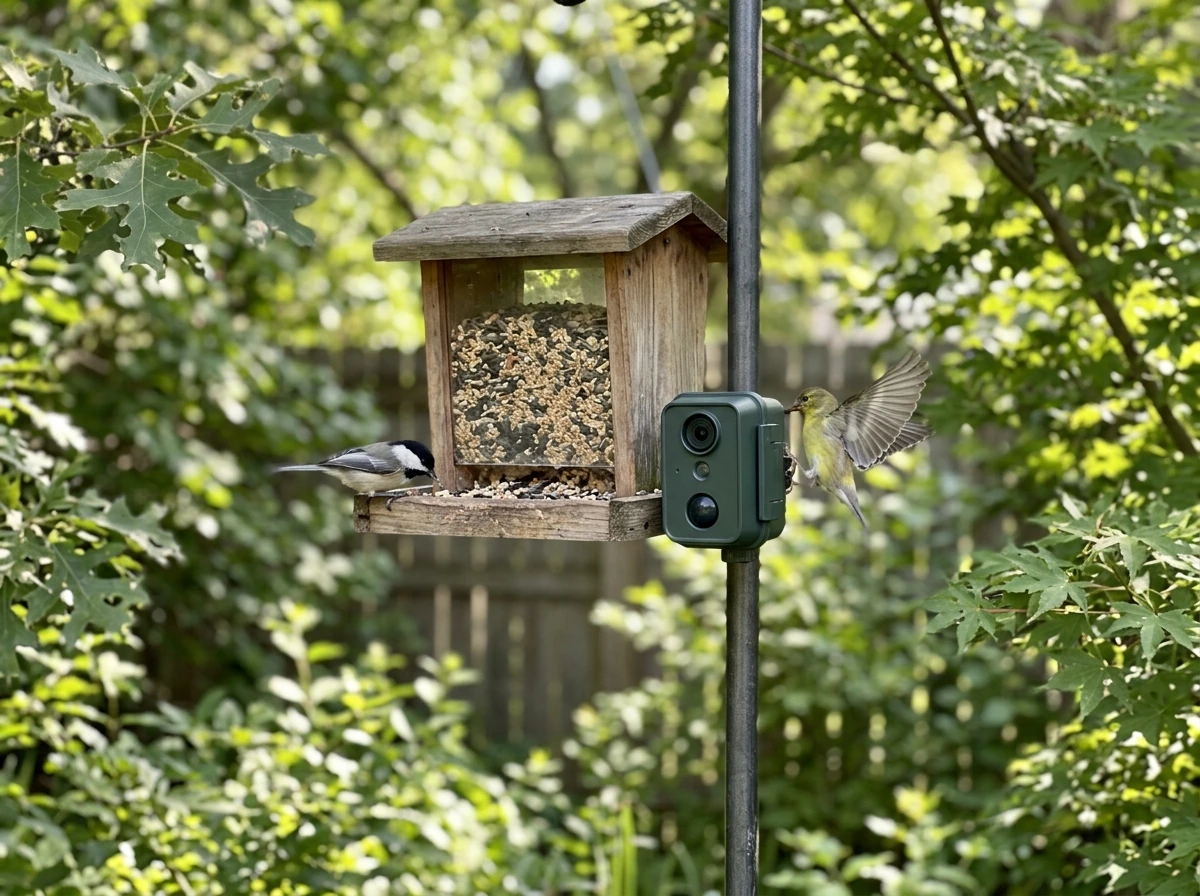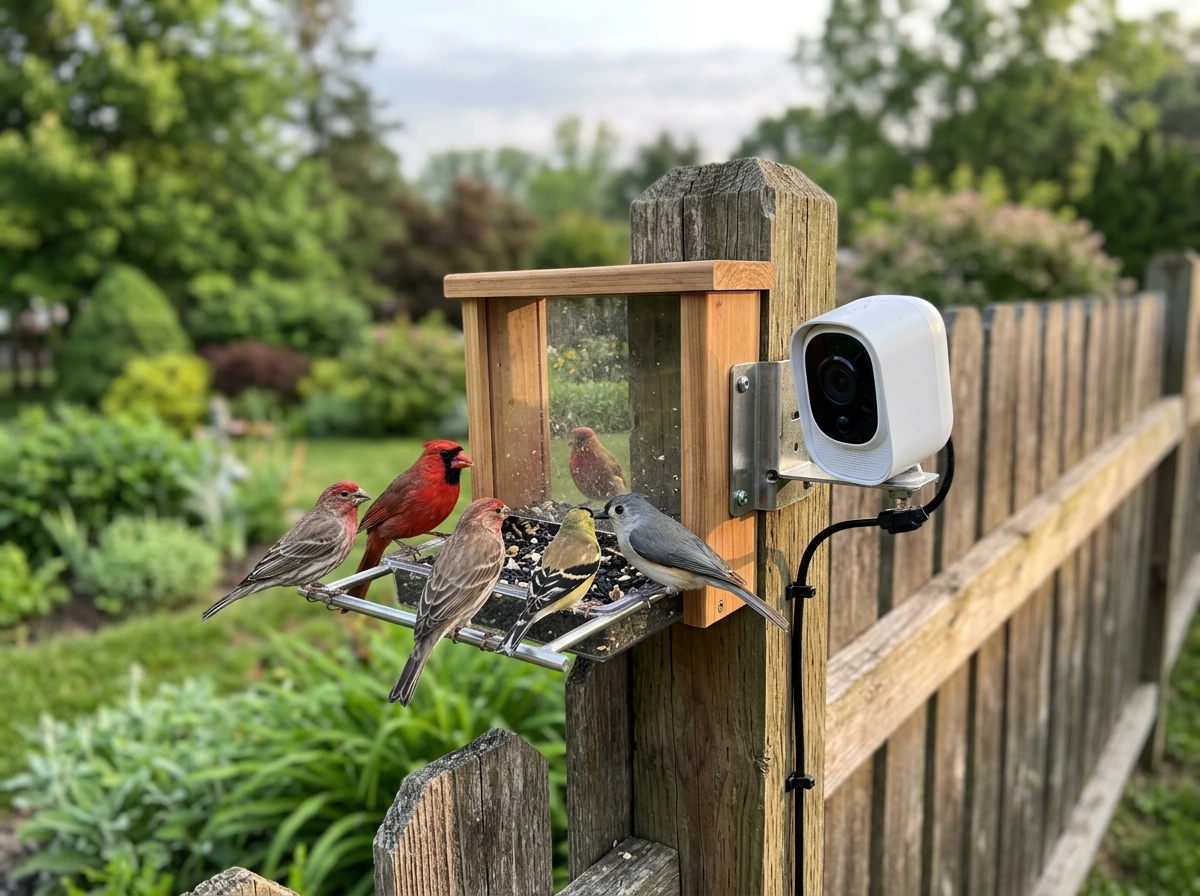
A bird feeder cam is exactly what it sounds like: a bird feeder with a built-in camera that lets you watch, record, and share footage of birds visiting your yard. The best ones in 2026 go further, adding AI species recognition, motion alerts, night vision, and solar charging. If you want clear, reliable bird footage without setting up a separate trail cam or security camera, a dedicated camera feeder is the way to go. This guide cuts through the marketing noise and tells you which models are worth buying, what features actually matter, and how to set everything up so you get great footage of the birds you actually care about.
Best Camera Bird Feeders: Top Picks, Setup, and Reviews
Marcus Hendricks
23 Mar 2026
What you're really buying: bird feeder cameras vs smart bird feeder cameras
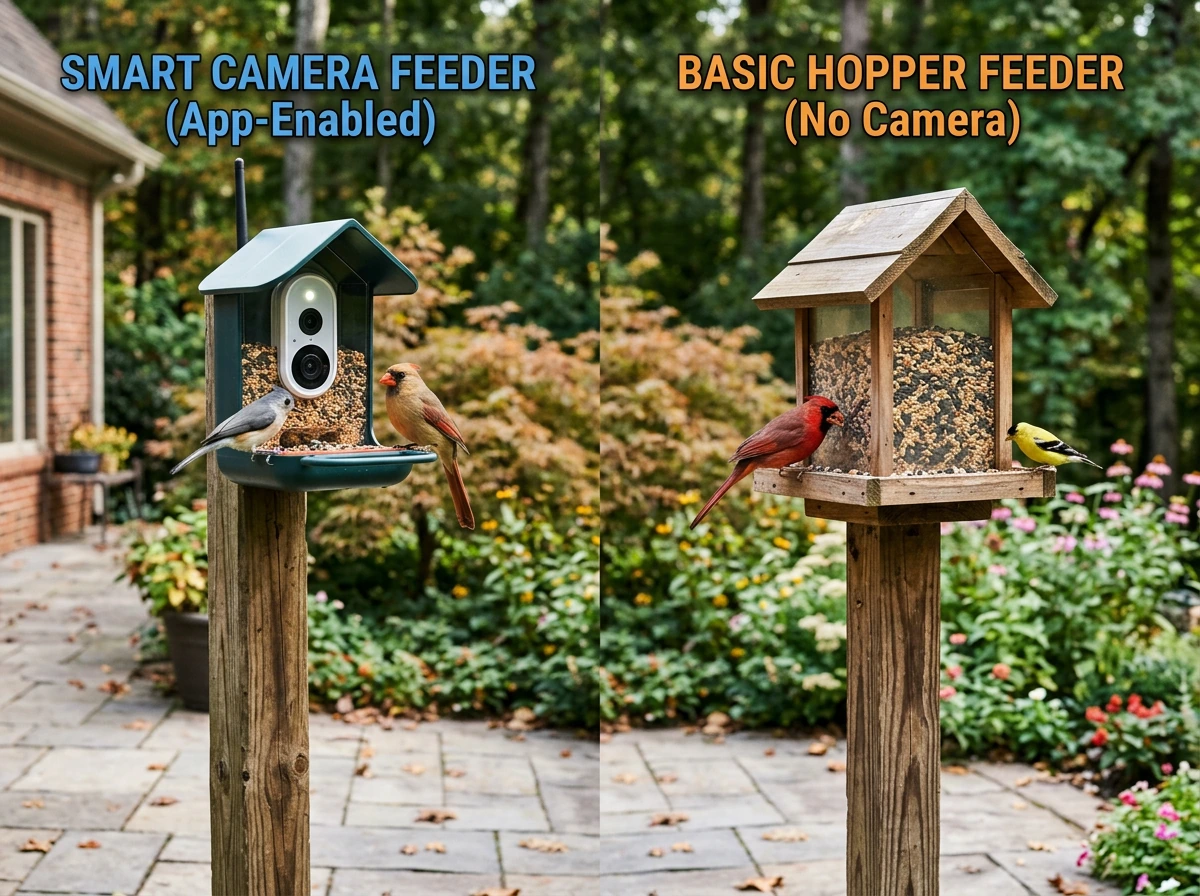
There's a real difference between a basic camera feeder and a smart bird feeder camera, and it matters for your budget and expectations. A basic camera feeder has a lens, records when triggered, and might let you view footage on an app. A smart bird feeder camera adds AI species identification, push notifications, cloud storage, and often a social sharing layer. The Bird Buddy, for example, markets itself as "just a bird feeder with a camera" but positions its app as the real product: you get push notifications, feed sharing, and configuration controls. The hardware gets birds to show up; the app is where the experience actually lives.
This distinction matters because it changes what you pay for over time. Many smart feeders offer a free base app with core features, then charge a subscription for AI recognition, extended cloud storage, or longer video history. Birdfy's AI Bird Recognition, for instance, is optional and subscription-based, while the app itself is free. Kiwibit's Beako follows a similar model: basic motion alerts are included, but Kiwibit Plus unlocks longer video history and more intelligent alerts. Before you buy, ask yourself whether you want the full AI-powered experience or just reliable video. That answer should drive your choice.
If you want to go even deeper on the smart feeder side, the distinction between a camera feeder and a dedicated smart feeder becomes important. We also cover how to compare top models so you can choose the best smart bird feeder camera for your yard, lighting, and subscription preferences. We cover that split in more detail in our guide to the best smart bird feeder camera, which is worth reading alongside this one if you're leaning toward a subscription-based AI experience.
Top picks: best bird feeder camera options by use case
Best overall: Birdfy Feeder 2 Pro
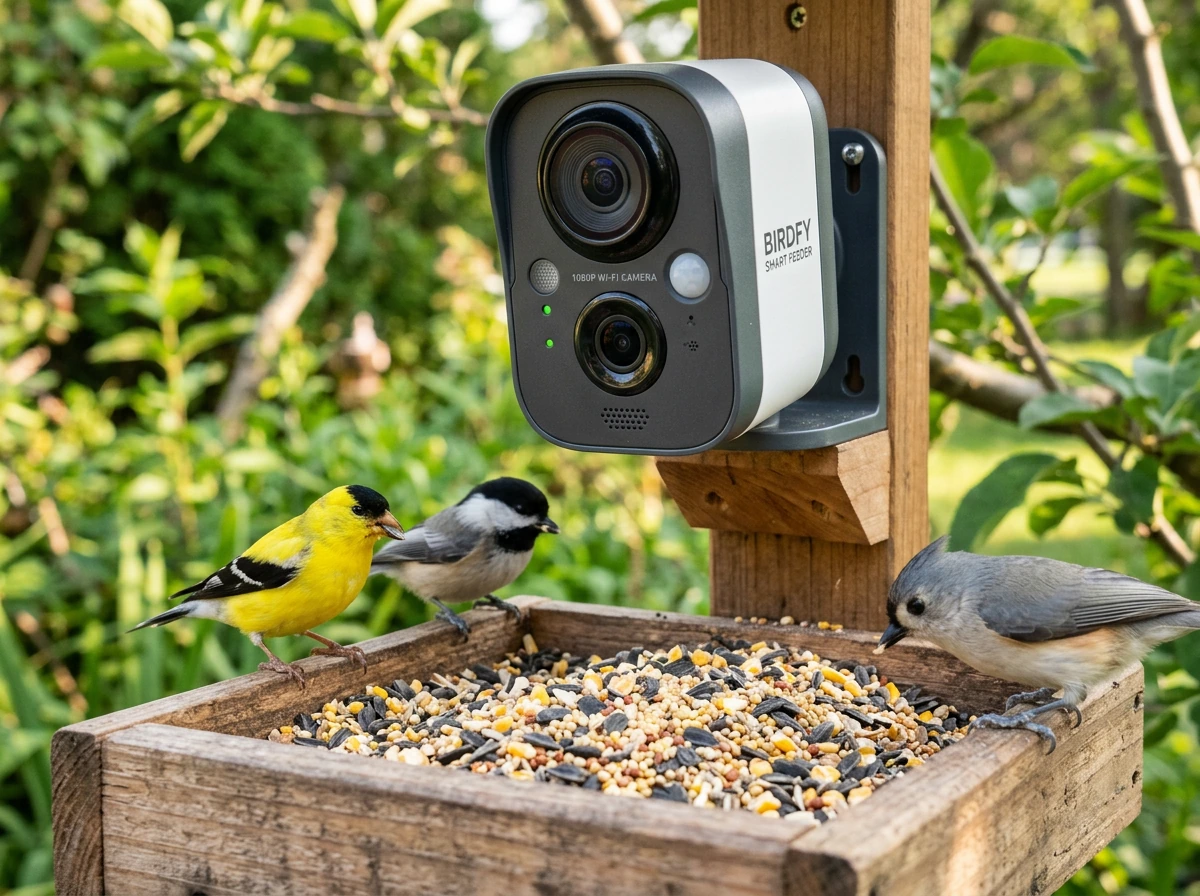
The Birdfy Feeder 2 Pro is the most balanced option for most backyard birders in 2026. It uses a dual-lens setup with a 3MP top lens delivering 2K resolution, an IP66 waterproof rating (one of the best in this category), white-light night vision mode, and unlimited cloud storage with a 30-day retention window. It also supports local microSD storage, so you're not locked into the cloud. The AI species recognition is subscription-based, but the core recording and alert features work without paying more. It handles winter conditions well, and the IP66 rating means heavy rain won't kill it.
Best for tech enthusiasts and future-proofing: Birdfy Feeder Vista
If you want the most impressive footage available right now, the Birdfy Feeder Vista is in a league of its own. Announced at CES 2026, it uses a two-camera panoramic system to record 6K HD video and capture 14-megapixel panoramic images. It's overkill for casual use, but if you want broadcast-quality footage of your backyard birds or you're documenting species for a nature project, nothing else comes close at this price tier. Expect the premium price tag to match.
Best for app experience and community sharing: Bird Buddy (and Bird Buddy Pro)
Bird Buddy has built one of the most polished app ecosystems in this category. The Bird Buddy Pro is IP67 certified (better than most competitors), built from ASA plastic that holds up to UV and freeze-thaw cycles, and can run up to a month on a single battery charge depending on mode. The solar roof accessory reduces how often you need to recharge. Where Bird Buddy really shines is the app: multi-user sharing lets your household all get notifications, and the feed-sharing community is genuinely fun if you enjoy connecting with other birders. If the app experience matters as much as the hardware, this is your pick.
Best solar option: Kiwibit Beako or PerchMe
Both the Kiwibit Beako and PerchMe are built around solar power and offer IP65 weatherproofing. The Beako claims 4K resolution with AI recognition and supports both cloud and local microSD storage. Its IR night vision uses 8 infrared lights at 850nm with a stated 7-meter illumination range, which is solid for a feeder-mounted camera. PerchMe offers a 160-degree wide-angle lens, 2K resolution, and the same dual cloud-plus-SD storage approach. If you don't want to think about charging and you get enough sunlight to keep a solar panel running, either of these is a strong pick. We go deeper on the solar-specific options in our guide to the best solar bird feeder with camera. best solar bird feeder with camera
Budget-friendly entry point: Perky-Pet Smart Camera Feeders
Perky-Pet's smart camera feeders use motion-sensor technology and pair with the Perky-Pet app to send alerts when birds land. They're not going to compete with Birdfy or Bird Buddy on resolution or AI features, but they're widely available, easy to set up, and a reasonable starting point if you're not sure whether you'll stick with a camera feeder long-term. If you end up loving the experience, upgrading later is easy.
Window-mounted bird feeder cameras and best placements
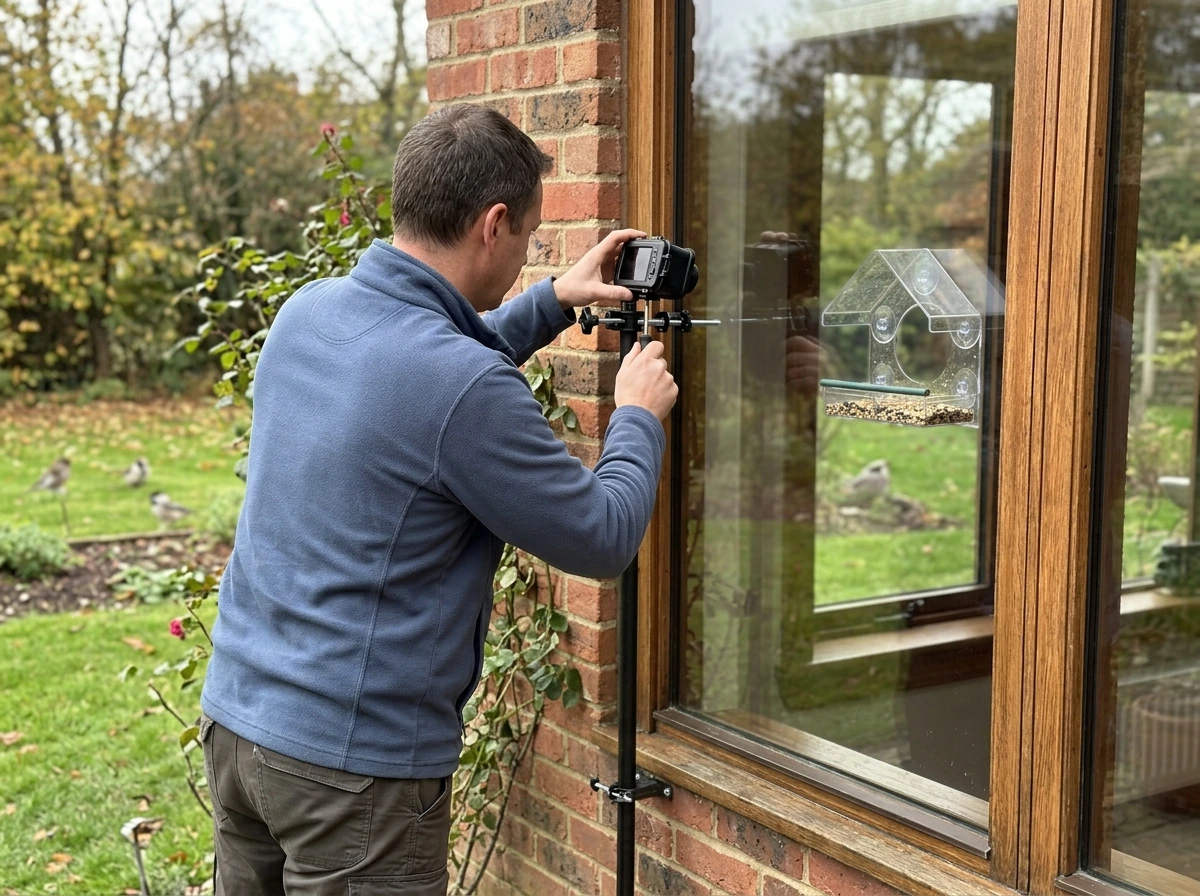
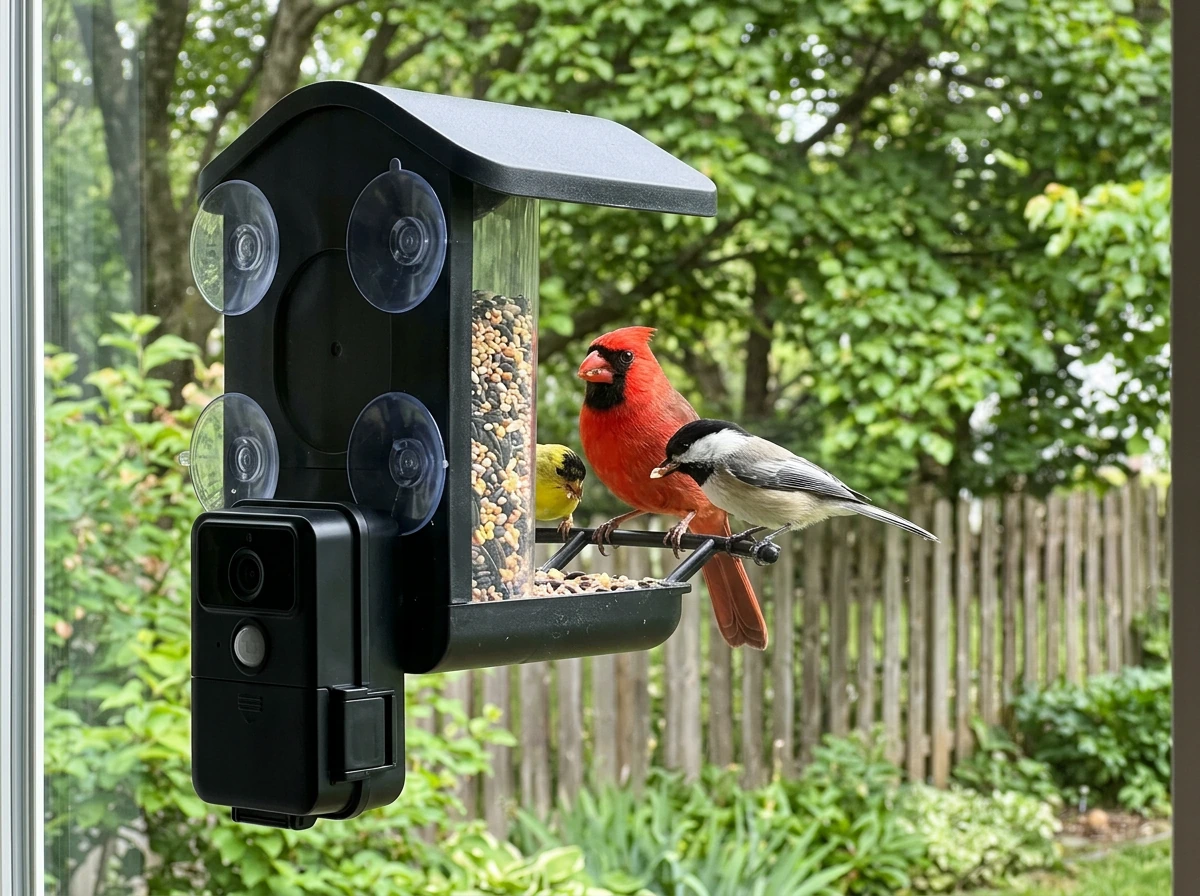
Window-mounted camera feeders give you the closest possible view: birds are literally inches from the glass, and the footage can be extraordinary. The trade-off is window strikes. Birds that take off in a panic can fly directly into the glass, and that's a real safety concern. The guidance from bird safety researchers is consistent: place feeders either within 3 feet of a window or more than 30 feet away. The logic is that a feeder within 3 feet doesn't give a bird enough runway to build up lethal speed before hitting the glass. Beyond 30 feet, they're less likely to associate the window with the feeder at all.
If you go the window-mount route, add visual markers to the glass. Decals, tape strips, or window films that break up the reflection and transparency of the glass can significantly reduce strike risk. The U.S. Fish and Wildlife Service recommends treating every window that faces a feeder or birdbath, not just the window the feeder is mounted on. Take this seriously: window strikes kill hundreds of millions of birds in North America every year.
For camera placement on a window feeder, you want the lens facing outward or angled so the bird's face and body are visible, not just the tail. Most window feeder cameras have a fixed lens position, so check the field of view before buying. A wide-angle lens (like PerchMe's 160-degree option) gives you more flexibility on positioning. Suction-cup mounts work fine for most window feeders, but in cold climates, check that the cups are rated for freezing temperatures, because they can lose grip when the glass gets very cold.
Choosing features that matter: video quality, night vision, motion detection, power, storage, Wi-Fi and app
Video resolution
For bird identification and enjoyable footage, 2K is the practical sweet spot in 2026. It's sharp enough to see feather detail and capture fast-moving birds without producing enormous file sizes. 4K is available on models like the Kiwibit Beako, and 6K exists on the Birdfy Vista, but 4K and above is overkill for most backyard setups unless you're sharing footage publicly or doing species documentation. 1080p is acceptable for casual use but can feel soft when you zoom in.
Night vision
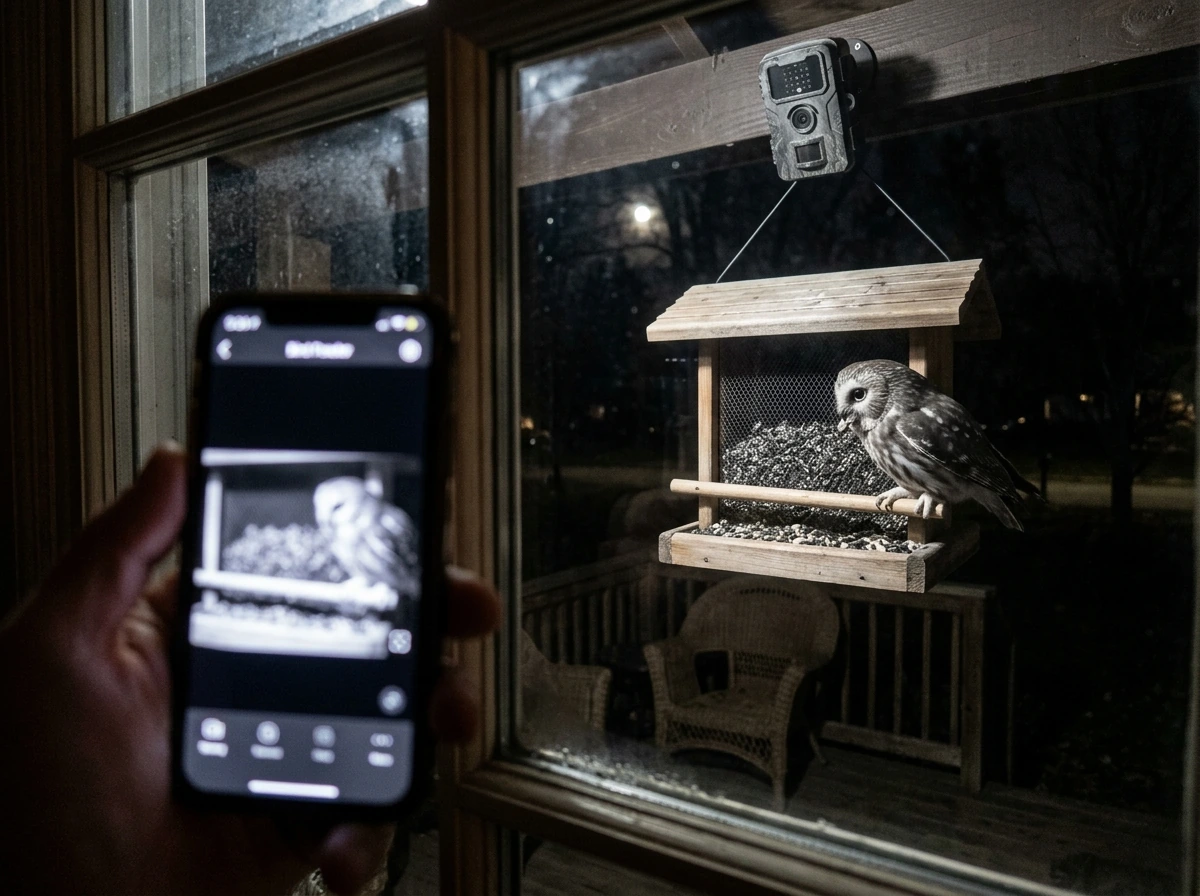
Night vision matters more than most people expect, because early morning and late evening are peak activity times for many species, and those hours can be dark under a tree canopy. There are two main approaches: infrared (IR) night vision, which produces black-and-white footage but doesn't disturb birds, and white-light night vision, which produces color footage but can startle wildlife. The Birdfy Feeder 2 Pro uses white-light night vision. The BeakView and similar IR-based systems use 850nm infrared lights with a 7-meter illumination range. For birds that are easily spooked, IR is usually the safer choice. For feeder setups where you want color identification of nocturnal visitors (like flying squirrels or opossums raiding your feeder), white-light is better.
Motion detection
Motion detection is what triggers recording and sends you alerts. All the major camera feeders have it. What varies is how smart the detection is. Basic systems fire on any movement, which means you'll get a lot of wind-blown branch alerts. Better systems use AI to distinguish birds from background movement or to identify specific species before alerting you. If you're buying without a subscription plan, you'll likely get basic motion detection. AI-filtered alerts usually require a paid tier.
Power options
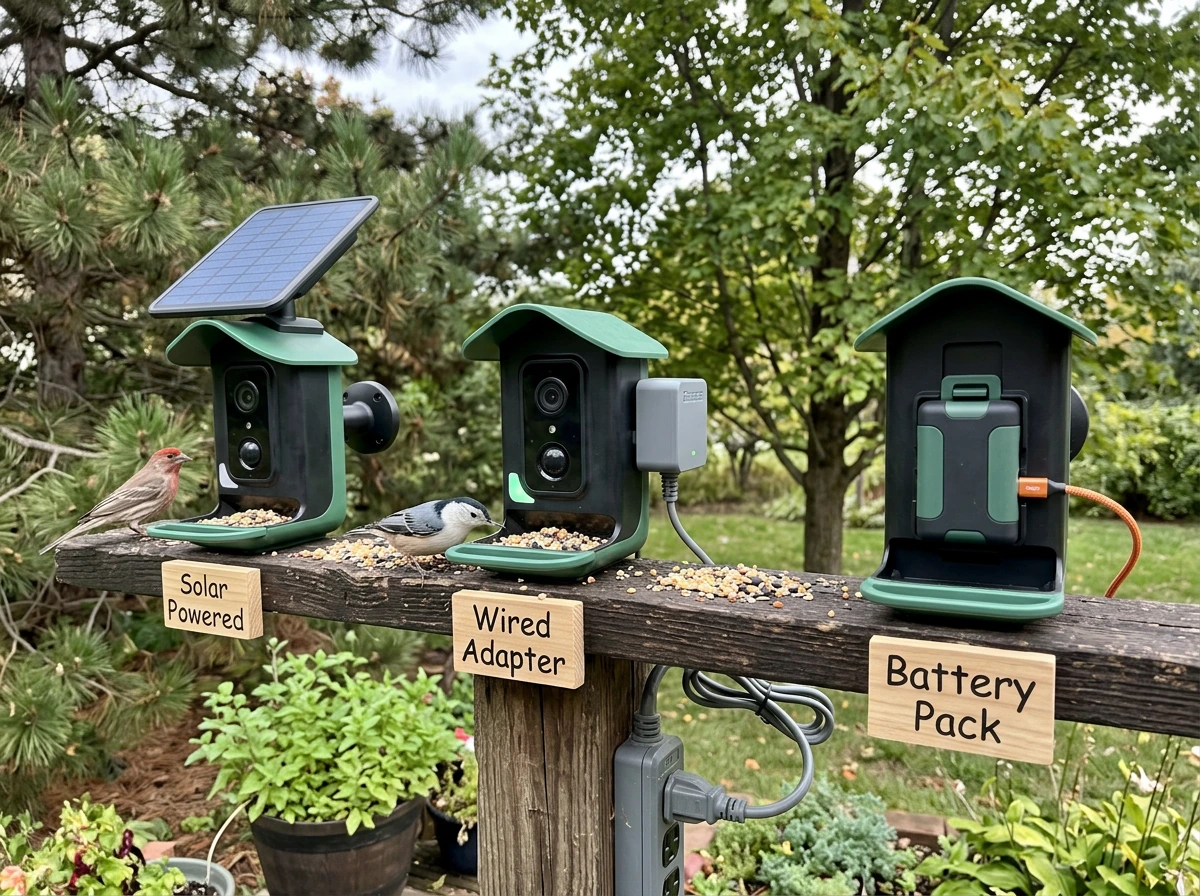
Camera feeders are powered in one of three ways: rechargeable battery, solar, or wired. Battery-powered feeders (like Bird Buddy Pro, rated at up to one month per charge) are the most flexible for placement but require regular attention. Solar feeders (Kiwibit Beako, PerchMe) eliminate charging as a concern if you have enough sun exposure. Wired feeders are less common in this category but offer continuous power without any maintenance. In winter, battery performance drops in cold temperatures, so solar or wired setups have an edge in northern climates.
Storage: cloud vs local
Most camera feeders offer cloud storage, local microSD storage, or both. Cloud storage is convenient but often requires a subscription for meaningful retention. Birdfy Feeder 2 Pro offers unlimited cloud storage with 30-day retention. Kiwibit Beako and PerchMe both support microSD alongside cloud. Local storage means your footage survives even if your Wi-Fi drops or your subscription lapses. I'd prioritize models that support both, and always use the microSD slot if available.
Wi-Fi reliability and app
Most camera feeders require 2.4GHz Wi-Fi, not 5GHz. The Birdfy Feeder 2 series explicitly requires 2.4GHz. This isn't usually a problem, but check your router settings if your network is dual-band and you're having connection issues. Birdfy's own documentation recommends positioning the feeder and router at similar heights (1 to 2 meters above ground) for better signal stability, and warns that metal housing can block the signal. Keep that in mind if you're mounting near a metal pole or bracket. For troubleshooting, a Wi-Fi analyzer app on your phone can help you confirm signal strength at the feeder location before you commit to a spot.
Comparisons and buying guide: how to evaluate camera bird feeders
Here's a side-by-side look at the main contenders across the specs that actually matter for a buying decision. Use this as your starting checklist.
| Model | Resolution | Night Vision | Waterproof Rating | Power | Storage | AI Recognition |
|---|---|---|---|---|---|---|
| Birdfy Feeder 2 Pro | 2K (3MP top lens) | White-light | IP66 | Battery / wired | Cloud (30-day) + microSD | Optional subscription |
| Birdfy Feeder Vista | 6K panoramic | Not specified | Not specified | Not specified | Cloud | Optional subscription |
| Bird Buddy Pro | Not specified | Not specified | IP67 | Battery + solar roof | Cloud | Included in app |
| Kiwibit Beako | 4K | IR (850nm, 7M range) | IP65 | Solar | Cloud + microSD | Optional (Kiwibit Plus) |
| PerchMe | 2K | Not specified | IP65 | Solar | Cloud + microSD | Included |
| Perky-Pet Smart Camera | Not specified | Not specified | Not specified | Battery | App-based | Basic motion alerts |
A few practical notes on reading this table: IP66 means the feeder can handle powerful water jets, while IP67 means it can be submerged briefly. Both are more than sufficient for rain and snow. IP65 handles rain and splashing well but is slightly less robust. For most backyard conditions, IP65 is fine. If you live somewhere with extreme weather, ice storms, or heavy snow loading, IP66 or IP67 gives you more peace of mind.
On AI recognition: every company calls their AI identification impressive. In practice, accuracy varies by species and lighting conditions. The more common the bird, the more reliable the ID. Unusual or regionally specific species are harder for all of these systems. Treat AI ID as a useful first guess, not a definitive identification, especially for look-alike species.
My buying recommendation in plain terms
If you want the best all-around package without fuss, buy the Birdfy Feeder 2 Pro. If the app ecosystem and community sharing matter to you, go with Bird Buddy Pro. If you want zero charging hassle and you get good sun, Kiwibit Beako is the solar pick. If you're not sure and you want to test the concept cheaply, Perky-Pet gets you started. And if you want the absolute best video quality available right now and price is secondary, the Birdfy Vista is the one to get.
Smart reviews: setup, reliability, weather durability, and user experience
Setup difficulty varies more than brands admit. Most camera feeders follow the same basic process: download the app, create an account, connect to your 2.4GHz Wi-Fi network, mount the feeder, and fill it. The steps that trip people up are almost always Wi-Fi related. If your phone automatically switches between 2.4GHz and 5GHz, it can confuse the feeder during setup. Temporarily force your phone to 2.4GHz before pairing. Also make sure the feeder is within decent range of your router during initial setup, even if you plan to move it further away later.
Reliability after setup is where brands separate themselves. The key culprits for dropped connections are distance from the router, interference from metal structures, and firmware that hasn't been updated. Birdfy's documentation specifically calls out metal housing as a signal blocker, which is relevant if you have a metal pole-mounted setup. Keep the feeder in line-of-sight of the router if possible, or use a Wi-Fi extender if your yard is large. Most connectivity issues people complain about online trace back to placement, not defective hardware.
Weather durability in real conditions is different from lab ratings. IP66 and IP67 ratings are tested under controlled conditions, but real backyard use includes weeks of freeze-thaw cycles, bird droppings, seed oils, and sun exposure. The Bird Buddy's ASA plastic construction is notably resistant to UV degradation, which matters if your feeder gets direct sun year-round. For any camera feeder in winter, check that the battery or solar panel specs include cold-temperature performance. Lithium batteries lose capacity in sub-freezing temps, and solar panels produce less in short winter days. If you're in a cold climate, a white-light model can actually serve double duty: the light itself generates a small amount of heat that can help prevent lens fogging.
App experience is genuinely part of the product. A laggy app, a clunky notification system, or a subscription paywall that hides basic features will ruin an otherwise good hardware experience. Bird Buddy has the most polished app in this category as of early 2026, with multi-user sharing and a clean feed interface. Birdfy's app is functional and improving with firmware updates. Perky-Pet's app is simpler but reliable for what it does. Read recent user reviews on app stores before buying, because app quality can change dramatically with updates, for better or worse.
Species targeting and feeding setup: matching camera views to the birds you want
The camera is only half the equation. If you're not attracting the right birds to the right spot, you won't get the footage you're hoping for. Here's how to match your feeder type and camera placement to specific target species.
Cardinals, blue jays, and doves
These are larger birds that prefer platform or hopper feeders with open perch space. They're also somewhat wary, so a feeder placed too close to a window or in an exposed spot may deter them initially. Set your camera feeder 10 to 20 feet from the window if possible, in a sheltered location near shrubs or trees. Sunflower seeds and safflower attract cardinals reliably. Blue jays go for whole peanuts and corn. A wide-angle lens helps here because these birds often visit in pairs and move around the feeding platform.
Finches and small songbirds
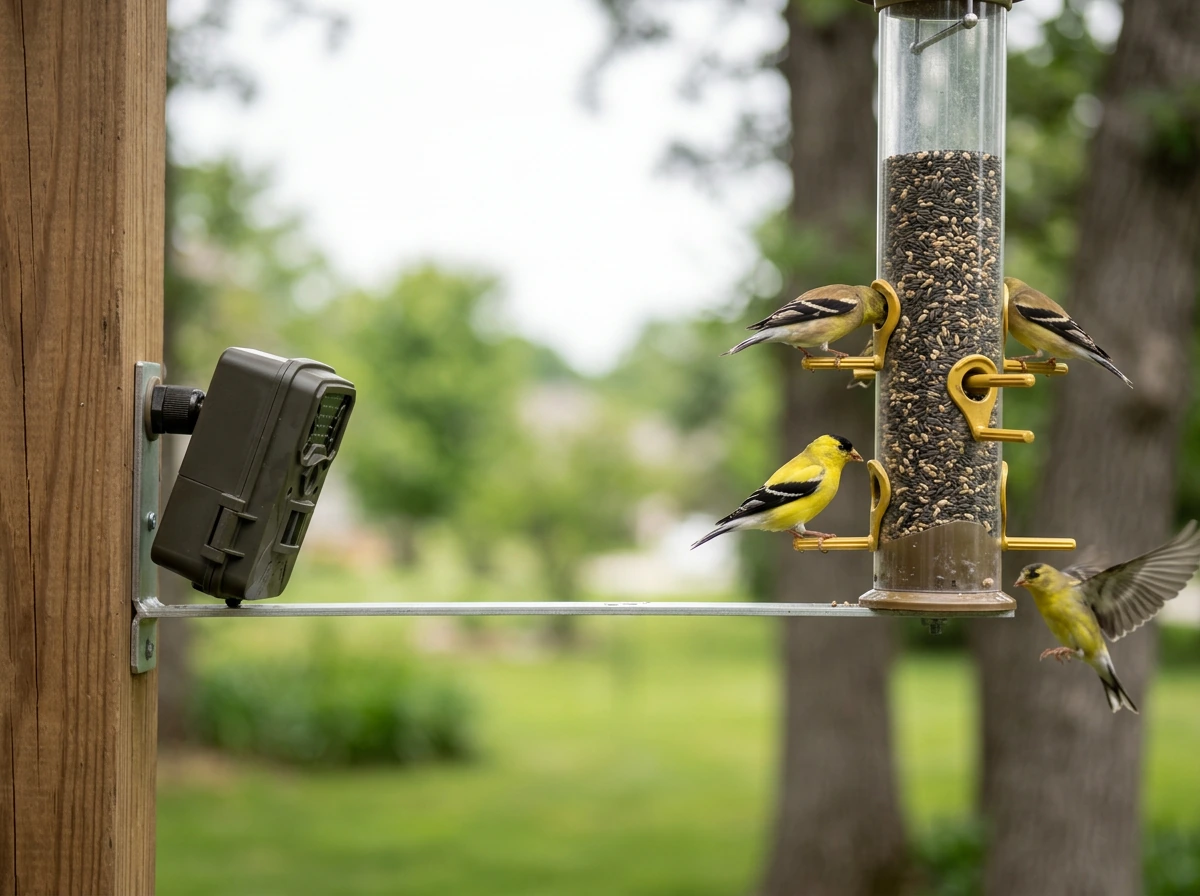
Finches love tube feeders with nyjer (thistle) or fine sunflower chips. They're fast-moving and often visit in flocks, so a high frame-rate camera and motion detection that can handle multiple triggers in quick succession matters more than raw resolution. A camera positioned slightly above the feeder and angled down gives you better face-on shots. Window feeders work well for finches because they're bolder than larger species and adapt quickly to close-up human proximity.
Woodpeckers
Woodpeckers are suet birds. If you're running a suet cage or a suet-integrated feeder, position your camera on the side the woodpecker clings to. Downy and hairy woodpeckers are common year-round; pileated woodpeckers are rarer but spectacular on camera. Because woodpeckers cling vertically rather than perching horizontally, you need a camera with a wider field of view or one you can angle laterally. The Birdfy Feeder 2 Pro's dual-lens setup gives you more flexibility here than a single fixed-lens model.
Orioles and hummingbirds
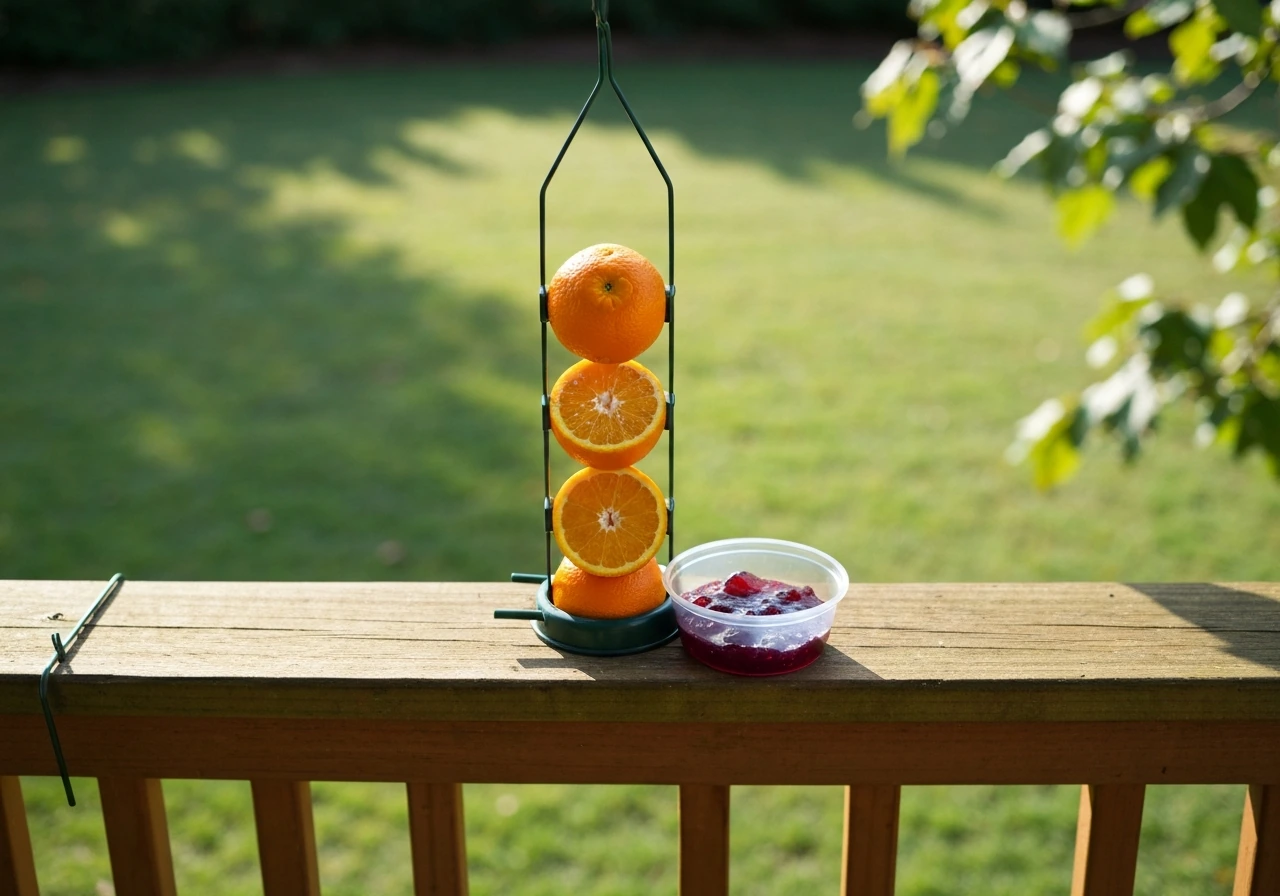
These are spring and summer visitors in most of North America, so your camera setup for them is seasonal. Orioles come to orange halves, grape jelly, and nectar feeders. Hummingbirds need dedicated nectar feeders. Both species are particularly photogenic because of their color, which means white-light night vision cameras (which produce true color even in low light) are worth considering if you want to catch early morning visits. The Birdfy Feeder Vista's panoramic approach is almost purpose-built for hummingbird feeders, where the birds are tiny and dart in and out quickly. Birdfy even announced a dedicated hummingbird feeder product at CES 2026 alongside the Vista.
Winter feeding and camera considerations
In winter, bird activity at feeders actually increases because natural food sources dry up. That's a great opportunity for footage, but it's also when your camera feeder gets tested hardest. Check that your seed ports don't freeze shut (covered or hopper designs handle snow better than open platform feeders in cold climates). For the camera itself, battery-powered models may need more frequent charging in winter. Solar models perform best when the panel is angled to catch low winter sun rather than mounted flat. Keep the lens clear of ice buildup, and consider a feeder with a roof overhang that sheds snow away from both the seed ports and the lens.
Whatever birds you're targeting and whatever season you're in, the formula is the same: right food, right feeder design, right camera angle, and a connection setup that actually works. Get those four things right and you'll end up with footage you'll want to share. Start with one feeder, one location, and one app you're comfortable with. You can always add more once you know what works in your specific yard.
FAQ
Do I need a subscription to get useful footage with the best camera bird feeders?
Usually no for basic video and motion recording, but yes for the “smart” parts. Many models let you view or save clips without paying, while AI species recognition, longer history, richer alert types, or extended cloud retention often require a paid tier. If you only care about getting birds on camera, prioritize local microSD plus motion alerts you can use immediately.
What’s the best way to mount a camera bird feeder for less glare and better bird facial shots?
Aim for an angle where birds approach and land with their body facing the lens, not just the tail. If you see heavy reflections, shift the mount slightly or rotate the feeder so the lens points slightly downward toward the perch area. For solar or battery models, also keep the lens and sensor covers clean, because dust and seed haze reduce contrast and hurt night performance.
How can I reduce “wind alerts” and false recordings?
Start by tightening detection sensitivity if your app allows it, and confirm the feeder and any nearby branches are stable. AI-filtering (when available) is most effective, but even without AI you can often improve results by choosing a sheltered spot and avoiding placement next to swaying grasses or thin, high-branching limbs.
If I get both cloud and microSD, where should I rely for reliability?
Use microSD as your safety net. Cloud storage is convenient, but it can pause if your subscription lapses or your internet goes down, while local storage continues even during Wi-Fi outages. A good workflow is to keep the microSD enabled, then use cloud mainly for sharing or quickly reviewing clips on your phone.
Are these feeders safe for birds and will they increase window strikes?
Camera feeder use can contribute to strikes if the setup reflects glass or if birds startle into the pane. For window-mount feeders, follow the proven placement rule (very close or far away), and apply visual markers to every window that faces the feeder area, not only the exact mounting window. Also avoid placing the feeder where birds fly toward open doors or where reflections “erase” the marker pattern.
What Wi-Fi should I use, and what if my feeder keeps failing to pair?
Most camera feeders expect 2.4GHz Wi-Fi, not 5GHz. During setup, temporarily force your phone onto 2.4GHz (some phones auto-switch). Also pair in a spot with decent signal range, since weak Wi-Fi at the start often causes repeated connection failures later, even if the feeder “sort of works” briefly.
Should I prioritize IR or white-light night vision for the birds I want?
IR is typically better if you want birds to keep visiting without being startled, since it usually produces black-and-white footage but minimal disturbance. White-light is best when you need true color ID for nocturnal visitors, but expect a higher chance of spooking cautious species. If you’re in a colder climate, note that white-light can help reduce lens fogging in some setups.
Why does AI species recognition sometimes look wrong even when the video is clear?
AI accuracy drops with low light, motion blur, partial views (birds perched behind seed ports), or unusual species in your region. Look-alike species, especially at feeders with mixed seed types, also confuse models. Treat AI IDs as a helpful first guess, then verify by reviewing clips with stable frames.
How often should I clean the camera feeder to keep footage sharp?
At least monthly, and more often during peak seed use or rainy periods. Wipe the lens cover gently, remove seed dust from vents and sensor areas, and clear any film buildup from oils and droppings. If you see focus drift or washed-out images at night, cleaning the lens and infrared/white-light emitters usually fixes it faster than changing settings.
Do solar camera feeders work in winter, and what should I change?
They can work well, but you usually need better panel orientation and planning for shorter, dimmer days. In winter, angle the solar panel to catch low sun rather than mounting flat, and consider a feeder with a weatherproof design that sheds snow away from the seed ports and lens. If your yard is shaded much of the day, a battery model (with cold-rated performance) may be more dependable.
How far should I place the feeder from the router or use a Wi-Fi extender?
Don’t guess based on indoor signal bars. Before buying or after installing, test that the feeder location can maintain a stable 2.4GHz connection. If your yard is large or separated by metal structures, a Wi-Fi extender positioned for line-of-sight can prevent dropouts, which are often blamed on “bad hardware” but are usually placement related.
Which feeder type attracts the species I’m actually trying to film?
Pick based on feeding behavior, not just camera specs. Larger birds often prefer open perch platform or hopper setups, finches usually want tube feeders with fine seed, and woodpeckers respond best to suet configurations. If you target hummingbirds or orioles, look for setups designed for fast, tiny approaches, and consider whether you need color-accurate night performance.
Is higher resolution always better for bird footage and sharing?
Not always. For most backyard filming, 2K is a practical sweet spot because it captures detail without creating huge files. Higher resolution can help for public sharing or documentation, but it can also increase storage and slow app review. If your goal is quick alerts and reliable clips, resolution beyond your editing and storage needs may not improve your experience.