The Sharper Image camera bird feeders (Items #208583 and #212172) are decent entry-level smart feeders that deliver 1080p video, motion-triggered recording, and a built-in solar panel for a price that undercuts most name-brand AI feeders. They work reasonably well if you have a strong 2.4GHz Wi-Fi signal, good outdoor placement, and some patience during setup. If you just want a regular bird feeder without a camera, Sharper Image makes those too, but honestly most people searching for this product are after the camera version, and that's what this review focuses on.
Sharper Image Bird Feeder Reviews: Camera Models Guide
Marcus Hendricks
1 Jul 2026
Quick verdict: camera model vs. standard feeder
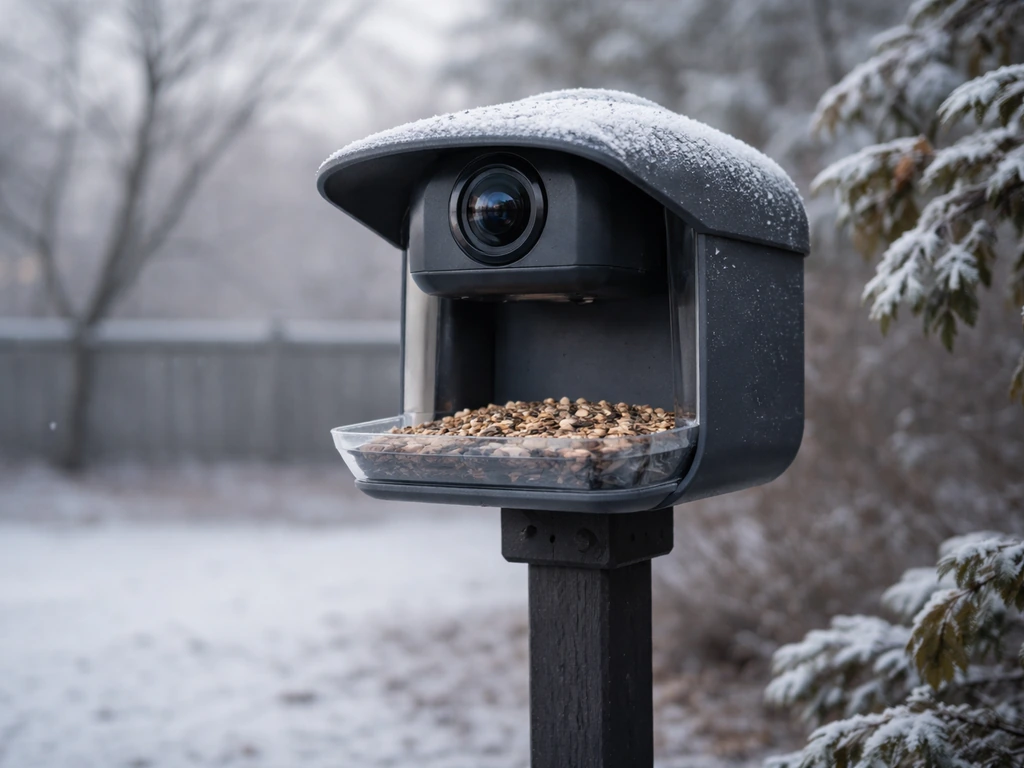
Sharper Image currently sells two camera feeder variants worth knowing about: Item #208583 (the original camera feeder) and Item #212172 (a newer version in the same family). Sharper Image sells the built-in-camera smart bird feeder “Video Camera Bird Feeder by Sharper Image” (Item #208583) on its product page. There's also a separate hummingbird-specific camera feeder (Item #209472).
All three share the same core tech: 1080p video, 2MP stills, motion activation, 2. 4GHz Wi-Fi, and solar-plus-USB charging. The non-camera Sharper Image feeders are basic hoppers and tube feeders, perfectly fine for feeding birds but offering nothing special compared to feeders from Perky-Pet or similar brands. If you're deciding between these Sharper Image options and Perky-Pet smart feeders, the Perky-Pet bird feeder reviews are a helpful next read before you buy.
If you're looking for the smart camera experience, you want Item #208583 or #212172.
Between the two camera models, Item #212172 is the better buy if you can find it. It adds dual motion and accelerometer sensors, confirms the 130-degree wide-angle lens, and has cleaner documentation. Item #208583 is more widely available and ships with an 8GB microSD card, a USB cable, and a mounting bracket already in the box, which is a nice touch. Either way, you're getting a fundamentally similar camera setup, so availability and price should drive your choice between them.
What to actually look for in a camera bird feeder
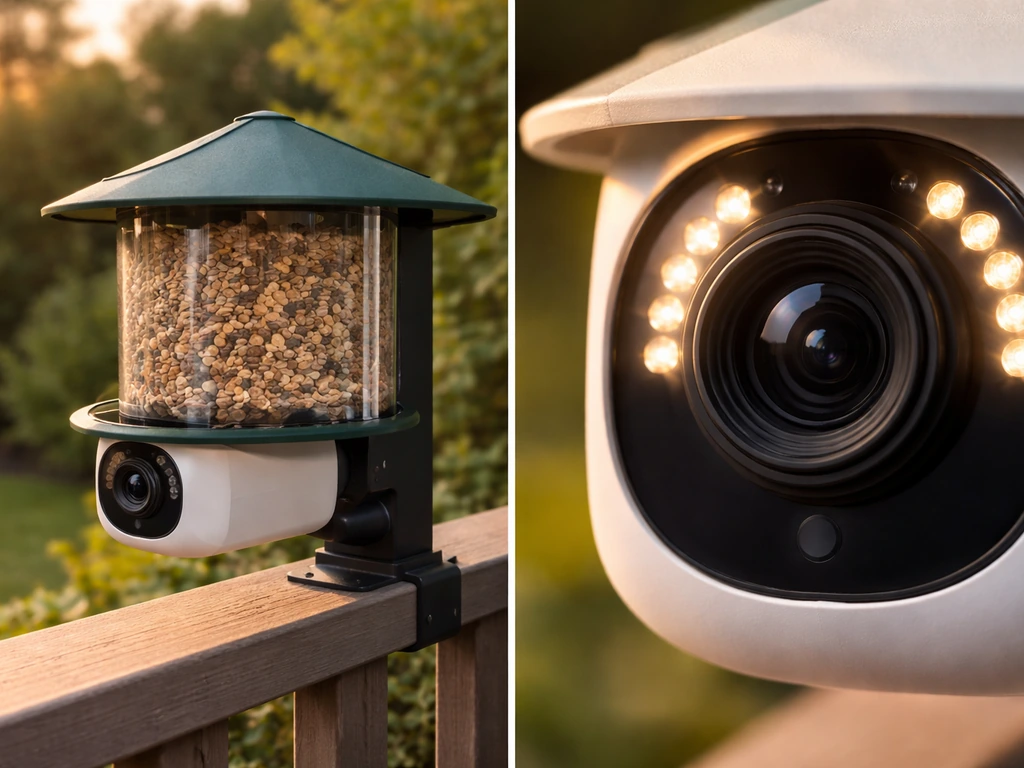
Before you buy any camera feeder, including this one, there are five things worth checking carefully. Sharper Image checks some of these boxes better than others.
Video and image quality
Both models capture 1080p HD video and 2MP photos. That's enough resolution to identify most common backyard birds in decent light. The honest caveat: 2MP is on the low end for still photos, and as TechRadar and Tom's Guide have both noted in reviews of similar smart feeders, marketing resolution specs don't always translate to sharp real-world images. Fast-moving birds, minimum focusing distance, and backlighting from a bright sky can all soften the image.
One r/birding discussion about blurry photos on a feeder camera also points to setup variables like positioning, focus, and viewing angle as common causes of soft images Fast-moving birds, minimum focusing distance, and backlighting from a bright sky can all soften the image. .
In bright, even daylight, these feeders can produce genuinely good footage. In overcast conditions or early morning, results will be softer.
Night and low-light performance
Item #212172's manual lists an infrared LED and a light sensor, confirming there is night vision capability with a range of up to 8 meters (about 26 feet). Night footage will be black and white, as with virtually all IR-based cameras. Don't expect to pull crisp color photos of a great horned owl at 2 a.m., but for dusk and dawn activity from owls, raccoons investigating the feeder, or early-rising cardinals, the night vision is a useful bonus.
Power and charging
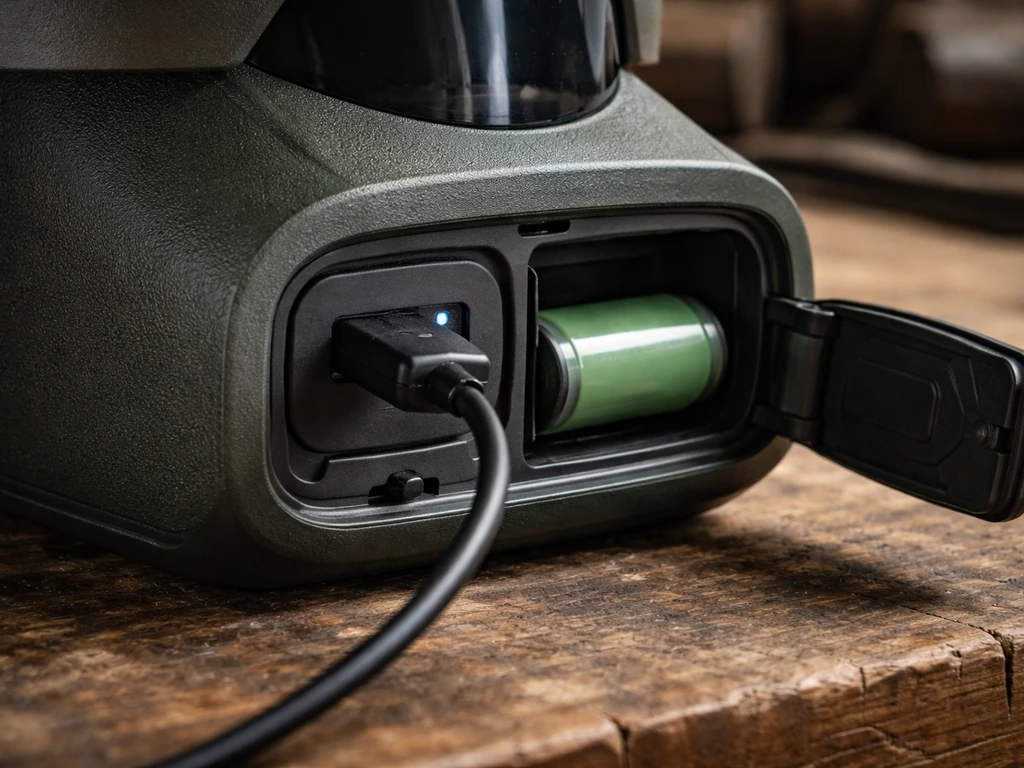
Both camera models run on a 5200mAh rechargeable lithium-ion battery. Sharper Image says that on standby, a full charge lasts up to three months. In practice, heavy motion-triggered recording (say, a popular feeder with high bird traffic in summer) will drain that faster. The built-in solar panel is supposed to extend runtime passively throughout the day, and you can also charge via USB. In winter, especially in northern climates where solar gain is minimal and temperatures drop below freezing, plan to charge via USB more often. The operating temperature range for Item #212172 is listed as -5°F to 120°F, so it can handle cold snaps, but battery performance will degrade in the cold as it does with any lithium battery.
Connectivity and app experience
Both models require a 2.4GHz Wi-Fi connection and will not connect to a 5GHz network, even if your router broadcasts the same SSID for both bands. This is the single most common setup frustration people run into, and it's worth knowing upfront. The app supports iOS 10.1 and above and Android 5.0 and above. That covers most phones, but there are real-world reports of pairing failures on specific Android models, including a Samsung Galaxy A14 issue reported in May 2026 on the Sharper Image product page. If you're on Android and hit connection trouble, the usual fix is to temporarily connect your phone to the 2.4GHz band specifically before pairing.
Storage options
Item #208583 ships with an 8GB microSD card for local storage, which is genuinely helpful. You can also use cloud storage through the app (via iCloud or a subscription depending on your setup). Item #212172 also supports both cloud and local microSD storage. If you'd rather not deal with cloud subscriptions, stick with the local card option. Just remember to format the card in the feeder itself before first use, not on your computer, to avoid file system compatibility issues.
How it performs with real backyard birds
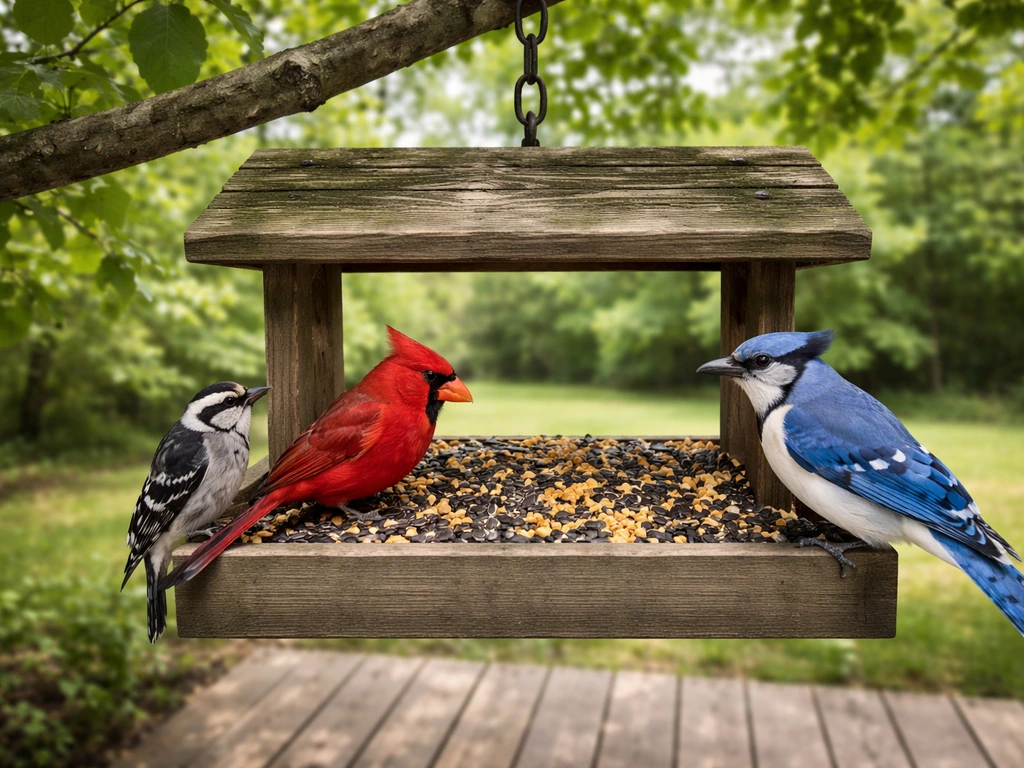
The 130-degree wide-angle lens on both camera models gives you a generous field of view. At a well-stocked feeder, you'll typically capture the full feeding tray and a few inches of surrounding perch space. That's wide enough to catch multiple birds at once, which is one of the best things about having a feeder camera in the first place.
For larger, relatively still birds like cardinals, blue jays, mourning doves, and woodpeckers, the camera performs well. These birds tend to sit and feed rather than dart in and out, which means the motion activation has time to trigger and the camera can track a reasonably sharp image. Smaller, faster birds like finches and chickadees are harder to capture cleanly because they land, grab a seed, and leave in seconds. You'll still get footage, but expect more motion blur on these species.
Orioles and bluebirds are worth noting separately. Orioles tend to be skittish and may avoid feeders with obvious cameras or hardware on them initially. Give it a week or two before judging performance, because once they're comfortable with the feeder, you'll get some of the best footage of any species thanks to their bright color. Bluebirds are similarly rewarding when you do catch them. Hummingbirds are better served by the dedicated Item #209472 hummingbird camera feeder, which is built around nectar feeding and includes AI identification across over 300 species.
Night vision is mostly useful for catching raccoons, possums, and the occasional owl, rather than songbirds. Most backyard songbirds don't feed after dark, so don't weigh night performance too heavily when evaluating this for bird-watching specifically.
Build quality, weather resistance, and pest deterrence
Item #208583 carries an IP65 weatherproof rating. IP65 means it's fully dust-tight and protected against water jets from any direction, which is solid for an outdoor camera feeder. It handles rain and wind well. What it won't handle is submersion or direct, sustained ice formation around the camera lens or ports, so in winter you'll want to position it under a slight roof overhang or in a sheltered spot if your area gets heavy snow.
The operating temperature floor of -5°F gives it reasonable cold-weather viability. In practice, winter use in the northern U.S. or Canada means you'll notice the battery charging less efficiently from solar alone, and you may need to bring it inside to charge via USB every few weeks during the coldest months. This is true of virtually every solar-battery combo on the market, not a Sharper Image-specific flaw.
On the pest side, Item #212172 includes a physical anti-squirrel siren component listed in its manual, and the feature appears in Item #208583's app interface as well. The idea is that through the app, you can trigger an alarm to scare squirrels off the feeder remotely. In practice, bold urban squirrels tend to habituate to audio deterrents fairly quickly.
The siren is a nice-to-have, but it's not a substitute for a pole baffle or a weight-sensitive perch design if squirrels are a serious problem in your yard. For rat resistance, the camera gives you visibility into nighttime visits, which is genuinely useful, but the feeder itself doesn't have any weight-based or enclosed mechanism to exclude rodents. If rats are a concern, you'll want to pair it with careful seed management and a ground-level tray.
Setup, placement, and troubleshooting
Getting the setup right the first time
- Charge the battery fully via USB before first use, even if you plan to rely on solar going forward.
- Download the Sharper Image app and create an account before touching the feeder hardware.
- Temporarily connect your phone to your 2.4GHz Wi-Fi band (not 5GHz) before starting the device pairing process.
- Insert and format the microSD card in the feeder, not on your computer, to avoid read errors.
- Mount the feeder using the included bracket at a height between 4 and 6 feet, which balances bird comfort with camera viewing angle.
- Point the feeder so the camera faces away from direct sun to reduce glare and overexposure.
Placement for clear footage
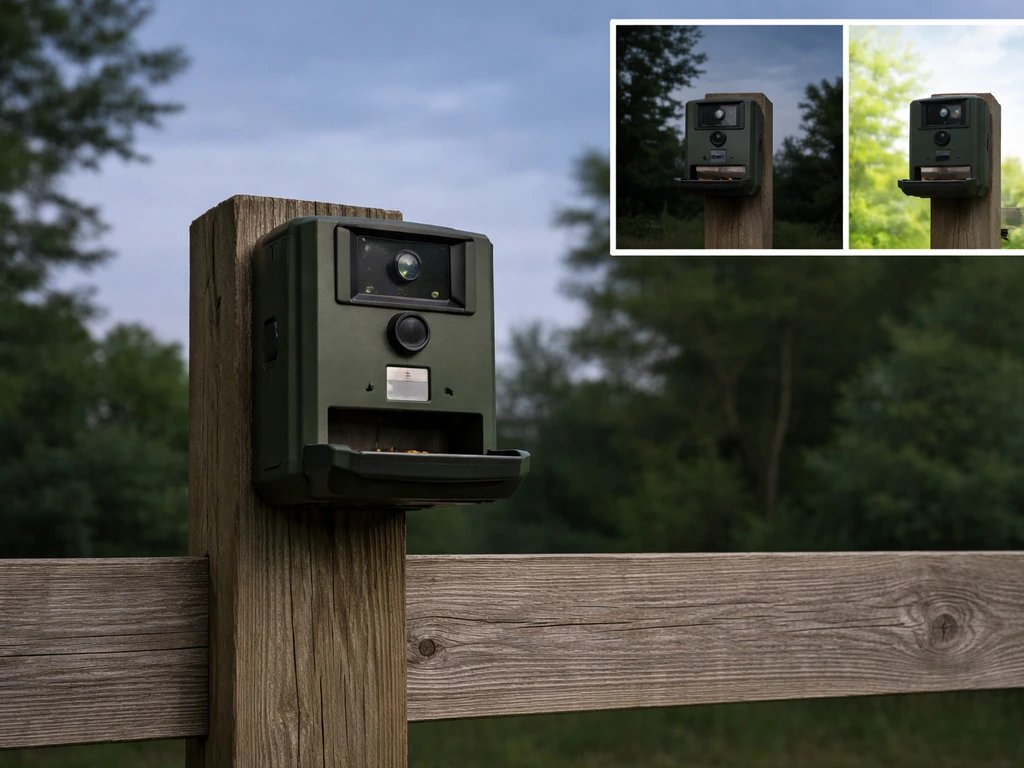
The 130-degree wide angle works best when the feeder is mounted 5 to 8 feet from a wall, fence, or tree, with open sky behind the feeding tray rather than a bright background. If the sky is directly behind visiting birds, the camera's auto-exposure will compensate for the bright background and underexpose the bird, giving you a silhouette instead of a portrait.
If you also want a bird feeder review focused specifically on smaller species and how well they trigger activity, this peckish small bird feeder review is a useful comparison point. North-facing or east-facing placement usually gives the most consistent, even light through morning and midday. Avoid mounting directly under a dense canopy where light levels are too low for the camera.
Common problems and fixes
| Problem | Most Likely Cause | Fix |
|---|---|---|
| Won't connect to Wi-Fi | Phone or router defaulting to 5GHz band | Force your phone onto 2.4GHz before pairing; split bands in router settings if needed |
| App pairing fails on Android | Device-specific compatibility issue | Try on a second Android device or iOS; check for app updates |
| Blurry bird footage | Bird too close to camera minimum focus distance, or fast movement | Reposition feeder perch slightly further from lens; check for smudges on lens cover |
| Battery drains fast in winter | Cold temps reduce lithium-ion capacity; low solar gain | Charge via USB monthly; bring indoors overnight during deep freezes if possible |
| No recordings on microSD | Card not formatted in feeder, or recording settings off in app | Format card via the app's settings menu, then re-enable motion recording |
| Motion alerts firing constantly | Sensitivity set too high, or feeder placed near moving foliage | Lower motion sensitivity in app; move feeder away from wind-blown branches |
Value compared to other smart feeders and DIY options
The Sharper Image camera feeders sit in a middle tier of the smart feeder market. They're more capable than a basic feeder with a separate clip-on camera, but they don't offer the polished AI bird identification and 4K video of premium competitors like the Birdfy or Bird Buddy. Here's how they compare on the specs that actually matter: If you want to narrow down your choices, these thistle bird feeder reviews can help you compare results for different feeder styles and setups.
| Feature | Sharper Image #208583 / #212172 | Premium AI Feeders (e.g., Birdfy) | DIY Camera + Standard Feeder |
|---|---|---|---|
| Video resolution | 1080p | Up to 4K on high-end models | Depends on camera used |
| AI bird ID | Not included (basic alert app) | Yes, 6,000+ species on some models | No (unless paired with separate app) |
| Solar charging | Yes, built-in | Yes on most | No (separate purchase) |
| Weather rating | IP65 | Varies (IP65 common) | Varies widely |
| Local storage | 8GB microSD included (#208583) | microSD or cloud (card usually not included) | Yes, depending on camera |
| Anti-squirrel feature | Audio siren via app | Weight-sensitive perch on some | None unless feeder has it |
| Price range (2026) | ~$60–$90 | $150–$300+ | $30–$80 combined |
| Setup difficulty | Moderate (Wi-Fi pairing can be tricky) | Moderate to easy | High (DIY wiring, positioning) |
If AI bird identification is important to you, the Sharper Image feeders are not the right choice. They don't include that feature, and adding it later isn't an option. If you just want reliable 1080p footage of your backyard birds, local storage, and solar charging without spending $200+, the Sharper Image camera feeders are genuinely competitive.
Compared to brands like Perky-Pet (which makes excellent traditional feeders but lacks integrated cameras), the Sharper Image camera feeder is in a different category entirely. If you are also comparing it to Perky-Pet options, focus on feeder style and build quality since Perky-Pet does not offer integrated camera features like these Sharper Image models Perky-Pet bird feeders.
If you're deciding between a smart camera feeder and a high-quality traditional feeder from a brand like Perky-Pet, the right answer depends on whether watching the footage matters as much as feeding the birds.
For a DIY approach, you can mount a wildlife camera or a small action cam near any feeder. The footage can actually be sharper with a dedicated camera, but the experience is far less convenient. You'd manage separate batteries, memory cards, and no live app viewing. For most backyard birders, the integrated approach of the Sharper Image feeder is worth the trade-off.
Who should buy it, and who should pass
Buy it if:
- You want a camera feeder under $100 with solar charging and local microSD storage included.
- Your router supports 2.4GHz Wi-Fi and your feeder location is within a reliable signal range (within about 50 feet of your router or a mesh node).
- Your main target birds are larger, slower-moving species like cardinals, blue jays, doves, woodpeckers, or orioles, where the 1080p camera really shines.
- You're in a climate with mild to moderate winters and good sun exposure for the solar panel.
- You're new to camera feeders and want a lower-cost way to test whether you'll actually use the app and footage before investing in a premium AI feeder.
Skip it if:
- You want AI bird identification built into the feeder. This feeder doesn't have it.
- Your yard is dominated by finches, sparrows, or other small, fast birds where 2MP stills will regularly disappoint.
- You have serious squirrel pressure. The audio siren deterrent is not strong enough on its own, and the feeder design doesn't include mechanical pest exclusion.
- You're in a region with harsh winters and minimal winter sun, where the solar panel won't help and you'll be charging via USB constantly.
- Your home Wi-Fi is 5GHz only or you can't easily split your network bands. This is a hard blocker for setup.
- You need 4K resolution or crisp low-light color footage. Neither model delivers that.
If you're leaning toward a feeder specifically for hummingbirds, skip the standard camera feeder and go straight to the Sharper Image Item #209472 hummingbird camera feeder instead. It's purpose-built with a nectar reservoir and the same 130-degree camera, and it's a much better match for hummingbird behavior than a seed feeder with a camera bolted on.
For anyone focused on a mix of species in a general backyard setup, Item #212172 is the better of the two main camera feeders thanks to its dual sensors and cleaner spec sheet. Either way, these feeders deliver real value at their price point as long as you go in with clear expectations about what 1080p and 2MP actually look like in the field.
If you're specifically looking for bear proof bird feeder reviews, it's worth checking whether this model's deterrent setup meets your yard's real wildlife pressure.
FAQ
Do Sharper Image camera bird feeders record continuously, or only when motion is detected?
They rely on motion-triggered recording rather than true continuous capture. If you want all-day context (for example, long visits with minimal movement), you may see gaps between events, so test the motion sensitivity in your first week to match your bird activity.
What do I do if my feeder keeps missing birds at the edge of the 130-degree view?
Try mounting it 5 to 8 feet from a reference surface (wall, fence, or tree) and keep an open, darker background behind the feeding area. Backlit or bright-sky placement can cause the camera to underexpose the bird, making edge arrivals harder to see in 1080p footage.
How much seed traffic is needed before the battery drains faster than expected?
Battery drain mostly depends on how often motion triggers. In high-traffic seasons, short frequent landings can generate many recordings, so the “up to three months on standby” estimate may not hold. If your summer birds trigger nonstop, plan for more frequent USB charging.
Why does the app show failed pairing even though my router supports 2.4GHz?
Make sure your phone is actually connected to the 2.4GHz band, not just viewing the same SSID name. On some Android devices, pairing can fail unless you temporarily switch the phone to the 2.4GHz network, then retry setup.
Is cloud storage required, and what happens if I prefer local microSD only?
Cloud storage is optional. If you use local microSD, verify the card is formatted in the feeder itself before first use. If the card is formatted on a computer, you can run into file system or playback issues in the app.
Do the cameras capture usable night footage for owls, or is it mostly for animals like raccoons?
The IR night mode is best for motion around the feeder, and it tends to be less useful for small songbirds that rarely visit after dark. For owls and larger nocturnal visitors, you can still get identifying silhouettes, but expect black-and-white video rather than crisp colored detail.
Will IP65 weatherproofing protect the feeder during heavy winter storms and snow buildup?
IP65 is good for rain and wind, but it is not designed for submersion or sustained ice accumulation around the lens and ports. If your area gets heavy snow or freezing rain, place it under a slight overhang or sheltered position to prevent ice formation.
Are the anti-squirrel deterrents enough to stop squirrels in all yards?
The remote siren is a nice extra, but squirrels often habituate, especially in urban areas. If squirrels are persistent, the siren should be treated as supplemental, and you may still need physical exclusion like a baffle or a weight-sensitive perch design.
Do rats or other rodents get excluded by the camera setup itself?
No. The feeder provides camera visibility, which helps you understand nighttime visits, but it does not function as a rodent exclusion device. For rat-prone yards, focus on seed management and use a ground-level tray or other sanitation and containment steps.
Which model should I choose, Item #208583 or Item #212172, if I care most about documentation and sensors?
If you can find Item #212172 easily, it is typically the better pick because it includes dual motion and an accelerometer sensor. If you prioritize what is included in the box, Item #208583 ships with an 8GB microSD card plus basic cables and mounting hardware.
Can I add AI bird identification later if I start with a Sharper Image camera feeder?
No. These models do not support AI bird identification, and there is no later upgrade path for that feature. If species ID is a must-have, you would need a different camera feeder category that includes identification from the start.
Will the camera help me learn whether my feeder setup is attracting smaller birds like finches?
It can help, but smaller fast species are more likely to show motion blur due to quick land-grab-leave behavior. Use the footage to confirm visits and adjust placement, but set expectations that stills and sharpness will be better for larger, calmer birds.