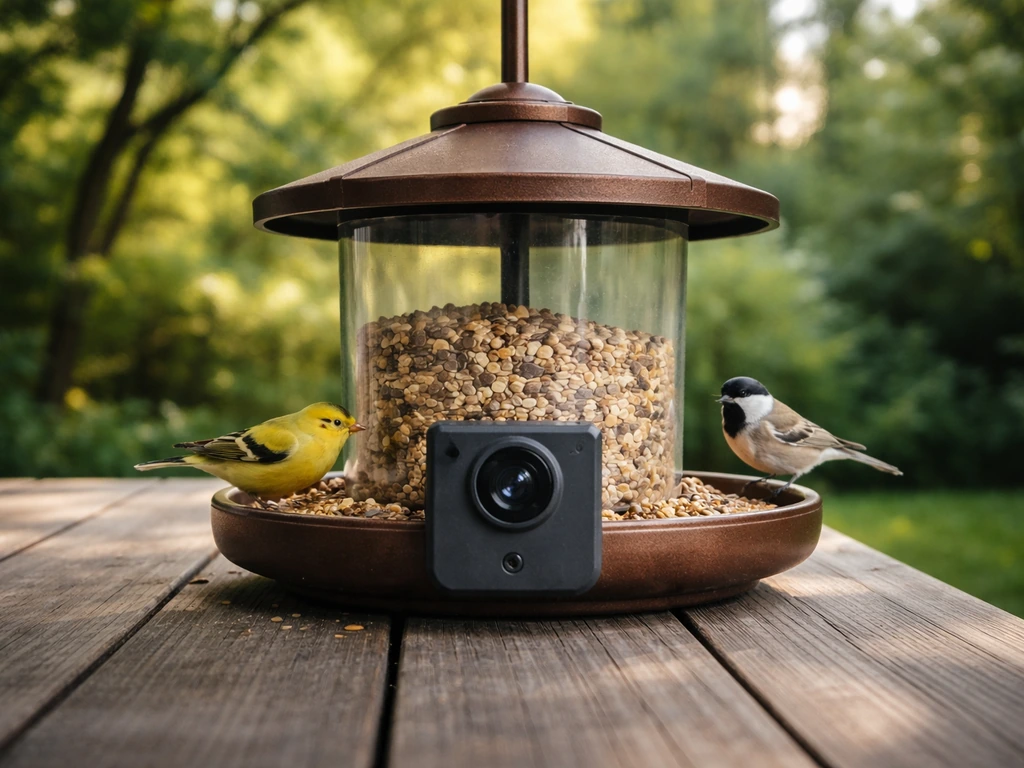
For most backyard setups, a budget bird feeder camera in the $30–$80 range can absolutely deliver clear 1080p or even 2K footage, reliable motion detection, and usable night vision. The best picks right now include the Netvue Birdfy Cam (1080p, 155° FOV, solid AI identification with a free trial), the VicoHome Bird Cam (1080p with IP65 weatherproofing and up to 128GB local storage), and the BeakView (45–75 day battery life, USB-C charging, optional solar). Which one is right for you depends on where you're mounting it, how your yard is powered, and whether you care more about bird ID or just raw footage. If you want a straightforward way to improve bird identification and footage quality, comparing the best video camera bird feeder options can help you choose the right model for your yard setup.
Best Budget Bird Feeder Camera Guide: Features, Setup, Picks
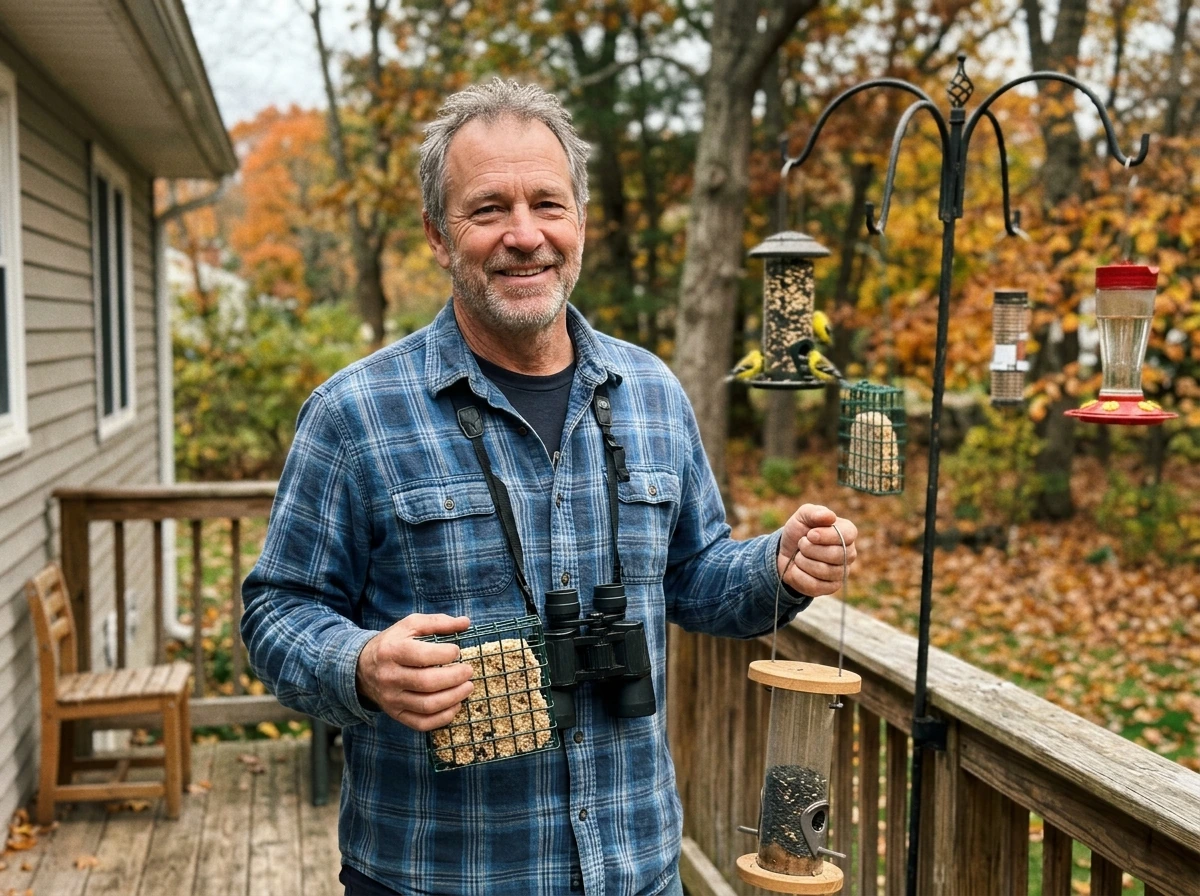
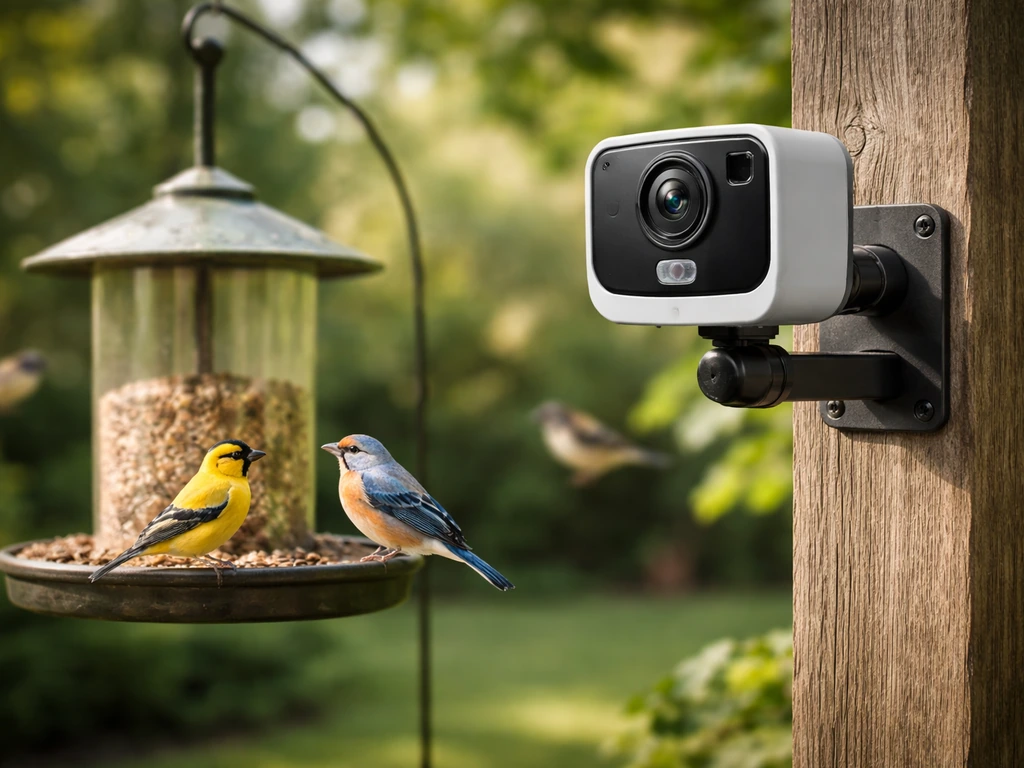
What to look for in a budget bird feeder camera
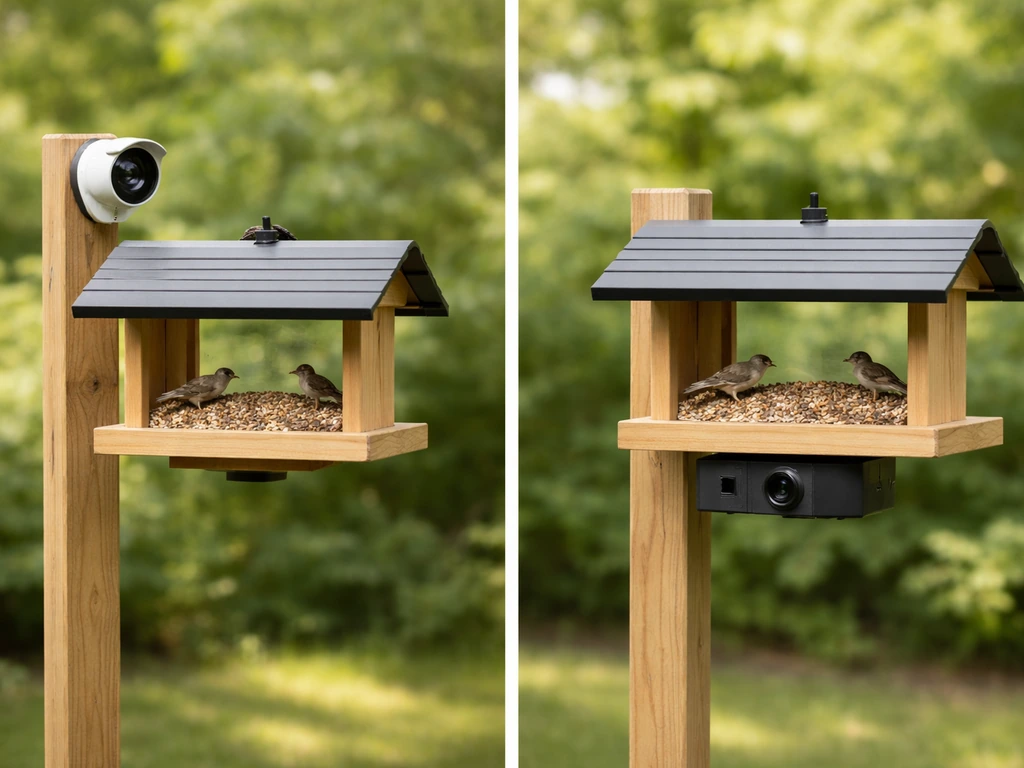
The market for bird feeder cameras has exploded, and the naming is confusing. You've got cameras that mount separately and point at a feeder, cameras built directly into the feeder body, and window-suction-cup options that give you a close-up view from inside. Before you spend anything, figure out which format fits your yard and how you actually plan to watch footage. A camera built into a feeder limits where you can place the feeder. A separate camera gives you more flexibility but requires more setup. Window cameras are fantastic for close-up shots but only work if birds will reliably visit a window-mounted feeder.
On a budget, you're making real trade-offs. You can expect good daytime video, but night vision quality varies a lot by price. AI bird identification is often locked behind a subscription at this price point, so if free automatic species ID matters to you, read the fine print carefully before buying. The features that genuinely separate good budget options from frustrating ones are motion detection quality (to avoid constant false alerts), local storage support (so you don't have to pay for cloud access), and weatherproofing that actually holds up through a full season.
- Resolution: 1080p is the baseline; 2K or 2.5K is available at the upper end of the budget range
- Field of view: look for at least 120°, ideally 150°+ to capture birds approaching from any angle
- Motion detection type: PIR (passive infrared) vs. AI-based detection affects false alert rates significantly
- Storage: local microSD (up to 128GB) is far more practical long-term than relying on a cloud subscription
- Weatherproofing rating: IP65 is the minimum you want; IP66 or IP67 is better for heavy rain or snow climates
- Power: battery-only, solar-assisted, or wired each suit different placements
- AI bird identification: usually subscription-based or trial-limited at budget prices
Camera specs that actually matter for bird footage
Video resolution and field of view
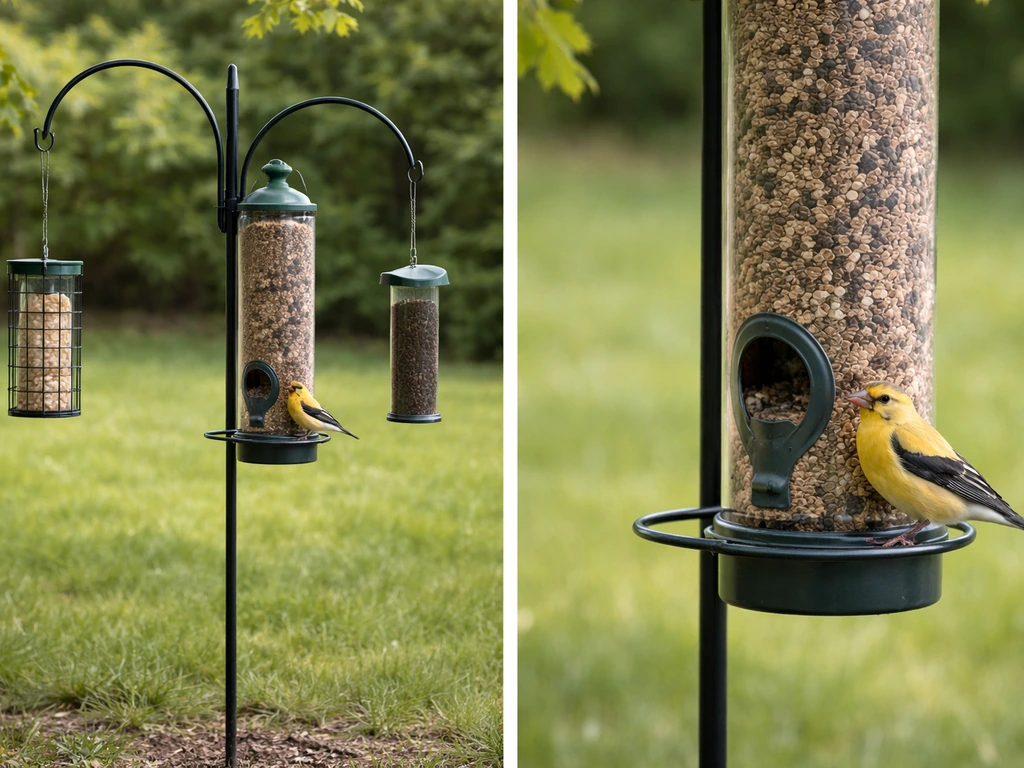
1080p (1920x1080) is the practical sweet spot at budget prices. If you want the best backyard bird camera overall, prioritize clear daytime resolution plus reliable motion detection and storage options that match how often you visit the yard. It's enough to identify species clearly in good light and see plumage detail when a bird is close to the lens. The Netvue Birdfy Cam shoots 1080p with a 155° field of view, which is wide enough to catch birds perching on the side of a feeder rather than just sitting dead-center. VicoHome's Bird Cam also shoots 1080p. If you push toward the $70–$80 range, the VINGUYS V-Feeder steps up to 2.5K, which makes a noticeable difference for identifying smaller birds like finches or warblers at the edge of frame. Birdbuddy 2 is rated for 2K with HDR and slow-motion capability, though that puts it at or above most people's budget threshold.
Night vision: IR vs. color vs. starlight
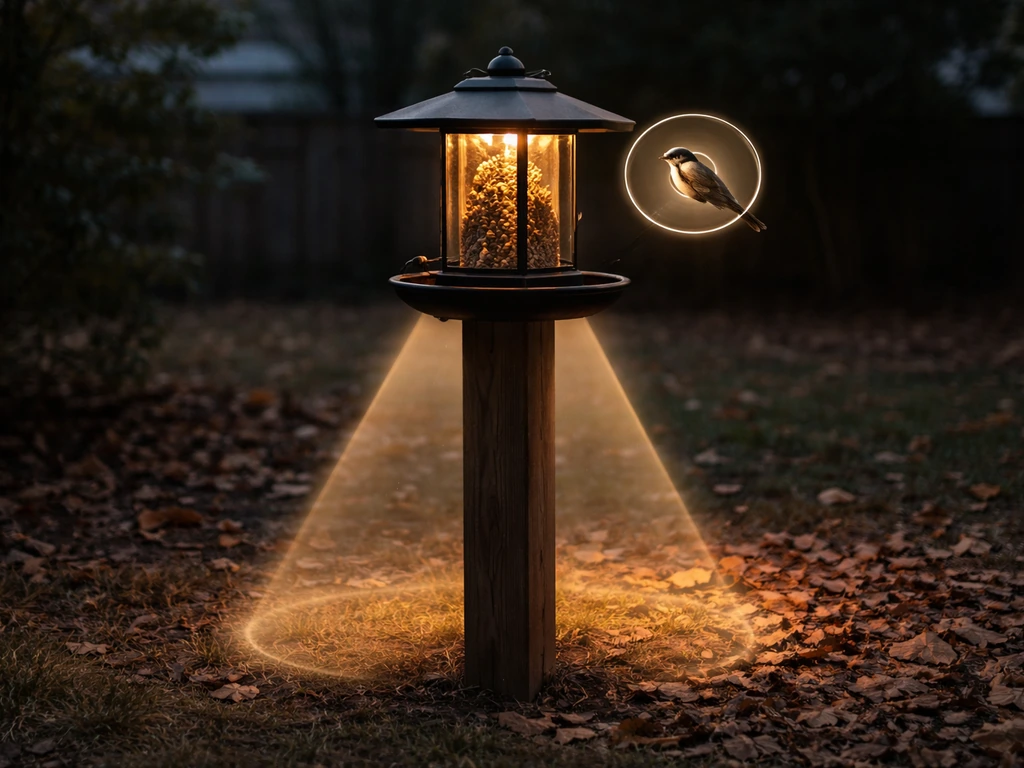
This is where budget cameras diverge most. Standard infrared (IR) night vision gives you grainy black-and-white footage that's fine for detecting motion but won't help you identify a bird by color. The Birdfy Cam uses an LED light to capture full-color footage at night, which is genuinely useful for ID. The 4K Birdfy feeder variant goes further with both color and IR night vision modes. VicoHome lists white light, IR LED, and an optional starlight sensor as night illumination choices depending on the model. VicoHome’s bird cam manual describes night illumination options such as white light, IR LED, and an optional starlight sensor depending on the model. The Sharper Image 212172 offers IR night vision up to 8 meters, which is decent range but black-and-white only. For bird ID at night (think owls, raccoons hitting the feeder, or just dusk activity), a camera with white LED or full-color night mode is worth prioritizing if it fits your budget.
Motion detection: PIR vs. AI
PIR (passive infrared) sensors detect heat and movement. They're reliable for catching any animal near the feeder but will also fire for blowing leaves, squirrels, and passing shadows. AI-based detection layers classification on top of PIR triggers, so the camera can tell the difference between a bird and a branch swaying. PerkyPet and VicoHome both use AI recognition to filter bird-only alerts. The catch: on budget cameras, AI identification often requires a subscription or only works during a free trial period. Birdfy's AI recognition is explicitly subscription-based after the trial. If you're mainly using the camera for footage rather than automated ID, PIR-only is fine as long as you can tune the sensitivity, which every decent app lets you do.
Power, connectivity, and storage on a budget
Battery vs. solar vs. wired
Battery-only cameras are the most flexible for placement but require regular charging. BeakView claims 45–75 days per charge via USB-C, which is realistic in moderate-activity yards. Solar-assisted cameras like VINGUYS (4000mAh x2 battery with solar panel) or Birdbuddy (3900mAh with solar roof) can run indefinitely through spring and summer in most regions, but solar output drops sharply in winter and on overcast days. If you're in the northern US or Canada and plan to run the camera through December through February, budget for more frequent manual charging or pick a camera with a substantial battery reserve. One real-world note: some users report Birdbuddy's solar panel not charging in cold weather and needing to bring the unit indoors to charge, so solar isn't a completely hands-off solution in winter.
Wi-Fi and connectivity
Almost every budget bird camera operates over 2.4GHz Wi-Fi, which has better range than 5GHz but lower bandwidth. That's fine for 1080p streaming but can cause stuttering if your router is far from the feeder. The 4K Birdfy feeder supports dual-band Wi-Fi (2.4G and 5G), which helps if your router is close. VicoHome uses 2.4GHz. If your feeder is more than 50–60 feet from your router, plan for a Wi-Fi extender or consider a camera that records locally to microSD without needing a live connection. Offline-first recording is underrated on a budget because it removes the Wi-Fi reliability problem entirely.
Storage: cloud vs. local microSD
This is a real cost consideration over time. Birdfy offers 30 days of free cloud storage for 20-second event clips, but longer videos and ongoing cloud access require a subscription. The practical workaround is to use a Class 10 microSD card (up to 128GB, not included with most cameras) for local storage. VicoHome, BeakView, and Birdfy all support local microSD up to 128GB. At 128GB you can store weeks of event footage locally without paying anything extra. The one gotcha: some cameras (Birdfy has been flagged for this by users) require the camera to be actively awake to browse SD card footage through the app, which can be mildly annoying. Format the card in the app before using it, and make sure you're logged in as the owner account, not a shared viewer, or recording features may not activate.
Weatherproofing and durability: what the ratings actually mean
IP ratings tell you how well the camera handles dust and water. IP65 means fully dust-tight and protected against water jets from any direction. IP66 adds resistance to powerful water jets. IP67 means it can survive temporary submersion up to 1 meter. For a bird feeder camera, IP65 is a reasonable minimum: it'll handle rain, morning dew, and light snow without issue. Num'axes and VicoHome both carry IP65. VINGUYS is rated IP66. Birdbuddy 2 is rated IP67, which is essentially waterproof for any realistic outdoor scenario.
Temperature range matters more than most buyers realize, especially in winter. VINGUYS is rated from -20°C to 55°C. Birdbuddy 2 is rated from -20.5°C to 48.5°C (about -5°F to 120°F). If you live somewhere that regularly drops below -20°C in January, you're near the operational limits of most budget cameras. Birdbuddy explicitly advises bringing the unit indoors temporarily in extreme cold or heat. Budget for that inconvenience if winter feeding is important to you.
| Camera | IP Rating | Temperature Range | Night Vision Type | Storage |
|---|---|---|---|---|
| Netvue Birdfy Cam | Not specified (standard outdoor) | - | LED full-color + IR | microSD up to 128GB + cloud |
| VicoHome Bird Cam | IP65 | - | White light / IR / Starlight | microSD up to 128GB + cloud |
| VINGUYS V-Feeder | IP66 | -20°C to 55°C | Not specified | microSD + solar battery |
| Birdbuddy 2 | IP67 | -20.5°C to 48.5°C | Not specified | Cloud + app |
| BeakView | Not specified | - | Not specified | microSD up to 128GB |
| Num'axes Feeder Cam | IP65 | - | Not specified | Not specified |
Setup, placement, and getting good bird shots
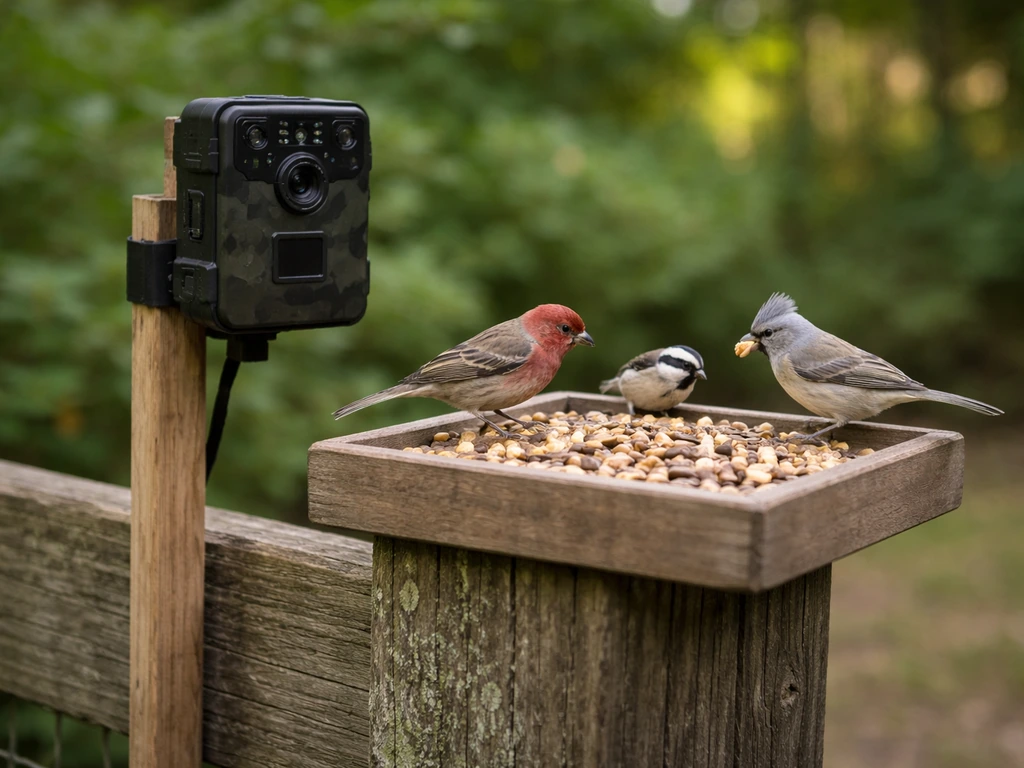
Where and how you mount the camera makes or breaks footage quality. The golden rule is to get the camera lens roughly level with the feeding tray or perch, angled slightly downward (around 15–30°). This gives you a bird's-eye view that captures plumage, not just the top of a bird's head. A wide field of view (150°+) helps here because you don't need to be perfectly centered. If the camera is too far away (more than 3–4 feet), you'll capture motion but lose enough detail to make species ID difficult in 1080p.
For PIR motion detection specifically, placement angle matters technically: PIR sensors are most accurate at detecting movement crossing the field of view rather than movement coming straight toward the lens. Mounting the camera slightly to the side of the feeder rather than directly in front improves trigger accuracy and reduces missed detections. A 30° angle toward the ground also helps the PIR pick up small birds reliably.
Lighting direction is the other big factor. Avoid placing the camera so it faces directly into the rising or setting sun. Morning backlight will blow out your footage for the first few hours of prime bird activity. North-facing or east-facing setups in the morning generally work best. If you're using a camera with white LED night vision, the LED will illuminate birds within a few feet very well, but the light can startle skittish species. IR night vision is more passive and less likely to disturb birds at dusk.
Window vs. pole vs. feeder-integrated mounting
Window-mounted cameras or feeders with integrated cameras let you get incredibly close shots (sometimes 8–12 inches from the bird), which makes 1080p look stunning. The downside is that window feeders attract fewer bird species and lower overall traffic than open yard feeders. Pole-mounted setups give you the most flexibility for positioning and can face any direction, but you need a stable mount to prevent wind from shaking the frame and ruining footage. Feeder-integrated cameras (like Birdfy's feeder unit or Birdbuddy) are the easiest to set up but lock you into that feeder's design and seed type, which may not suit every bird you're trying to attract.
Best budget picks by use case
Here's how I'd match cameras to common setups. These aren't the only options, but they represent the clearest choices given what's available at budget prices right now. If you want a straightforward starting point for buying, look for reputable retailers that sell bird feeder cameras with camera features and clear return policies where to buy bird feeder with camera.
| Use Case | Best Pick | Why |
|---|---|---|
| Window-mounted / close-up shots | VicoHome Bird Cam G03 | IP65, 1080p, flexible mount, local storage, good low-light options |
| Pole or fence-mounted (separate from feeder) | Netvue Birdfy Cam module | 155° FOV, 1080p, LED color night vision, microSD support, solid app |
| Feeder-integrated (all-in-one) | Netvue Birdfy Feeder (1080p version) | Easiest setup, AI ID trial included, 30-day free cloud storage, microSD option |
| Solar/battery priority (low-maintenance) | VINGUYS V-Feeder or BeakView with solar | VINGUYS: IP66, 2.5K, solar + large battery. BeakView: 45–75 day battery, USB-C charging |
| Maximum weatherproofing (harsh climate) | Birdbuddy 2 | IP67, tested temperature range, solar roof, strong app—though at the upper budget edge |
If you're specifically interested in solar-powered feeders as a category, there's more to explore beyond just the camera side of things. If you’re choosing the best solar bird feeder, focus on battery capacity, panel size, and how well the camera holds up in winter light solar-powered feeders. And if you want to go deeper on the video quality comparison between feeder-integrated cameras and standalone wildlife cameras, the best video camera bird feeder and best backyard bird camera comparisons cover those distinctions in more detail.
Alternatives and DIY approaches for cheaper bird imaging
If you already own a decent smartphone, one of the cheapest setups is a phone mount clamped to a window frame or fence post, running an app like Alfred or DashCam that records motion-triggered clips to local storage. You won't get AI bird ID, but you'll get 1080p or better footage for free. The obvious downside is that you're tying up your phone and it has no weatherproofing outdoors.
A step up from that is a repurposed home security camera like a Wyze Cam or Reolink. These cameras cost $20–$35, support microSD local storage, have solid 1080p or better resolution, and often have decent night vision. They aren't designed for bird watching (no bird-specific AI, no feeder integration), but pointed at a well-placed feeder they produce excellent raw footage. The downside is manual review: you'll scrub through more clips and get more false alerts, but the hardware itself is very reliable and widely supported.
For pure DIY, the Adafruit IoT Window Bird Feeder project using a Raspberry Pi Zero and PIR sensor is a popular option in the maker community. It gives you full control over sensitivity tuning, local storage, and even custom notification logic. It's not a weekend project if you're not comfortable with code, but the results can be impressive and the per-unit cost can be under $30 in parts. This approach is especially appealing if you want to experiment with different feeder types and camera angles without committing to a proprietary ecosystem.
One underrated option: a trail camera. Brands like Browning or Bushnell make compact trail cameras under $50 that are fully weatherproof, run on AA batteries for months, record to SD card with no Wi-Fi required, and have excellent IR night vision range (often 60–80 feet). They're not pretty and they don't have apps or AI ID, but for pure footage capture of birds (and everything else visiting your feeder at night), they work extremely well. If you're not interested in the smart-home ecosystem and just want reliable footage, a trail camera pointed at your feeder is hard to beat at this price point.
Common issues and how to fix them
Too many false motion alerts
This is the number one complaint with budget bird cameras, and it's almost always fixable. The first step is to open the camera app and reduce the PIR or motion detection sensitivity in Camera Settings. VicoHome and PerkyPet both have accessible sensitivity sliders for this. Set it lower than you think you need and work back up from there. The second step is to set motion detection zones so the camera only alerts on activity within the feeder area and ignores the background (trees, road, etc. Ring documentation also notes that Birds Eye Zones let you define custom zones for more precise motion alerts, with monitoring up to about 30 feet from the camera or doorbell set motion detection zones. ). Ring's motion zone system is excellent for this kind of filtering, and most dedicated bird cameras have equivalent zone tools. If the camera supports AI-based bird-only alerts, enabling that mode dramatically reduces non-bird triggers even when PIR sensitivity is medium-high.
Missing birds entirely
If birds are visiting but the camera isn't triggering, the most common cause is PIR placement: the sensor isn't picking up motion because birds are landing in a spot that's in the PIR dead zone. Remember that PIR works best when motion crosses the field of view, not when it approaches straight-on. Try repositioning the camera slightly to one side of the feeder so birds cross the detection zone rather than fly directly toward the lens. Also check that sensitivity isn't set so low that small birds (like chickadees or finches) aren't triggering it. Increase sensitivity slightly and test with your hand at feeder distance.
Pests blocking the view or triggering constant alerts
Squirrels are the main offender. If a squirrel is spending 10 minutes on the feeder, you'll burn through SD card space and battery fast. The camera-side fix is to use time-limited recording per event (most apps let you cap clip length at 20–30 seconds) and set a minimum time between alerts. The feeder-side fix is more effective long-term: switch to a squirrel-proof feeder design so the animal doesn't linger. Raccoons at night will also drain battery quickly on motion-triggered cameras. Consider setting a motion detection schedule that's active only during daylight hours if overnight pest activity is eating your battery.
Wi-Fi dropouts and connectivity issues
If the camera keeps going offline, the most common cause is signal drop between the router and the feeder location. Test your phone's Wi-Fi signal at the exact camera location before mounting. If signal is weak, a Wi-Fi range extender or mesh node near the feeder (even inside a window facing the yard) often solves it. Some Birdfy users have reported USB-C solar port failures after extended use, so if your solar-equipped camera stops charging, check the port and cable first before assuming it's a battery issue. For cameras with local microSD storage, if recording stops working, try reformatting the card through the app while logged in as the owner account (not a shared viewer), as permission mismatches are a common hidden cause.
Battery draining fast in winter
Lithium batteries lose capacity in cold temperatures. Solar panels produce very little power on short, cloudy winter days. If your camera is losing charge faster than expected between November and February, that's expected behavior, not a defect. For solar cameras below about -10°C, you may need to bring the unit inside occasionally to charge at room temperature. Birdbuddy specifically acknowledges this. Store the camera inside on the coldest nights if you're near the lower operational temperature limit, and treat it as seasonal equipment rather than a set-and-forget device.
FAQ
Do I really need 2K or 4K to identify birds on a budget feeder camera?
Not usually. For species ID, consistent framing and a clear daytime image matter more than peak resolution. If you can’t keep the lens level with the feeder tray (about 15 to 30° downward) and close enough (within about 3 to 4 feet), 2K will not magically fix blurry or off-center birds.
Why do budget cameras often record “birds” that are actually leaves or moving shadows?
Most false alerts come from PIR detecting heat movement and the background shifting in wind or sun contrast. Use motion zones to exclude trees, bushes, and fence lines, then lower PIR sensitivity one step at a time. If your model has AI bird-only filtering, enable it, but confirm whether it works without a paid subscription.
How can I reduce Wi-Fi dropouts if my camera is far from the router?
First, test Wi-Fi strength at the exact mounting spot with your phone. If it’s weak, prefer a setup that records to microSD so you can keep recording even when streaming fails. If you must rely on Wi-Fi, add a mesh node or a range extender aimed at the feeder location, not just the overall house coverage area.
What microSD card should I buy for a best budget bird feeder camera, and do I need to format it?
Use a Class 10 or better microSD card, and prefer the maximum size the camera supports (often up to 128GB in this price tier). Format the card inside the camera app before relying on it, and re-check that you are logged in as the owner account, since some cameras silently disable recording for shared viewers.
Does white LED night mode scare birds compared with IR night vision?
It can. White LEDs usually give clearer color for ID, but the brightness and sudden light may reduce visits for skittish species. A practical approach is to start with a shorter night-illumination distance (place the camera so birds are close to the illuminated zone), or consider IR mode if your goal is detection rather than color accuracy.
What’s the safest way to mount a feeder camera outdoors to avoid blurry video?
Make sure the mount is rigid and the camera is roughly level with the feeder tray height, angled slightly downward (about 15 to 30°). Avoid mounting where wind can flex the pole or bracket, since even small movements turn a crisp 1080p image into smeared motion during perching.
If birds are visiting but the camera misses them, what are the most likely causes?
Two common causes are PIR dead zones and the sensor angle. PIR generally detects best when motion crosses its field rather than moving straight toward the lens, so shift the camera slightly to the side of the feeder. Also verify sensitivity is not set too low for small birds, then test with a simple repeatable movement at feeder distance.
How do I stop squirrels from ruining battery life and filling up storage?
Use both software and hardware controls. In the app, shorten per-event clip length and set a minimum time between alerts. Long term, switch to a squirrel-proof feeder design or baffle system so the animal can’t linger. This usually cuts battery drain and SD usage more effectively than changing camera settings alone.
Can I use the camera for close-up shots inside a window, and what are the limits?
Window-mounted feeders can be excellent for detail if birds consistently approach the glass feeding spot. However, glass glare, reflections, and the fact that some species avoid window feeders can reduce traffic. If you see washed-out night footage, try repositioning to avoid direct reflections from interior lights.
What should I do about cameras that go offline or fail to reconnect after setup?
Restart the app connection flow, but also check for router changes and power instability. If the camera loses connection only after mounting, it’s often signal range. Place a mesh node or extender nearby, or reduce reliance on live viewing by using local microSD recording.
How do solar-powered feeder cameras behave in winter, and is indoor charging always required?
Solar output drops sharply with short days and overcast weather, so battery health declines even if the camera works normally. In very cold climates near the lower operating temperature, you may need to bring the unit inside occasionally to charge. Treat solar models as seasonal, not completely hands-off, especially between December and February.
Is subscription-free bird identification realistic at the best budget price point?
Sometimes, but not consistently. Many budget models provide AI bird ID only during a trial or behind a subscription. If AI species ID is your priority, verify whether AI works on local recordings without paying, and whether it triggers bird-only alerts reliably.
Are trail cameras a good alternative if I just want reliable footage?
Yes, especially if you want dependable outdoor recording with minimal troubleshooting. Trail cameras excel at capturing everything that visits at night to SD, but they won’t provide bird-specific AI alerts or app-based viewing. They can be a better “it just works” option for feeders when you do not need live features.
Where to Buy Bird Feeder With Camera: Best Options
Shop camera bird feeders fast: compare styles, specs, and where to buy, plus placement and troubleshooting tips.