You can buy a bird feeder with a camera right now from Amazon, Walmart, Target, and brand-direct websites like Birdfy, Kiwibit, BirdReel, and PerchMe. Each channel has different stock, pricing, and return policies, but the bigger decision is which type of camera feeder you actually need, because buying the wrong style means blurry footage of the wrong end of a cardinal. Here's how to make the right call and where to click buy with confidence.
Where to Buy Bird Feeder With Camera: Best Options
Marcus Hendricks
22 Jun 2026
First, figure out exactly which type of camera feeder you want
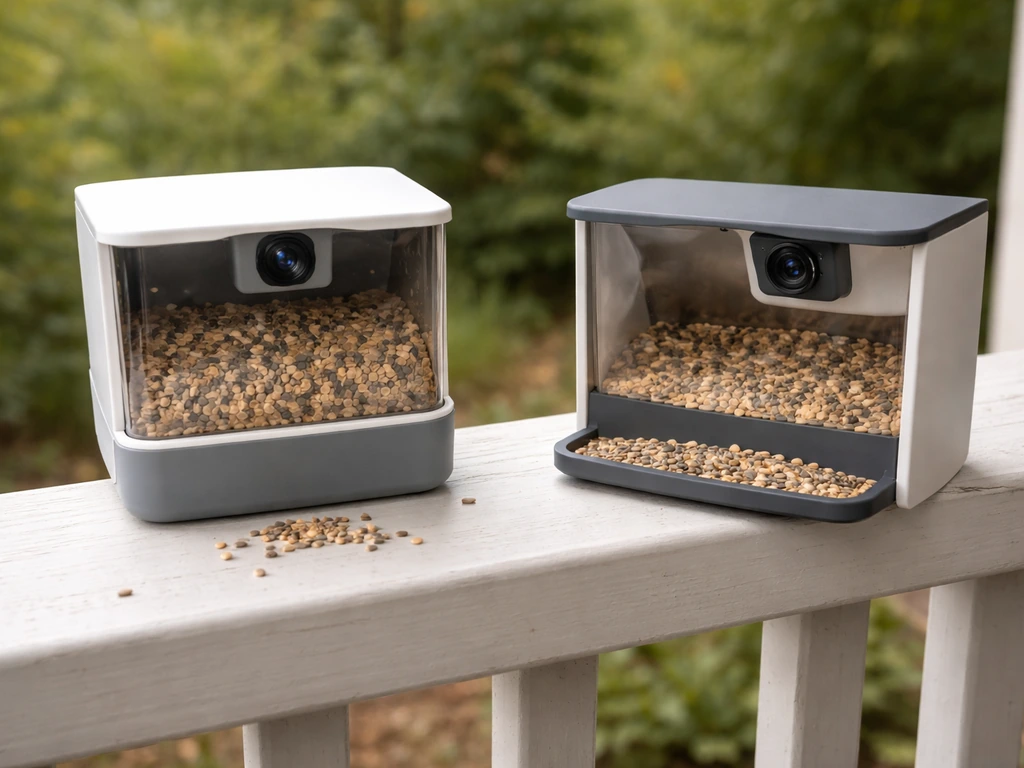
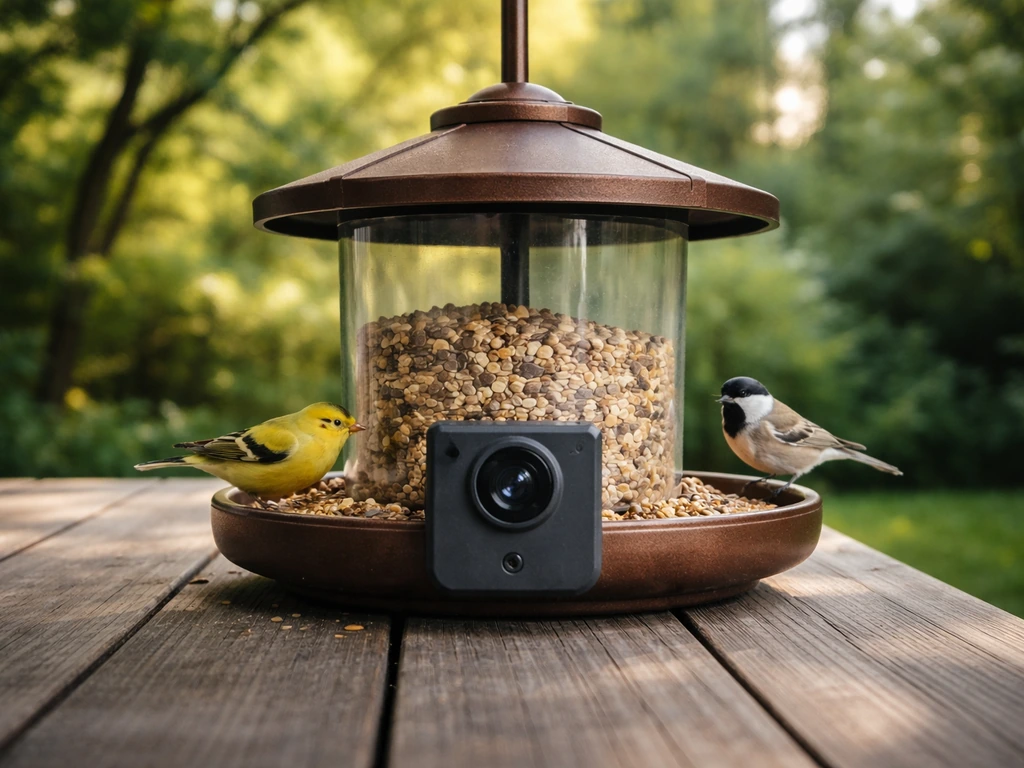
Not all camera feeders are the same thing. The mounting style and camera angle determine which birds you'll actually film clearly, and most buyers don't realize this until they're staring at a blurry tail feather in the app. There are three main configurations in today's market.
- Top-down hopper or box-style camera: The lens points down at the feeding tray or perch. Great for face-on shots of cardinals, blue jays, and doves eating at a platform. The BirdReel BF11 Gen 2 is a classic example, with a 2MP 1080p camera and 130-degree wide-angle lens aimed right at feeding birds from above.
- Side-facing tube or hanging camera: Captures birds perching on the side of a tube feeder, which works better for finches, chickadees, and sparrows who cling while feeding. The camera angle is horizontal rather than overhead.
- Smart window-mount feeder camera: Attaches to glass with suction cups and puts the camera essentially at eye level with the bird. This gives you the most intimate close-up shots and is popular for smaller species. It also keeps the feeder close enough to your home Wi-Fi router to avoid connectivity problems.
- Adapter/case approach: Brands like Wasserstein let you slot an existing Ring or Blink security camera into a feeder case rather than buying a dedicated camera feeder. It's cheaper if you already own a compatible camera, but you lose any AI bird-ID features that come baked into purpose-built feeders.
One thing that trips up buyers is assuming all camera feeders mount the same way. Some models have no dedicated pole-attachment option, so if you want a pole-mounted setup in the middle of your yard, check whether the feeder includes a pole adapter or whether you'll need to buy one separately. This is a real-world design gap in several otherwise well-reviewed models.
Where to actually buy one today
Major online retailers and marketplaces
Amazon is the most convenient starting point because you'll find nearly every major brand listed, often with Prime shipping, and verified buyer reviews that cut through marketing claims. Search specifically by model number once you've chosen a brand, because generic keyword searches return a lot of cheap, poorly documented feeders with no support infrastructure. Walmart and Target both carry Birdfy feeders physically in some stores and reliably online. Target's listing for Birdfy, for example, confirms weatherproofing, AI identification, solar power, and 1080p wireless camera functionality in one place, which is useful for cross-checking specs against the brand's own site.
Walmart is worth checking for price competition, especially on Birdfy and Netvue models. Walmart's Birdfy listing specifies 1080p at 60FPS with AI identification, which is a useful spec to confirm before buying. That said, always verify storage and subscription details on the manufacturer's page rather than a retailer listing, because those details get truncated or left out of marketplace descriptions.
Brand-direct websites
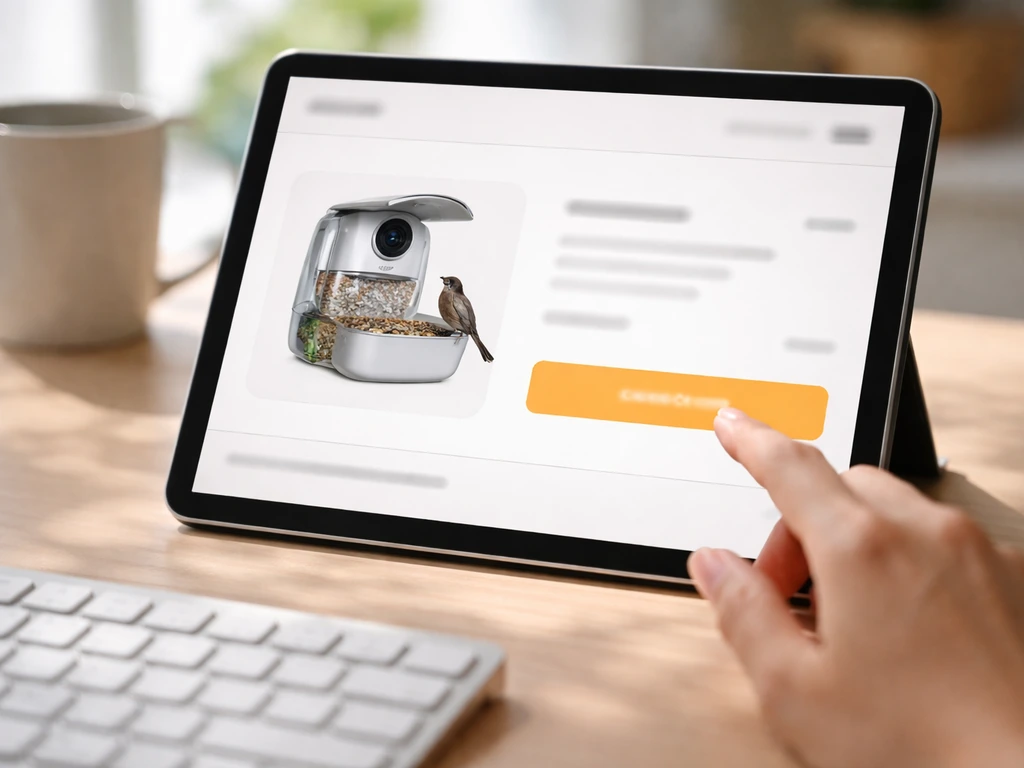
Buying directly from Birdfy, Kiwibit, BirdReel, or PerchMe gives you access to the full model lineup, bundle options, and clearer documentation around subscriptions and warranties. PerchMe describes its Smart Bird Feeder with Camera as featuring a 2K AI camera and being solar powered, pointing to integrated solar power for ongoing use PerchMe describes its Smart Bird Feeder with Camera as a 2K AI camera and solar powered.
This matters a lot for camera feeders because the subscription situation varies by brand and you really want to know upfront whether AI identification costs extra after a trial period. Brand sites also tend to have more detailed FAQs and setup guides, which saves troubleshooting headaches later. The tradeoff is that returns can be slower than Amazon and there's no two-day shipping option.
Specialty birding shops
Wild Birds Unlimited and similar specialty retailers carry a curated selection and, more importantly, staff who can actually answer questions about bird behavior and feeder placement for your region. They usually don't carry the full camera-feeder lineup you'll find online, but if you're uncertain about which species visit your yard and what feeder style suits them, talking to someone in-store is genuinely worth it. Some specialty shops also accept returns more generously if a feeder doesn't attract birds, which online marketplaces rarely offer.
Comparing the top camera feeder brands right now
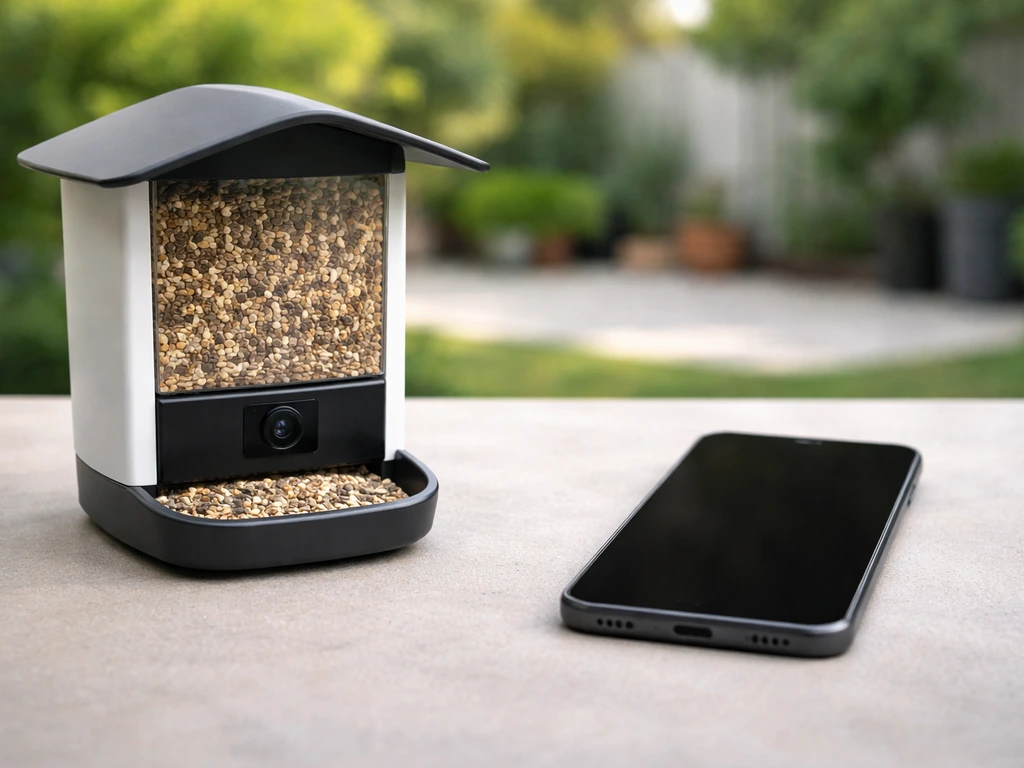
| Brand / Model | Camera Resolution | Power Source | AI Bird ID | Storage Options | Pest Resistance | Wi-Fi Band |
|---|---|---|---|---|---|---|
| Birdfy Feeder 2 (Netvue) | 1080p, 60FPS | Solar + battery | Yes (app-based) | 30-day free cloud + microSD/TF card | Some SKUs (verify model) | 2.4GHz |
| Kiwibit Bird Feeder 2 (BW511) | 4K AI camera | Solar panel roof | Yes (Beako, no subscription required) | microSD up to 512GB + 1-day rolling free cloud | Not specified | 2.4GHz only |
| BirdReel BF11 Gen 2 | 2MP 1080p, 130° wide-angle | Battery | Check app for ID features | App/cloud (verify plan) | Not specified | Check manual |
| Perky-Pet SPCAM / SPCAMSLR | 1080p HD | Solar (SPCAMSLR) or battery | No species labeling (confirmed) | Cloud via app | Yes, squirrel-resistant design | Check manual |
| PerchMe Smart Feeder | 2K AI camera | Solar | Yes (AI-based) | Check app/plan | Not specified | Check manual |
A few things jump out from this comparison. First, Kiwibit's 4K resolution is the highest here and it runs without a required subscription, which is a genuine advantage if you hate ongoing fees. The catch is that it only supports 2. 4GHz Wi-Fi, so if your router puts out only a 5GHz signal or you have combined SSIDs, you'll need to configure that before setup.
Second, Perky-Pet's SPCAM explicitly does not label bird species in the app. It still records video, but if species identification is your main goal, it's not the right tool. Third, Birdfy's 30-day cloud retention is solid for a free tier, but some users report playback failures on the app side, so having a microSD card as a backup is smart.
Models in the Birdfy family also come in single-lens versus dual-lens configurations, and the viewing angles differ meaningfully depending on which birds you're targeting.
Match the feeder to your backyard: species, placement, and feeder type
The camera is only half the story. The feeder style determines which birds show up in the first place, and placement determines whether the camera captures them usably. Choosing the best backyard bird camera is largely about making sure the footage you get is clear enough to identify the birds you want to see camera captures them usably. Here's how to think about it by species.
- Cardinals, blue jays, doves: These are ground or platform feeders by nature. A hopper or tray feeder with a top-down camera angle works best. Mount at roughly 4 to 6 feet high on a pole with a clear sight line from the house.
- Finches and chickadees: Tube feeders with perching ports suit these birds. A side-facing camera captures them naturally clinging to the ports. Keep the feeder at 5 to 6 feet and away from heavy wind exposure to prevent blurry motion in footage.
- Woodpeckers: These birds cling vertically to suet cages or chunky feeders. A side or angled camera works better than a top-down lens. Mount on a pole or hang from a branch near a tree trunk since woodpeckers prefer proximity to bark.
- Orioles and hummingbirds: Nectar and jelly feeders attract these species. Birdfy makes a dedicated hummingbird camera feeder version with an ant moat design for pest control. For hummingbirds, place the feeder in a sheltered spot with good light for the camera.
- Bluebirds: These are shyer visitors that prefer open settings. Platform or tray feeders at 4 to 5 feet in an open yard work well. A camera angle that shows the full perch gives you the best footage of bluebirds approaching cautiously.
- Winter visitors and seasonal migrants: In winter, cold-weather birds like juncos, redpolls, and pine siskins often drop to the ground or use lower platform feeders. If you're filling a feeder year-round, consider a weatherproofed model rated for sub-freezing temps, and check that the solar panel still charges in low-light winter conditions.
On placement and Wi-Fi: the feeder's distance from your router matters more than most people think. Camera feeders that lose connection miss visit footage entirely. If your yard is large, the best fix is a Wi-Fi extender dedicated to 2.4GHz placed near a window facing the feeder. Window-mount feeders have a natural advantage here because they're physically close to your home network. For deeper yard placement, a mesh network node or a dedicated outdoor access point makes a real difference in footage reliability.
Also pay attention to camera aim at install time. Most smart feeder cameras have a fixed or limited adjustable lens angle. If you hang the feeder at the wrong height or at an off-axis angle from the mounting bracket, birds in the frame will be too small or too close for useful identification shots. This is one of the top complaints in user reviews, and it's entirely avoidable with a few minutes of setup adjustment before you finalize the position.
Your buying checklist before you click purchase
Run through this list on the product page before buying. If you're trying to stick to a tight budget, comparing options for the best budget bird feeder camera can help you avoid paying extra for features you do not need. Most return headaches come from skipping one of these.
- Camera resolution and frame rate: 1080p at 30FPS is the baseline for usable bird footage. 1080p at 60FPS or 2K/4K is noticeably better for fast-moving birds. Confirm the spec in the product manual, not just the marketing headline.
- Power source: Solar-only feeders work well in open, sunny spots but underperform in shaded yards or during short winter days. Battery-only models need regular charging. Solar-plus-battery hybrid designs like the Birdfy Feeder 2 are the most reliable all-year option.
- Wi-Fi compatibility: Nearly every camera feeder on the market supports 2.4GHz only. If your router broadcasts on 5GHz only, or if your mesh system doesn't separate bands, you'll need to fix that before setup. This is the single most common connectivity problem.
- Storage: Confirm whether cloud storage is free, how many days of retention are included, and whether you need a subscription for AI identification beyond a trial period. Also confirm whether a microSD or TF card slot is available for local backup, and note that cards are almost never included.
- AI bird identification: If identifying species is your goal, confirm the app actually labels species. Perky-Pet's SPCAM does not. Kiwibit's Beako does, without a required subscription. Birdfy's AI ID is included on a free tier. Get clarity on this before buying.
- Weatherproofing: Check for an IP rating. Feeders used outdoors year-round should be rated at minimum IP44. If you're in a region with heavy rain, snow, or freezing temperatures, look for IP65 or better.
- Pest resistance: If squirrels are a problem in your yard, look specifically for squirrel-resistant hardware (weight-sensitive perches, baffles, or caged designs). Perky-Pet's SPCAM line has documented squirrel-resistant design. Verify the exact mechanism in your SKU's manual rather than assuming the whole product line is protected equally.
- Privacy: Camera feeders stream video to cloud servers. Check the brand's privacy policy for data retention and whether video is processed on-device or uploaded to AI servers for identification. For most people this isn't a dealbreaker, but it's worth knowing.
- Pole or mounting compatibility: Confirm the feeder includes or supports a pole-mount adapter if you want to stake it in the yard rather than hang it.
Shipping, returns, setup, and fixing the problems you'll actually run into
Shipping and returns
Amazon gives you the easiest return window (typically 30 days) and fastest shipping for most models. If you buy direct from Birdfy, Kiwibit, or BirdReel, check their return policy before ordering, as some brands require you to contact support before initiating a return and may charge return shipping. Walmart and Target offer in-store returns for online purchases in most cases, which is convenient if a unit arrives damaged. Specialty birding shops vary widely, so ask before buying.
Setup basics
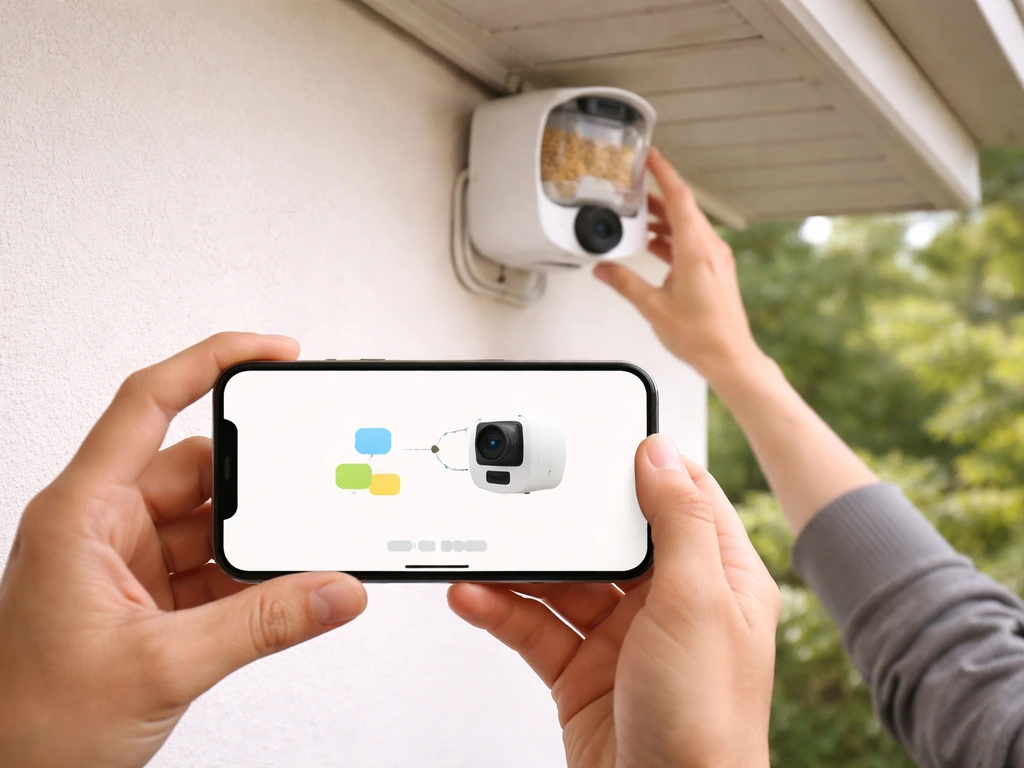
Most camera feeders pair to a phone app during setup, and nearly all of them require a 2.4GHz Wi-Fi connection during the pairing process even if your phone is on 5GHz. The most common setup failure is trying to pair on the wrong band. Before you start, go into your router settings and either enable a 2.4GHz-only SSID or temporarily disconnect the 5GHz band. Once the feeder is paired, it typically stays connected even if your phone reconnects to 5GHz.
After pairing, spend a few minutes on physical positioning. Hang or mount the feeder, then check the live feed in the app and drop a handful of seed on the tray. Watch where the frame edge is, and adjust height or angle so that the feeding surface and the approach perch are fully in frame. If you're trying to choose the best video camera bird feeder for your yard, start by comparing resolution, lens angle, and whether species ID is included. This five-minute step prevents weeks of footage where birds are half out of the shot.
Troubleshooting the most common problems
- Poor or blurry video: Usually a camera-aim or distance problem, not a resolution problem. Recheck the angle and make sure there's no glass, screen, or dirty lens cover between the camera and the birds. Clean the lens cover with a soft cloth.
- Connectivity dropouts: The feeder is too far from the router, or your router's 2.4GHz band is weak. Move a Wi-Fi extender closer to the feeder's outdoor position. A dedicated 2.4GHz SSID with a consistent password is the most reliable long-term fix.
- Missing clips or empty cloud storage: Check the app's cloud storage settings. Perky-Pet's app shows cloud status in the settings menu. If cloud is full or the free tier has expired, clips may stop saving. Add a microSD card for local storage as a backup.
- App playback failures: This is a known issue with some Birdfy and Netvue users. Try clearing the app cache, checking for app updates, and confirming the feeder firmware is current. If the problem persists, local microSD storage bypasses the cloud upload problem entirely.
- Squirrels defeating pest-proofing: Confirm you have the correct SKU with active squirrel-resistance hardware, not just a marketing claim. Add a pole baffle below the feeder as a secondary deterrent. For window-mount feeders, squirrels generally can't reach them unless a tree branch is nearby.
- No birds showing up: Give it 1 to 2 weeks after setup. Make sure you're using the right seed for your target species (black oil sunflower seed is the broadest appeal option). Check that the feeder is visible from approach angles birds use, not tucked in dense shrubs where predators can lurk nearby.
If you want to go deeper on specific product categories after reading this guide, it's worth looking at dedicated comparisons for the best video camera bird feeders, the best budget bird feeder cameras for cost-conscious setups, and the best backyard bird cameras for broader yard surveillance rather than a single feeder position. If you want a feeder that runs without plugging in, compare the best solar bird feeder options for reliable outdoor power and camera performance the best backyard bird cameras. Each of those angles has a different best answer depending on your priorities.
FAQ
I have only 5GHz Wi-Fi, where to buy a bird feeder with camera that will still pair correctly?
Most camera feeders do the initial pairing over 2.4GHz, even if your phone uses 5GHz. If you see a pairing error, confirm the feeder network name matches your 2.4GHz SSID (not a combined “smart” SSID) and restart the feeder close to the router during setup.
What storage setup should I expect when I buy a bird feeder with camera (cloud, microSD, subscription)?
Go by the storage method and overwrite behavior, not just “cloud retention.” If the brand offers microSD, enable it as a local backup so you still capture visits when the app has playback issues or cloud syncing delays.
If my yard is far from my router, where to buy a bird feeder with camera that will still capture every visit?
Window-mounting is usually most reliable for strong footage because the router is physically closer and the feeder faces your indoor Wi-Fi path. If you cannot mount near a window, choose a system that supports mesh or works reliably on a dedicated outdoor access point and plan to test live view before installing permanently.
Do bird feeder cameras keep recording if Wi-Fi drops, or do I lose footage?
Yes, some brands support only limited offline modes and may not record continuously to your phone. Before buying, check whether your model records to local storage when Wi-Fi drops, and whether video uploads resume automatically after connection returns.
Will species identification cost extra after the trial if I buy a bird feeder with camera?
In most cases, the subscription (if required) applies to features like cloud recording and AI identification, while basic live viewing may still work. Look for a clear statement on whether species ID is included on day one and what changes after any trial period.
How do I choose the right camera angle and height after I buy a bird feeder with camera?
Use the lens angle and mounting height together. A feeder that is too low often puts birds too large or too close, and one that is too high can make them appear as tiny silhouettes. The best quick test is to install temporarily, stream the live view, and adjust so the entire feeding surface and approach perch stay in frame.
Do camera bird feeders always come with the right mounting adapter for poles, or do I need to buy one separately?
Not always. Some feeders include a pole adapter, some require a separate accessory, and others only mount to a specific bracket type. When comparing listings, confirm “included in box” for the mounting hardware, and check compatibility with your existing pole diameter or mount style.
Which bird feeder camera features should I verify if I want bird species labels in the app?
If bird species ID is your priority, avoid models that explicitly do not label species in the app. Also verify whether identification is processed in the cloud or on-device, because that affects latency and whether it works without an active subscription.
Where to buy a bird feeder with camera if I want no ongoing subscription fees?
If you want fewer ongoing fees, look specifically for models that advertise no-required subscription, then confirm what features are still available without it (for example, recording method, playback history length, and AI identification).
Are returns generally easier at specialty bird shops than on Amazon or brand websites?
Specialty retailers can be great for fit and placement guidance, but availability may be limited. If you go that route, ask whether they accept returns for “no birds attracted” and whether the return clock starts from the purchase date or delivery date.
Why do some bird feeder camera listings look good on the retailer site but differ from what I get?
Yes, some retailers list an attractive spec but truncate critical details like frame rate, night performance, storage limits, and subscription conditions. Before checkout, open the manufacturer page for the exact model number and confirm the features match the retailer listing.
What are common setup mistakes after I buy a bird feeder with camera?
Many feeders rely on app-based setup, and a few brands use their own Wi-Fi pairing method. If you struggle, try setup near the router, disable phone VPN, and reboot your router after switching to 2.4GHz pairing mode.
Next Articles
Best Video Camera Bird Feeder: Top Picks and Buying Guide
Find the best video camera bird feeder with top picks, key specs, placement tips, and footage optimization for your yard
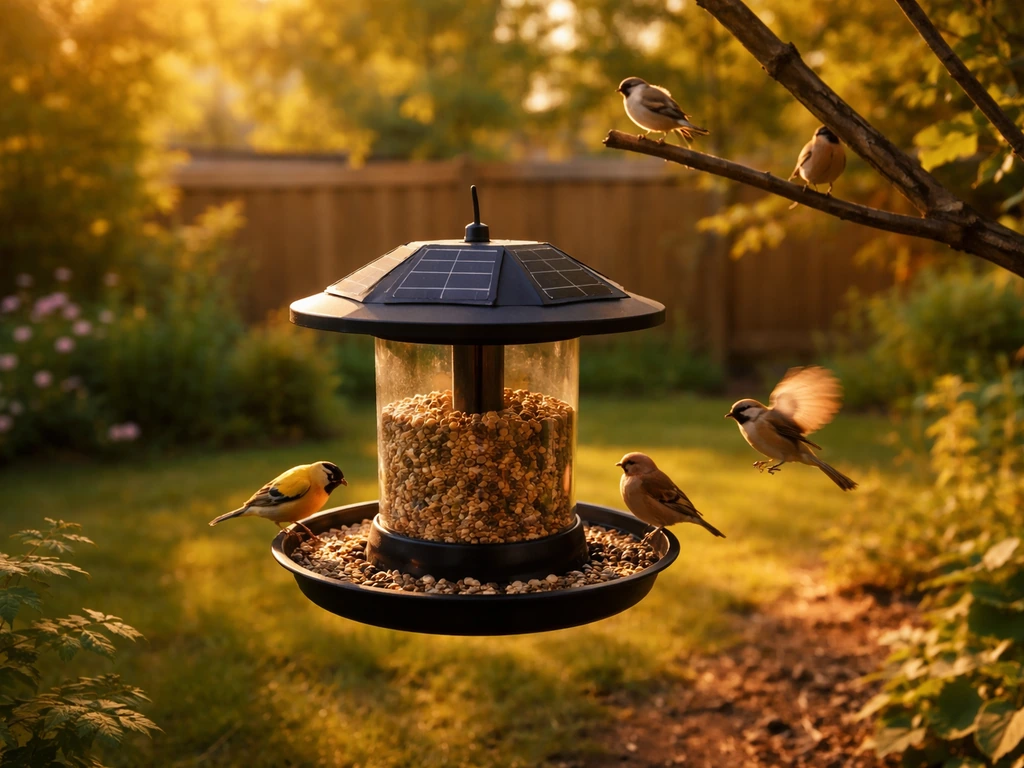
Best Solar Bird Feeder Guide: What Works and How to Choose
Learn how solar bird feeders work, pick the best solar smart feeder, and choose by battery, weatherproofing, and bird ta
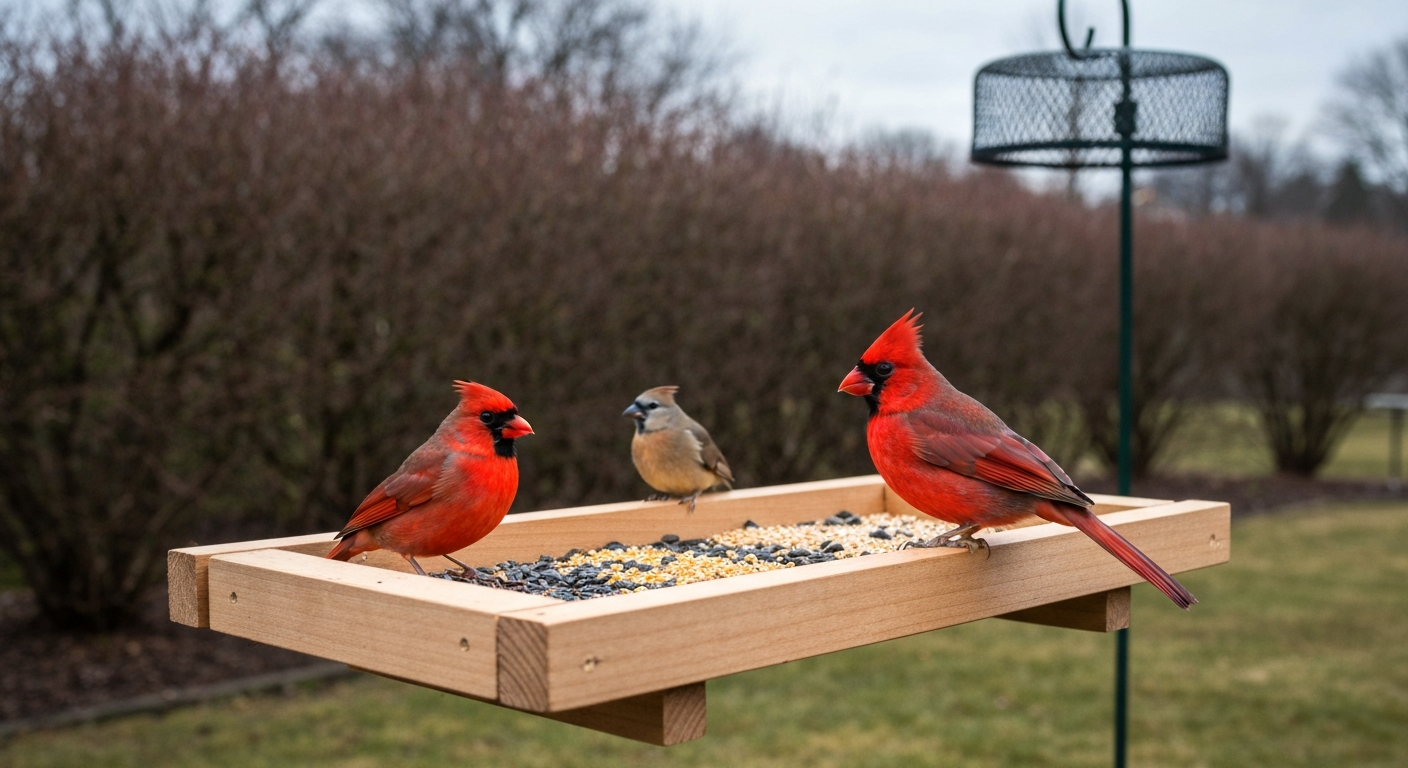
What Does a Cardinal Bird Feeder Look Like: Design & Tips
Identify and choose the best cardinal bird feeder: shapes, colors, perches, seeds, placement, and winter tips.