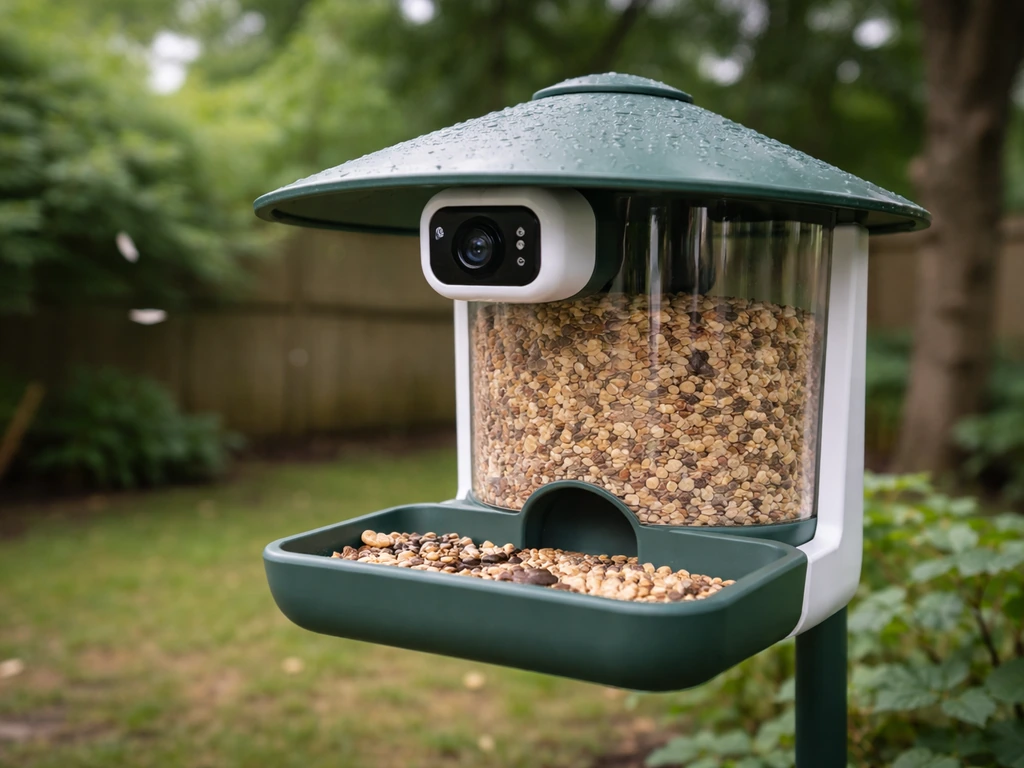
The Netvue Birdfy is genuinely worth buying if you want a solar-powered, camera-equipped bird feeder that IDs species automatically and sends clips to your phone. If you're also comparing options, check a vinguys bird feeder review to see how competing feeders stack up for real backyard use. It delivers solid 1080p (or 4K on the premium model) footage in most daylight conditions, handles rain and snow reasonably well, and the AI bird identification works surprisingly often.
Netvue Bird Feeder Reviews: Smart Camera and Feeder Tests
Marcus Hendricks
31 May 2026
That said, it has real weaknesses: false-positive motion alerts are common, solar performance in low-sun setups can disappoint, and the whole experience depends heavily on a stable Wi-Fi connection and Netvue's cloud service staying up. If you want more buyer perspective, reading coolfly bird feeder reviews can also help you compare feeders for your specific yard and internet setup. If those tradeoffs fit your setup, it's a capable smart feeder. If they don't, there are alternatives worth knowing about.
If you want a deeper look before buying, read our full harymor bird feeder review-style comparison to see how different feeders stack up.
What Netvue Birdfy actually is (and how the product line works)
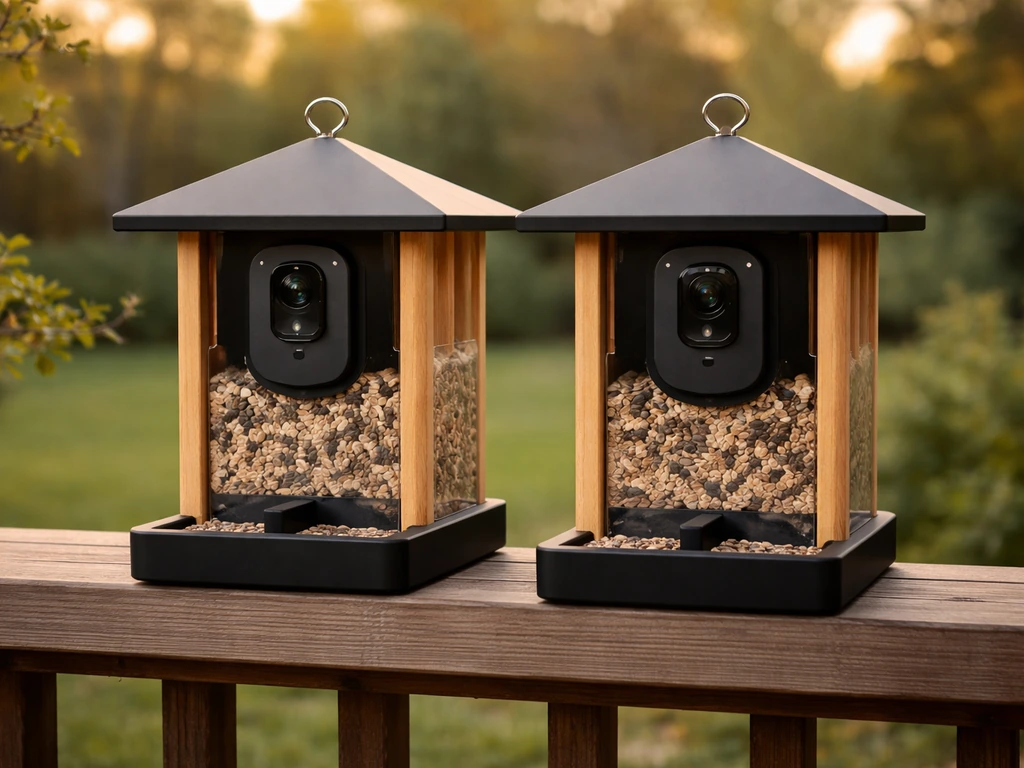
Netvue sells its bird feeder products under the "Birdfy" brand, and the lineup is bigger than most people realize. At its core, every Birdfy product is a feeding station with a built-in or attached camera, managed through the Birdfy app (available on iOS and Android). The camera connects to your home Wi-Fi, records motion-triggered clips to Netvue's cloud, and runs AI species identification on each clip. You get push notifications with a species name and a short video. That's the core promise.
The main models break down like this: the Birdfy Feeder Lite (Ebony Lite) is the entry-level 1080p solar-powered unit; the Birdfy Feeder Cedar D is a 1080p 60fps solar model with a suet ball holder added to the seed bin design; and the top-tier Birdfy 4K model shoots 4K Ultra HD with IR night vision and supports dual-band Wi-Fi (both 2.4GHz and 5GHz). There's also a Smart Bamboo model with a dual seed bin design for offering multiple food types at once. All of them run on the same Birdfy app ecosystem and use the same Netvue Cloud AI, which the company claims covers 6,000-plus bird species.
One thing to get clear before buying: this is not a standalone camera you can plug into your own NVR or access via RTSP. You're buying into Netvue's ecosystem. Longer video clips (beyond the default 20-second recordings) require a subscription, and there's a built-in 2-minute cooldown between motion triggers by default. If you want open-standard camera behavior, Birdfy isn't designed for that.
Camera performance in real backyard conditions
Daytime video and image quality
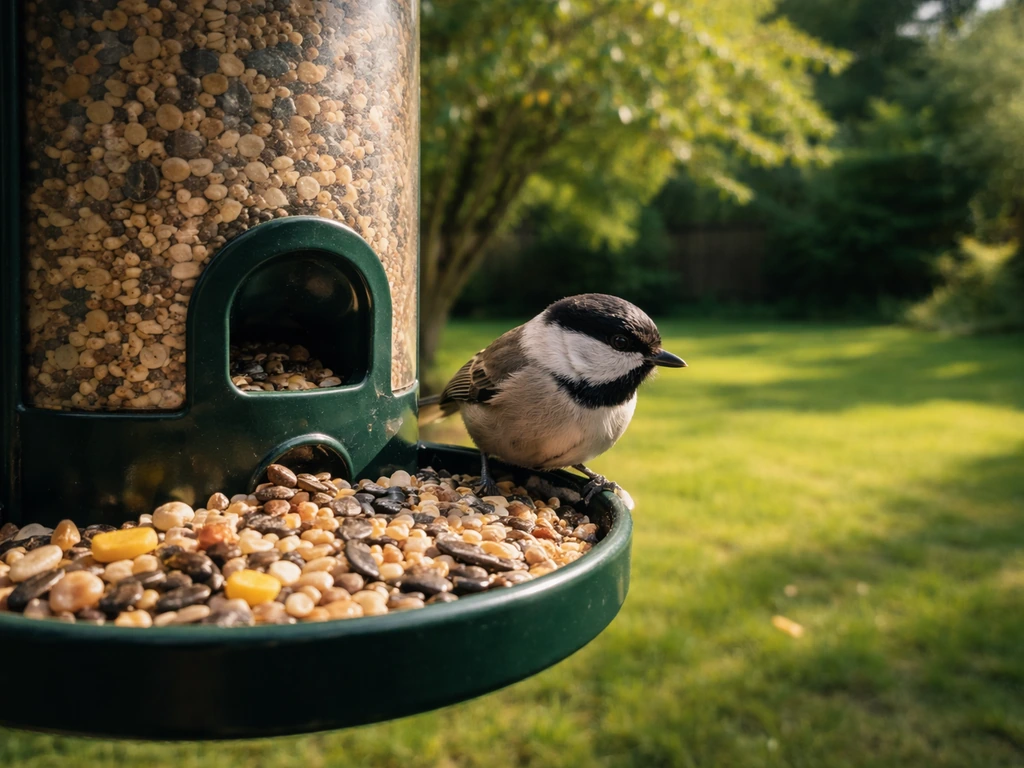
In good daylight, the 1080p models produce clear, detailed footage. You can make out plumage markings, color patterns, and behavior clearly enough to confirm species yourself even before the AI weighs in. The 4K model is sharper still, though honestly the difference matters most when you're zooming in on a still frame after the fact rather than watching live. For most backyard watchers, the 1080p models are entirely adequate.
Night vision and low-light behavior
The 4K model includes IR night vision, and it does work. Real-world testing has confirmed the camera can detect movement and record footage in near-total darkness, which means you'll catch nocturnal visitors including possums, raccoons, and the occasional deer. The 1080p models handle low light less confidently. If nighttime feeder activity is a priority for you, the 4K model or the Cedar D (which also includes night functionality) is the one to get.
AI species identification: useful but imperfect
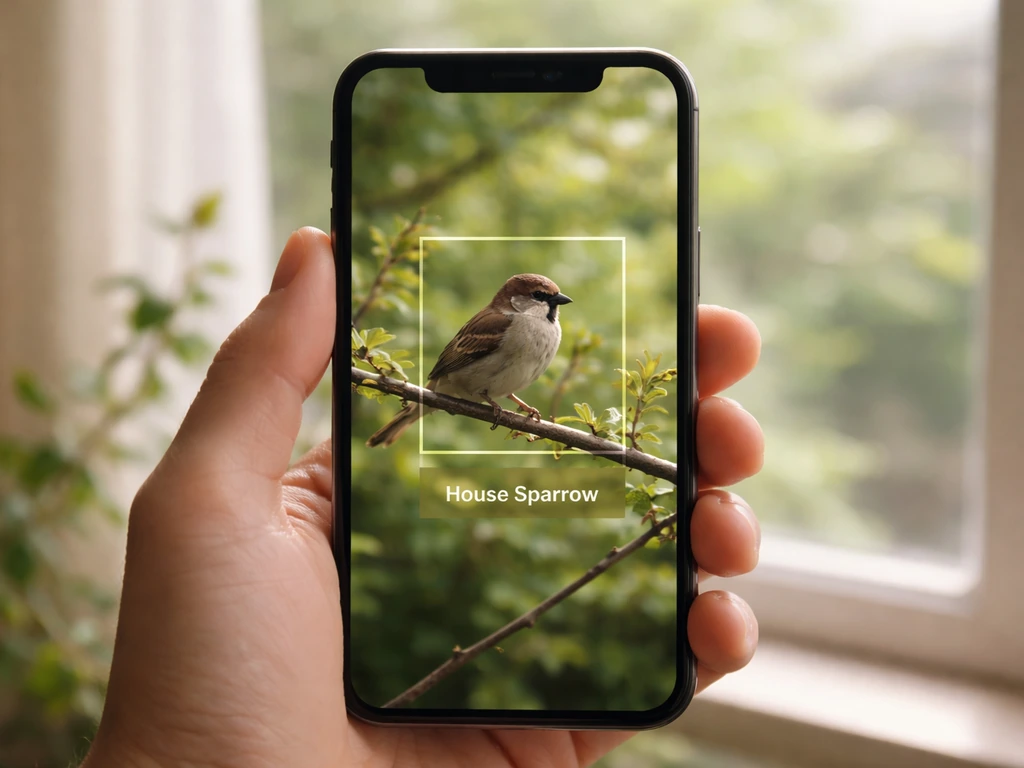
The Netvue Cloud AI has been tested by independent reviewers and it gets a lot right. It can pick out house sparrows, distinguish male from female cardinals, and correctly flag less common visitors. But misclassifications happen, sometimes comically so: one tester had a brown-headed cowbird identified as a Barbados bullfinch. For common North American backyard species it performs well. For edge cases, unusual species, or birds partially obscured by the feeder, treat the ID as a starting point rather than gospel.
False alerts: the biggest day-to-day frustration
This is where a lot of Birdfy owners get annoyed. Motion detection is broad by default, which means swinging branches, blowing leaves, rain streaks, beetles, and nighttime insects can all trigger recordings. Community forums include reports of hundreds of false positive alerts in a single day. The fix is to use the app's motion detection zone settings to draw a tighter box around the actual feeding area and exclude surrounding foliage. It takes about five minutes and makes a significant difference. Without doing this step, notification fatigue sets in fast.
Connectivity and clip reliability
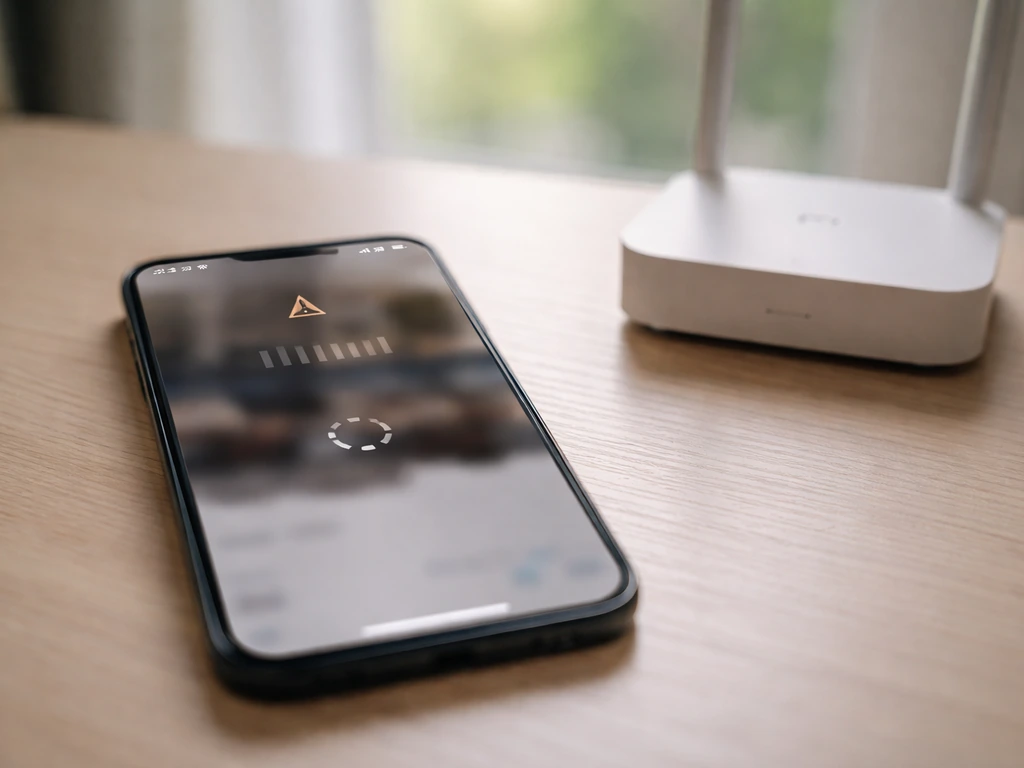
Clips are 20 seconds long by default with a 2-minute cooldown between triggers. If your Wi-Fi upload speed is slow or the connection drops partway through, you'll get truncated clips, sometimes as short as 4 seconds. Birdfy notes that Moment event recordings can be affected by network reliability, and shorter-than-expected motion clips (such as under 20 seconds) can happen when slow or unstable uploads interrupt or delay delivery to the cloud [slower or unstable network connection interrupting/delaying video uploads](https://www. birdfy.
com/tools/birdfyhelpcenter/preview/layout_1/birdfy-feeder-softwarehardware/abnormal-video-duration). This is a known issue documented in Netvue's own help center. The workaround is straightforward: get the feeder within strong Wi-Fi range, or use a mesh node or extender outdoors. The 4K model's 5GHz band support helps if you can place it close enough to your router.
Users also report occasional periods where the Birdfy service itself goes down, interrupting recording and alerts regardless of your local network.
Which birds does it actually attract?
The Birdfy feeder is a platform-style seed feeder at its core. Most models hold standard seed mixes, sunflower seeds, and safflower. The Cedar D adds a suet ball holder, which meaningfully expands the species you can target. Here's how the feeder maps to common backyard bird types:
| Bird Type | Likely to Visit? | Best Model/Food Combo |
|---|---|---|
| Cardinals | Yes, reliably | Any model with sunflower seeds |
| Finches (house, gold) | Yes | Nyjer or fine sunflower chips |
| Sparrows | Yes, very commonly | Any seed mix |
| Chickadees / Nuthatches | Yes | Sunflower seeds |
| Woodpeckers | Yes, with suet | Cedar D with suet ball holder |
| Hummingbirds | No | Birdfy is not a nectar feeder |
| Orioles | Unlikely | Birdfy design doesn't suit nectar/fruit feeders |
| Blue Jays | Yes, if platform is big enough | Large seed mix |
| Doves | Yes, ground spillage helps | Any model, add tray |
The dual seed bin on the Bamboo model lets you run two food types simultaneously, which helps attract a wider range of species without maintaining separate feeders. If your priority is woodpeckers or suet-loving birds, the Cedar D is the version to buy. Hummingbird and oriole watchers will need a separate dedicated feeder alongside the Birdfy since its design doesn't suit nectar or fruit.
Weatherproofing, power, setup, and keeping it running
Weatherproofing ratings
The Birdfy Feeder 2 series carries an IP66 waterproof rating, while earlier models are rated IP65. Both ratings mean the camera housing can handle rain and snow without damage. The working temperature range is 14°F to 113°F (roughly -10°C to 45°C) per the official help center specs, though some documentation extends this to 122°F (50°C). In practice, real-world testing in rainy UK conditions over four months has confirmed the feeder holds up well in wet weather. The one caveat: below 14°F the camera may not boot or record reliably, so if you're in a region that regularly hits those lows in winter, bring the camera module inside during the coldest stretches.
Solar power: what actually happens
The marketing leans heavily on solar, and under ideal conditions it works. The built-in battery is a 5200mAh lithium-ion unit that Netvue says can last up to 3 months under typical use without solar charging (based on recording ten 20-second clips per day). Birdfy’s Charging Guidance also explains that the Birdfy Nest camera module uses a built-in 5200mAh rechargeable lithium-ion battery and, without solar or external power, can last [up to 3 months under typical use](https://support. birdfy.
com/product/birdfy-nest/Charging-Guidance/). With the solar panel in full sun, you should see indefinite runtime. The problem is that "full sun" is doing a lot of work in that sentence. Users in shaded yards, north-facing setups, or high-latitude locations during winter have reported the battery lasting only 2 days even with the solar panel attached.
If your feeder location gets fewer than 4 hours of direct sun daily, plan for periodic USB-C charging rather than treating it as truly wireless.
Setup
Physical setup takes under 15 minutes for most people. Mount it on a pole, hang it from a bracket, or place it on a flat surface depending on your setup. The app pairing process is fairly painless on 2.4GHz networks; users on 5GHz-only routers can run into trouble with the 1080p models (which are 2.4GHz only), but the 4K model's dual-band support resolves that. Fill the seed bin, open the Birdfy app, follow the device pairing steps, set your motion detection zone, and you're ready. That motion zone step matters, so don't skip it.
Day-to-day maintenance
The seed bin needs refilling every few days to a week depending on bird traffic and bin size. The camera lens can pick up dust and water spots over time, and a quick wipe with a microfiber cloth every couple of weeks keeps footage sharp. Firmware updates push through the app automatically in most cases, but some users have hit periods where updates caused connection problems or the app couldn't reconnect until they re-paired the device.
In a Reddit thread about the Birdfy app, users reported a “no longer connect with new app” problem that appeared tied to firmware or connection state Can no longer connect with new app. Keep the app updated and check firmware version in settings if behavior suddenly changes.
Pests, squirrels, and where to put the feeder
Squirrel resistance
The Birdfy 4K model has been specifically described in testing as tough on squirrels, which is a genuine selling point relative to some competitors. That said, the Birdfy feeder itself is not a mechanically baffled or weight-activated squirrel-proof feeder in the classic sense. The "tough on squirrels" reputation comes more from the camera catching and alerting you to squirrel activity than from the feeder physically blocking access. If squirrel exclusion is your primary goal, pairing the Birdfy with a good squirrel baffle on your pole is a smarter approach than relying on the feeder design alone.
Rats and other pests
Like any seed feeder, the Birdfy will attract rats if seed spills accumulate on the ground beneath it. The camera is good at catching nighttime activity including rats, and the app's blacklist feature lets you suppress notifications for pest species so you're not constantly alerted about squirrels while still getting alerts for new bird visitors. Use a no-waste seed mix or a tray to catch spillage, and if rat pressure is high in your area, mount the feeder at least 5 feet off the ground on a pole with a baffle.
Placement tips for better bird traffic and camera results
- Place the feeder 10 to 15 feet from a shrub or tree so birds have a safe perch to survey from before approaching, but keep the camera's field of view clear of branches to reduce false alerts.
- Aim for a north or east-facing camera position to avoid direct sun glare washing out footage during morning or afternoon peak feeding hours.
- Mount at 5 to 6 feet off the ground for a clear camera angle that still lets you watch birds at eye level in the app.
- Keep the feeder within strong Wi-Fi range, ideally within 50 feet of your router or a mesh node. A weak signal is the single most common cause of clipped or missing recordings.
- In winter, avoid placing the feeder where snow can pile onto the solar panel; clear it after heavy snowfall to maintain charging.
Honest pros, cons, and who should (and shouldn't) buy it
What the Birdfy does well
- Solid 1080p daylight footage that's clear enough to enjoy and share; the 4K model is genuinely sharper for close-up stills.
- AI species ID that works well for common North American backyard birds and saves you from manual lookup most of the time.
- IP65/IP66 weatherproofing that holds up in rain and snow through normal seasons.
- Solar charging that genuinely works in sunny locations, eliminating most battery anxiety.
- Night vision (4K model) that catches nocturnal activity you'd otherwise miss entirely.
- The Cedar D's suet ball holder meaningfully expands the feeder's appeal to woodpeckers and other clinging birds.
- Blacklist/Do Not Disturb feature in the app to manage notification overload from repeat pests.
Real weaknesses to know before you buy
- False positive alerts are a significant issue without proper motion zone configuration; expect to spend time tuning this.
- 20-second default clip length with a 2-minute cooldown means you miss behavior between triggers unless you subscribe for longer recordings.
- Solar performance drops sharply in shaded or high-latitude locations; don't assume it's truly wire-free for your setup.
- Full functionality depends on Netvue's cloud service and app staying stable; reported outages and app/firmware glitches have caused periods of unreliable recording.
- No mechanical squirrel-proofing built into the feeder design itself.
- Ecosystem lock-in: no RTSP, no local-only recording, no third-party integrations.
Who should buy it
The Birdfy is a great fit if you want a genuinely smart feeder-camera combo that works mostly out of the box, you have a sunny location with strong Wi-Fi nearby, and you're happy living inside Netvue's app ecosystem. Casual bird watchers who want to ID species and share clips will love it. If you want to see how the Birdfy performs versus other options, check out our onlyfly bird feeder review for a side-by-side comparison.
If you want to get a feel for real-world performance before buying, these video bird feeder reviews make it easier to compare models side by side. Anyone who wants to track which birds visited while they were at work will find it delivers on that promise most days.
Who should skip it (or look at alternatives)
If you're in a shaded yard, have weak outdoor Wi-Fi, or live somewhere with extended sub-14°F winters, the Birdfy's core promises start to break down. If notification management sounds like a chore rather than a minor tuning step, the false positive problem will wear you out. Privacy-focused buyers or anyone who wants camera access without cloud dependency should look elsewhere.
In the smart feeder-camera space, options like the Feathersnap or other video bird feeder alternatives offer different tradeoffs worth comparing, particularly around local storage and subscription models. Similarly, if you simply want a great feeder without a camera, brands like Droll Yankee offer mechanical feeders with decades of reliability that don't depend on Wi-Fi or cloud services at all.
If you are considering mechanical options like Droll Yankee, droll yankee bird feeder reviews can help you compare models and see which ones hold up best over time. If you are specifically comparing Yankee-style mechanical feeders, look for detailed Yankee flipper bird feeder reviews to see how they handle squirrels and day-to-day seed waste Droll Yankee.
Quick comparison: Netvue Birdfy vs the alternatives
| Feature | Birdfy (1080p Solar) | Birdfy 4K | Non-camera feeder (e.g., Droll Yankee) |
|---|---|---|---|
| Camera included | Yes (1080p) | Yes (4K, IR night vision) | No |
| AI species ID | Yes (cloud-based) | Yes (cloud-based) | No |
| Weatherproof rating | IP65 | IP66 | N/A (materials-based) |
| Power | Solar + battery | Solar + battery | None needed |
| Wi-Fi dependency | High | High | None |
| Squirrel resistance | Limited (no mechanism) | Limited (camera alerts) | Depends on model |
| Subscription needed for full features | Yes (longer clips) | Yes (longer clips) | No |
| Best for | Casual smart feeder users | Serious bird watchers wanting max quality | Reliability-first feeders |
Getting the most out of your Birdfy: quick setup checklist
- Download the Birdfy app and create your account before unboxing the feeder.
- Pair the device to your 2.4GHz Wi-Fi network (or 5GHz if using the 4K model) while standing close to your router, then move the feeder to its outdoor location.
- Configure motion detection zones immediately: draw the zone to cover just the feeding tray and perch area, excluding surrounding branches and sky.
- Set up the blacklist/Do Not Disturb feature for any species you don't want constant alerts about.
- Check solar panel orientation: face it south (Northern Hemisphere) for maximum charging exposure.
- Test a recording and check clip length in the app; if clips are under 20 seconds, confirm your upload speed is adequate and the device signal strength is strong.
- Refill seed every 3 to 7 days and wipe the camera lens with a soft cloth during each refill.
FAQ
Do Netvue Birdfy feeders work with my own security camera or NVR (RTSP)?
No. Birdfy is designed as a closed ecosystem, the camera streams and AI identification run through Netvue’s app and cloud. If you need RTSP or local recording with your existing NVR, Birdfy is not the right match.
How do I reduce false motion alerts if my yard has lots of leaves or swinging branches?
Use the app’s motion detection zone tools to shrink the detection area to the actual feeding opening, and exclude nearby foliage. If you do not tighten the zone, you can quickly get notification fatigue from rain streaks, insects, and moving plants.
Why do I sometimes get very short clips (like a few seconds) instead of the full recording?
This usually happens when upload quality is poor or the Wi‑Fi link drops mid-record. Place the feeder within strong outdoor Wi‑Fi range, consider a mesh node or an outdoor-rated extender, and if possible choose the 4K model’s dual-band setup so you can move it to a better-performing band.
What happens if Netvue Cloud has downtime, will the feeder keep recording?
During service interruptions, recording and alerts can be disrupted even if your local Wi‑Fi is fine because the experience depends on Netvue’s cloud backend. If you rely on continuous captures, plan for the possibility of gaps during outages.
Do I need a subscription to record longer clips than the default 20 seconds?
Yes, longer clips beyond the default recording length require a subscription. The practical takeaway is to confirm which clip lengths are included on the plan you expect to use before buying.
Can I set the feeder to trigger more often than the built-in cooldown?
The default behavior includes a cooldown between motion triggers, so it will not capture every brief visit back-to-back. If you want more frequent captures, you must work within those limits using the app settings, and you should position the feeder so birds enter the motion zone cleanly.
Will the solar battery last if my feeder gets less than ideal sun?
If your location gets fewer than about 4 hours of direct sun daily, battery life can drop dramatically, sometimes to only a couple of days even with the panel attached. In that case, plan on periodic USB‑C charging and consider repositioning for more direct exposure.
What’s the cold-weather risk, will it still boot in winter?
Below the stated lower temperature threshold, the camera may fail to boot or record reliably. If your area regularly drops under the low-teen Fahrenheit range, bring the camera module inside during the coldest stretches rather than relying on solar power.
Is the 4K model actually worth it over the 1080p models?
It matters most if you frequently zoom in on post-event frames or need sharper detail for identifying similar species. If you mainly watch behavior live and identify from general plumage patterns, 1080p is often sufficient, but the 4K’s night detection is a bigger deciding factor for many buyers.
Does the “tough on squirrels” claim mean it is mechanically squirrel-proof?
Not exactly. The camera can catch squirrels and alert you, but the feeder itself is not a classic mechanically baffled or weight-activated squirrel-proof design. For real exclusion, pair it with a proper squirrel baffle on your mounting pole.
How can I avoid pest alerts if I keep getting notified about rats, squirrels, or other animals?
Use the app’s blacklist or notification suppression features to reduce alerts for pest species while keeping alerts for birds you care about. This is especially helpful if nighttime camera motion includes rats or other animals that trigger frequent clips.
Can I target hummingbirds or orioles with this feeder?
Not effectively. The Birdfy line is built around seed and, on specific models, suet, so nectar or fruit feeding is not a strong fit. Hummingbird and oriole watchers usually need a separate dedicated nectar feeder.
How do I mount the feeder for better performance and fewer spillage issues?
Mounting height and placement affect both camera detection and rodent activity. For areas with rat pressure, elevate the feeder and use a baffle, and reduce seed spillage with a no-waste seed mix or a tray to prevent attracting pests.
Next Articles
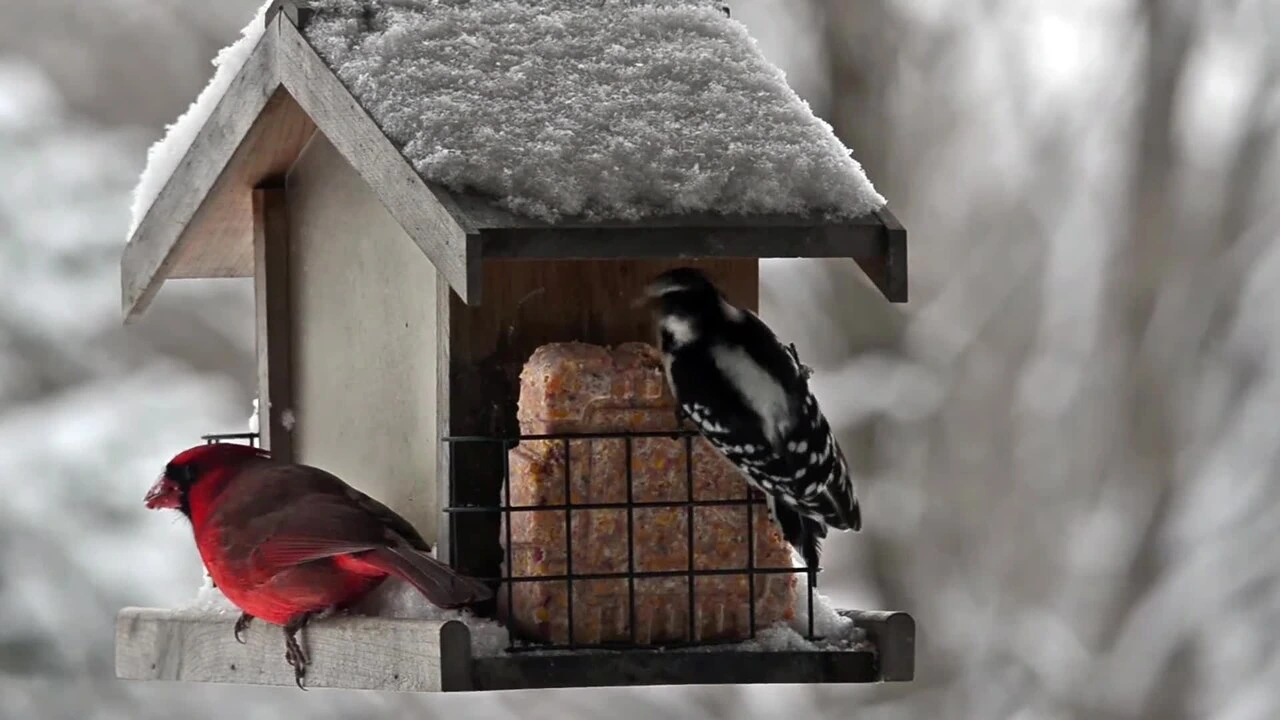
Onlyfly Bird Feeder Review: Pros, Cons, Setup, Pests
Onlyfly bird feeder review with setup, pros and cons, pest resistance, durability tips, and best-use guidance for backya
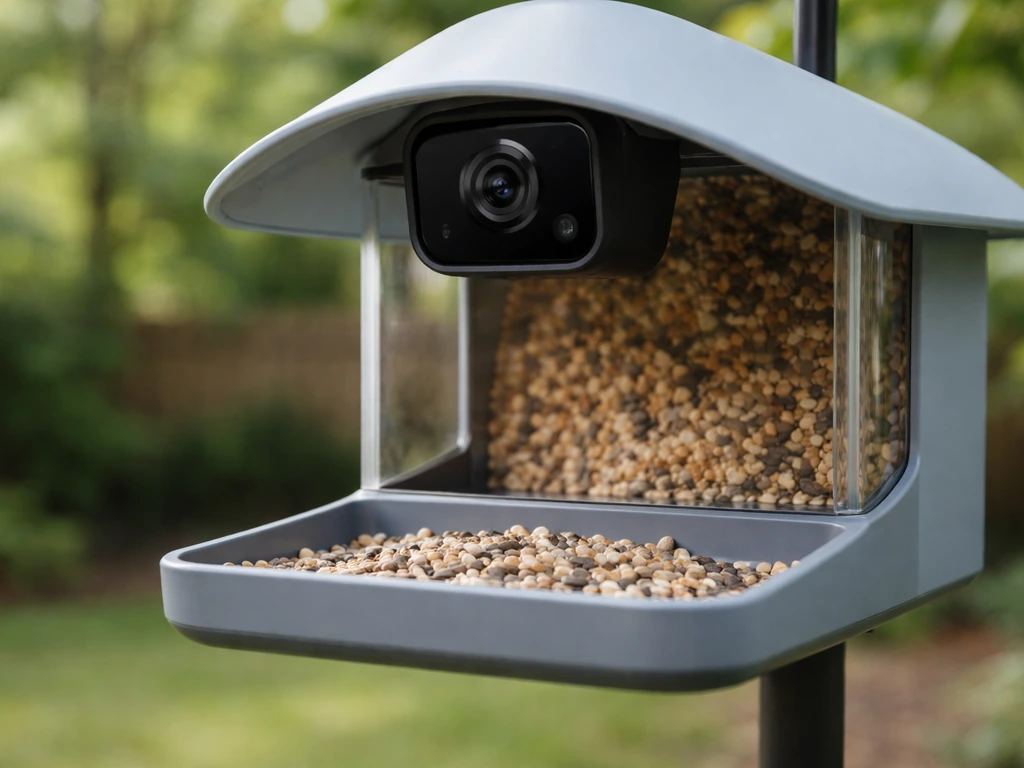
Video Bird Feeder Reviews: Best Picks, Features, Setup Tips
Top video bird feeder reviews with camera features, placement tips, pros and cons, and a buy shortlist.
Feathersnap Bird Feeder Reviews: Smart vs Scout Guide
Feathersnap bird feeder reviews comparing Smart vs Scout models for setup, reliability, cleaning, smart app, and bird us